
How to Visit Tri-County Community Corrections, MN (MN)
Visiting someone at Tri-County Community Corrections is straightforward once you know the schedule and setup. Here are the rules and exact steps so you don't get turned away.
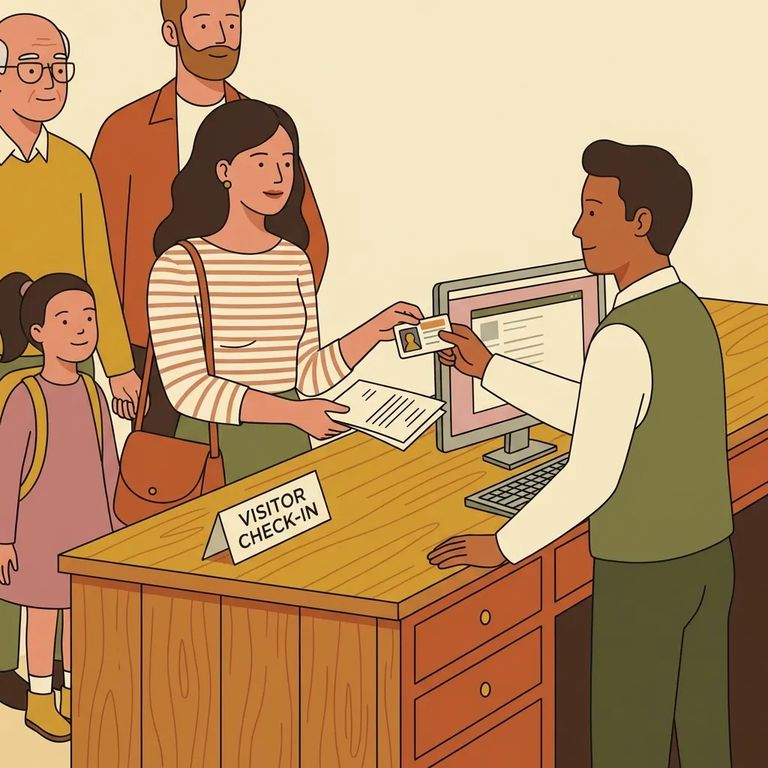
On-site (public) visitation at Tri-County Community Corrections runs Monday through Friday in three time blocks: 8:00 a.m. to 9:00 a.m., 9:40 a.m. to 10:40 a.m., and 1:00 p.m. to 4:00 p.m. No on-site/public visiting on Saturdays, Sundays, or holidays. Plan for a weekday.
On-site/public visits are free, but you still need to schedule them. The facility requires all visits (on-site and off-site) to be booked at least 24 hours in advance through the Securus video visitation system. Don't plan on showing up for a same-day visit.
Before you can schedule, you'll need to create a free visitation account and submit a photo plus a government photo ID for facility approval. On the day of your visit, each visitor must present an official picture ID that includes your date of birth. Make sure your ID meets that requirement before you head out.
Check-in: For on-site/public visits, check in with corrections staff when you arrive.
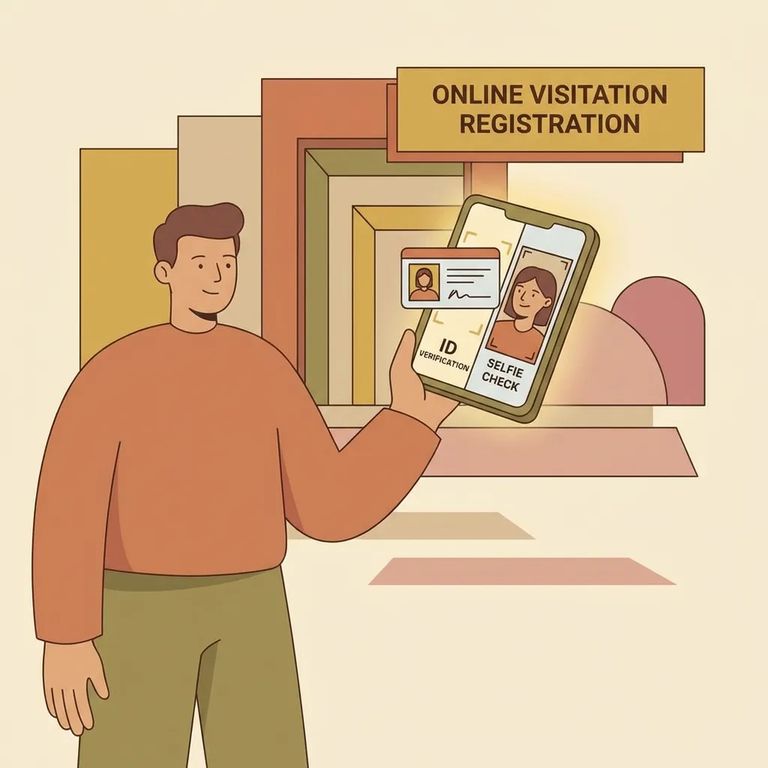
Steps to Follow
- ✓ Create your free Securus visitation account.
- ✓ Submit your picture and government photo ID for facility approval.
- ✓ Schedule your visit through Securus at least 24 hours in advance.
- ✓ Choose a Monday through Friday time block: 8:00 a.m. to 9:00 a.m., 9:40 a.m. to 10:40 a.m., or 1:00 p.m. to 4:00 p.m.
- ✓ Do not plan an on-site/public visit for Saturday, Sunday, or a holiday.
- Arrive for your scheduled on-site/public visit - your visit should already be on the calendar (scheduled at least 24 hours ahead).
- Check in with corrections staff - check-in is required upon arrival.
- Show an official picture ID with your date of birth - each visitor must present an ID that includes a DOB.
Reminder: On-site/public visits are free.
Before you travel, confirm that visits are still scheduled through the Securus video visitation system and that the 24-hour advance booking rule hasn't changed. Double-check the available weekday time blocks, and verify there's no on-site/public visiting on weekends or holidays.
Confirm which types of government photo ID are accepted for the account approval step and for day-of check-in (remember, your ID must include your date of birth). Also ask whether there's any lead time for account approval after you submit your picture and ID.
Ask where to go when you arrive and how check-in works with corrections staff on the day of your on-site/public visit. If procedures have changed recently, confirm any extra steps that could affect your check-in.
Find an Inmate at Tri-County Community Corrections, MN
Search for a loved one and send messages and photos in minutes.
