
How to Send Money to an Inmate at USP Atwater Using MoneyGram
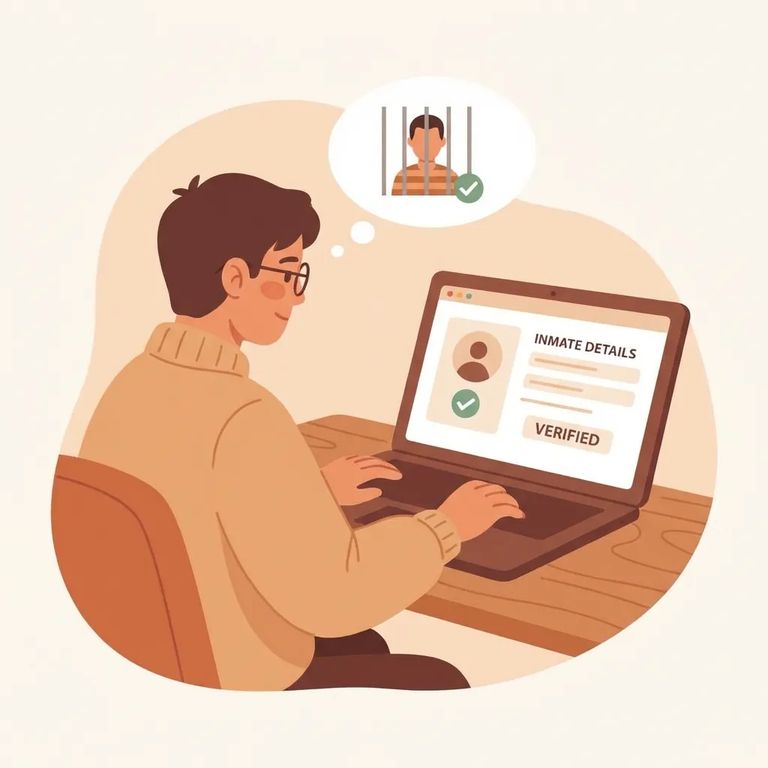
Before sending money through MoneyGram ExpressPayment, confirm that your recipient has physically arrived at a Federal Bureau of Prisons (BOP) facility. MoneyGram payments require the inmate's BOP register number and name in a specific format - send too early or use incorrect details, and your payment may get delayed or land in the wrong place.
The account number field trips up most people. For MoneyGram ExpressPayment, enter the inmate's eight-digit register number with no spaces or dashes, followed immediately by their last name. It should look like this: 12345678DOE.
You'll also need the MoneyGram receive code: 7932 for all federal inmates. When MoneyGram asks for the beneficiary, enter the inmate's full committed name - the name on file with the BOP, not a nickname or shortened version.
Watch the details: If the account number format (register number + last name) or the receive code (7932) is entered wrong, your payment can be rejected - or end up in the wrong place.
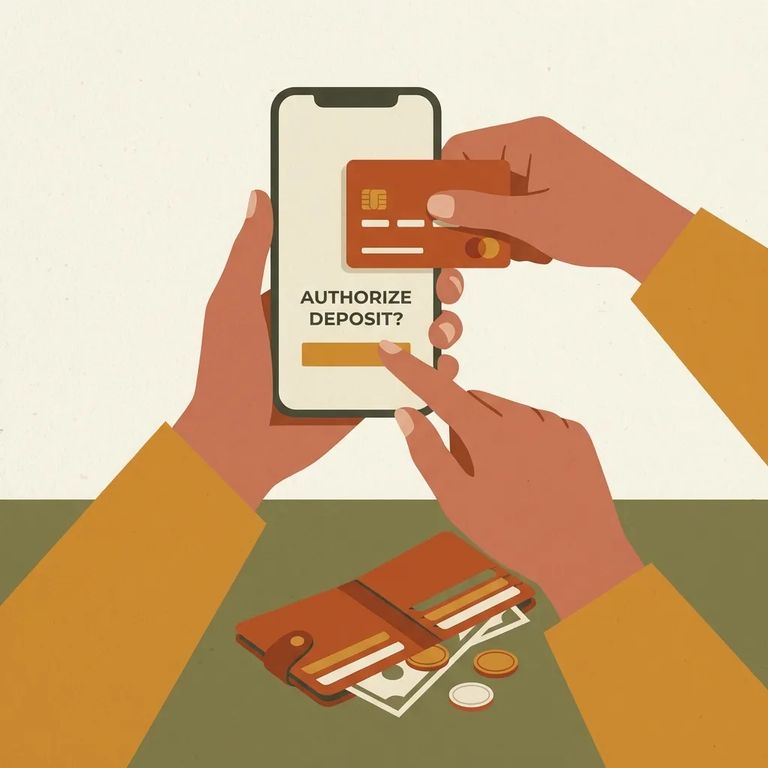
Using MoneyGram online for the first time? Budget a few extra minutes. You'll need to create a MoneyGram profile before you can send funds.
On the web, enter receive code 7932 and choose your amount - up to $300 per transaction. You'll need a MasterCard or Visa credit card to complete the payment.
- ✓ Set up your MoneyGram profile/account (required for first-time web users)
- ✓ Have a MasterCard or Visa credit card ready for payment
- ✓ Enter receive code 7932
- ✓ Enter the amount (web transactions are limited to up to $300)
Timing matters when you need funds to arrive quickly. MoneyGram payments sent between 7:00 a.m. and 9:00 p.m. EST post to the inmate's account within 2–4 hours. Send after 9:00 p.m. EST, and the funds won't post until 7:00 a.m. EST the next morning.
Before you hit send: Double-check the account number format (eight-digit register number + last name), the receive code (7932), and the beneficiary name (the inmate’s full committed name). Small typos can cause big headaches.
- Check the clock against the posting windows - If you sent the payment between 7:00 a.m. and 9:00 p.m. EST, give it up to 2–4 hours to post.
- If you sent it late, wait for the next morning post - Payments sent after 9:00 p.m. EST post at 7:00 a.m. EST the following morning.
- Escalate after the window passes - Once you’re outside the expected posting time, gather your transaction details and reach out to MoneyGram for help tracking or correcting the payment.
Find an Inmate at USP Atwater
Search for a loved one and send messages and photos in minutes.
