
Getting Approved to Visit Someone at USP Canaan: Step-by-Step
Getting approved to visit USP Canaan starts with the person you're visiting. Once you understand the form, background check, and what gets verified at the door, the process becomes much easier.

The process starts on your loved one's side. They need to request a Visitor Information form and send it to anyone they want to add as a visitor. When you receive the form, fill it out completely and send it back. The Bureau of Prisons reviews it and decides whether to approve you for visits.
Once approved, your information goes into WebV - the BOP's web visiting system. You'll need to provide or confirm your name, relationship to the inmate, date of birth, sex, race, and ethnicity. The system also tracks ID details (driver's license or state ID number, passport number, alien registration number), your legal residence, phone number, and approval date.
Note: Everything on your form needs to match your ID exactly. Staff check your legal photo ID when you arrive, so double-check that names, dates, and ID numbers are accurate before submitting.
Visitor approval involves more than paperwork. When you're entered into ACES (the BOP's access control system), a background check runs. At minimum, an NCIC check validates the information you provided - which is why accuracy matters from the start.
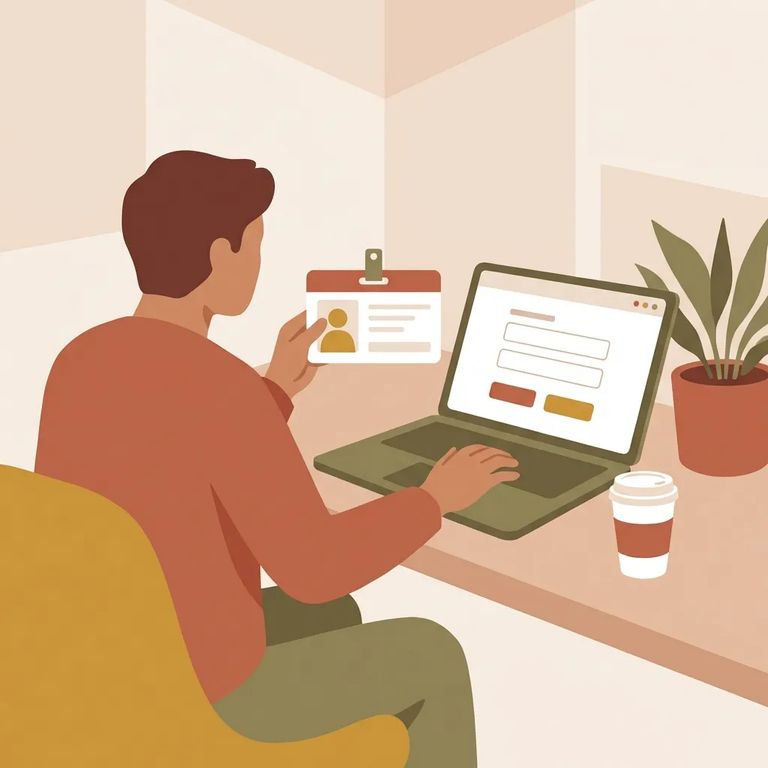
Your ID matters every time you visit. You'll need to present a legal photo ID to enter any BOP institution. Staff compare your ID against what's in the system. If something doesn't match, expect delays - and you may need to correct it on the spot.
Tip: Give the background check time to process, and never show up without a legal photo ID. Both can determine whether you actually get through the door on visit day.
Your information doesn't just sit in a file after approval. BOP front office staff use WebV to manage visitors at the institution. ACES/Web Visiting logs everyone entering and exiting - staff, contractors, volunteers, and visitors - so your entry and exit become part of daily accountability.
Note: These systems handle day-to-day check-ins. Small errors - a wrong date of birth or mistyped ID number - can create real delays when you arrive.
5
- ✓ Double-check your date of birth and any ID numbers before the form is submitted.
- ✓ Bring a legal photo ID every time you visit - don’t assume “once approved” means “no ID needed.”
- ✓ If your loved one tells you staff need a correction or additional detail, respond quickly so the record can be updated.
- ✓ Build in extra time for the background-check/NCIC validation step, especially if you’re trying to visit by a specific date.
Approvals sometimes stall because of validation issues. The NCIC check compares what you submitted against official records, so mismatches or incomplete details can trigger follow-up. The cleaner your information is upfront - and the more closely it matches your legal ID - the smoother things go.
The steps above cover BOP approval and check-in systems. But local visiting rules still apply - visiting hours, dress code, facility-specific procedures. For questions about USP Canaan's day-to-day operations, check the facility's page in the BOP "Locations" area, where contact details are posted.
Find an Inmate at USP Canaan
Search for a loved one and send messages and photos in minutes.
