
How to Schedule a Remote Video Visit with Someone at Duffield Regional Jail
Scheduling a remote video visit at Duffield Regional Jail is straightforward once you know the timing, account setup, and ID requirements. Follow the steps below to book your visit and avoid last-minute surprises.
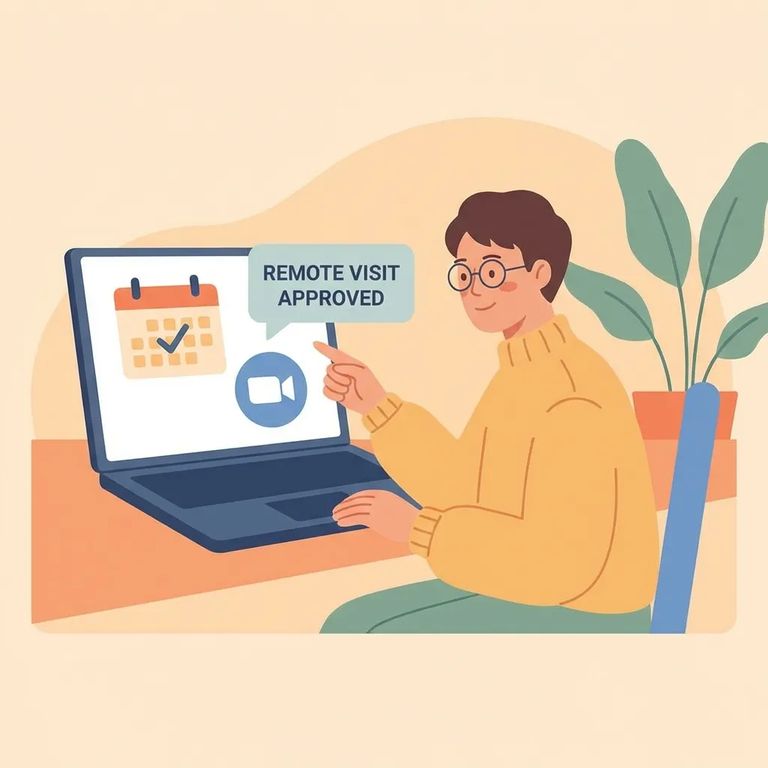
Duffield Regional Jail offers remote video visitation seven days a week across three daily time blocks: 7:30 a.m.–10:30 a.m., 1:30 p.m.–4:30 p.m., and 8:00 p.m.–10:00 p.m. Pick a slot within one of these windows when you schedule.
Before you can schedule anything, you'll need a Smart Communications pre-paid account. Duffield uses Smart Communications for remote video visits - the account lets you book sessions and covers the charges when your visit connects.
- ✓ Call Smart Communications at 888-253-5178 to set up your pre-paid account
- ✓ Create your pre-paid account online at SmartInmate.com
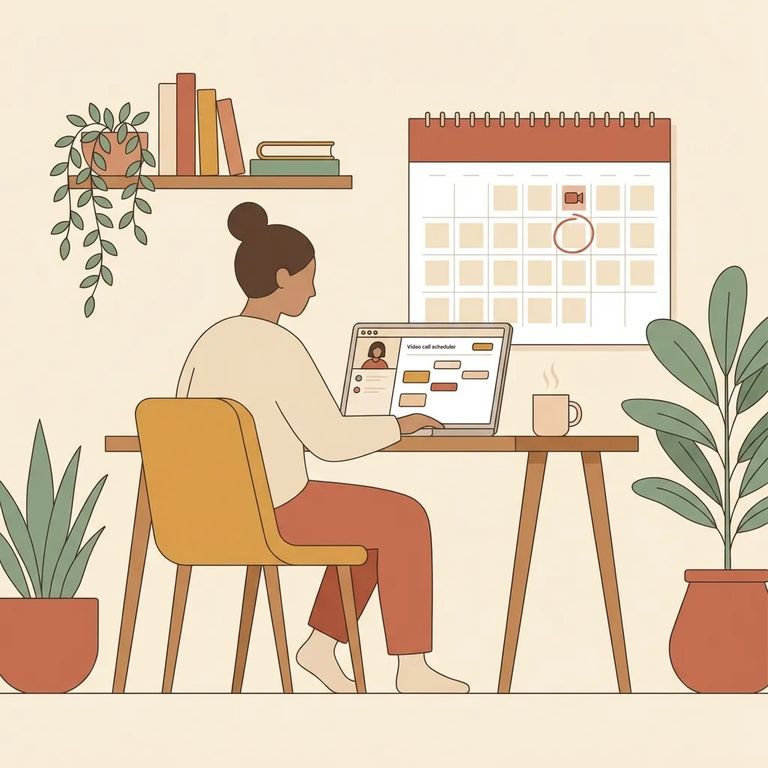
Plan ahead: video visits have to be scheduled at least 24 hours before the appointment. You can also schedule further out - up to two weeks in advance - so if you’re trying to line up a visit around work or childcare, it helps to grab a slot early.
Once a visit is scheduled, the day's visitation schedule gets posted on the inmate's account. It's their responsibility to check it and be at the Video Unit on time. If you're worried about missed connections, remind your person to keep an eye on their posted schedule.
Each remote video session at Duffield runs 15 minutes. That time goes fast - if you need to cover quick updates like kids, bills, or court dates, go in with a short list so you don't run out of time.
Remote video visits cost $0.33 per minute, charged when the visit connects. A full 15-minute session runs about $4.95.
ID and Approved List
- ✓ Driver’s license (current or expired)
- ✓ Military or government ID
- ✓ Passport
- ✓ School picture ID
- ✓ Immigration card (Mica)
- ✓ Any picture ID issued by a city, county, state, or government agency
You need to be on the inmate's approved visitor list before you can schedule a video session. If you're not approved yet, handle that first - otherwise you'll be blocked from booking.
Note: All video visitation sessions are subject to monitoring and recording.
During the visit, the inmate must face the camera the entire time. The system uses facial recognition - if it can't detect their face, the camera may shut off. That's one common reason the picture suddenly cuts out.
Inmates must stay in full uniform throughout the session. If staff determine they're not in full uniform, the visit can be interrupted or ended. It's another reason a session might not go as planned - even when you've done everything right on your end.
If you run into problems setting up your account, funding it, or getting a visit scheduled, contact Smart Communications directly. You can reach them at 888-253-5178 or use SmartInmate.com to manage your account.
Find an Inmate at VA Southwest / Duffield Regional Jail
Search for a loved one and send messages and photos in minutes.
