
Setting Up Your Securus Account Before Your Loved One at Kern Valley Gets Their New Tablet
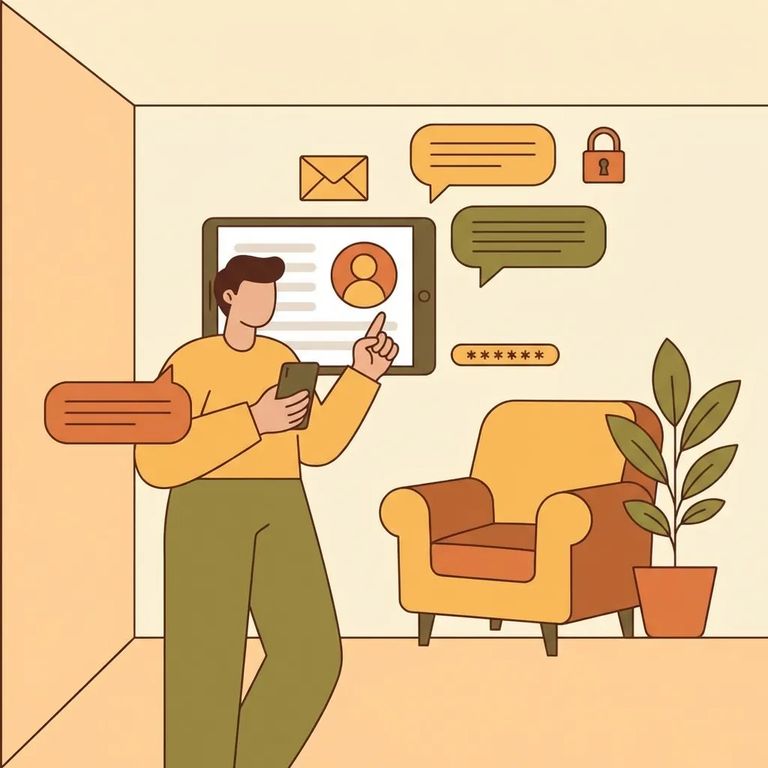
Kern Valley State Prison was scheduled to transition telephone service on 3/23 and tablet service between 3/24–3/27 as part of the CDCR rollout. This timing is exactly why setting up your Securus account now makes sense. Once Kern Valley transitions, you'll need an online Securus account - either on the website or through the mobile app - to receive video calls and electronic messaging.
Want to be ready for video calls and e-messages the moment they go live? Start by opening an online Securus account. You can do this on the web or in the Securus mobile app - either way, it's the same account you'll use for video calling and electronic messaging once Kern Valley's transition is complete.
- Go to Securus online (web or mobile) - open the Securus website or download the Securus mobile app.
- Create your online account - follow the prompts to set up your login.
- Confirm you can sign in - make sure you can log in successfully so you’re ready when video calls and electronic messaging go live.
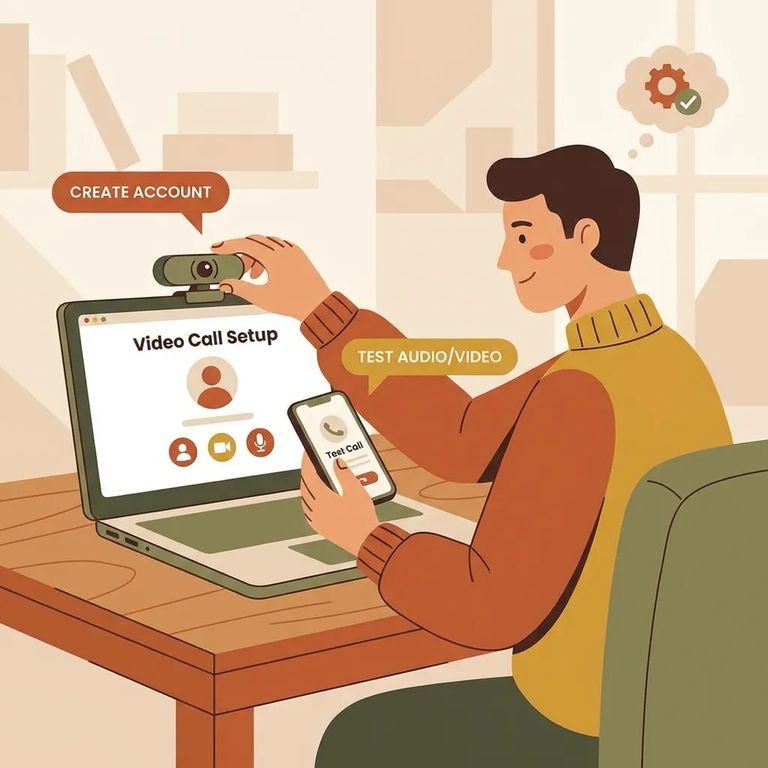
Once your account is created, two in-app features work together for prepaid video calls. AdvanceConnect is where you add funds for prepaid video sessions. Video Connect is where you register to receive calls - just select "Allow video calls." Setting up both ahead of time means no last-minute scrambling when your loved one is ready to call.
- Open the Securus app - sign in to the account you created.
- Set up AdvanceConnect and add funds - in the app, tap AdvanceConnect to set up your account and add funds for prepaid video calls.
- Register for Video Connect - tap Video Connect and register by selecting “Allow video calls” so you can receive video sessions.
Tip: For prepaid video sessions, treat this as a two-part setup: add funds through AdvanceConnect and then opt in through Video Connect by selecting “Allow video calls.”
Securus Video Connect is entirely web-based. You can schedule and join video sessions from anywhere with internet access - whether you're using the free Securus app, a computer, or another internet-connected device like a tablet.
For official rollout timing at Kern Valley - telephone service on 3/23 and tablet service between 3/24–3/27 - check CDCR's tablet rollout information. For Securus setup instructions specific to CDCR facilities, visit Securus's CDCR page to follow the most current process as services come online.
Find an Inmate at Kern Valley State Prison
Search for a loved one and send messages and photos in minutes.
