
How to Schedule Your First Visit at W. F. Ramsey Unit (Step‑by‑Step)
Scheduling your first visit is straightforward once you know the steps: create your scheduler account, get your relationship approved, then book a time slot (or call the unit if online scheduling isn't available).
S1
- ✓ A valid email address you can access right now (you’ll be sent a 7-digit validation code and a registration link)
- ✓ A government-issued photo ID for your visit day
- ✓ The inmate’s TDCJ/SID number so you can add them in the scheduler
Warning: Pick your email carefully. Once you create an account, you can't delete it or change the email address.
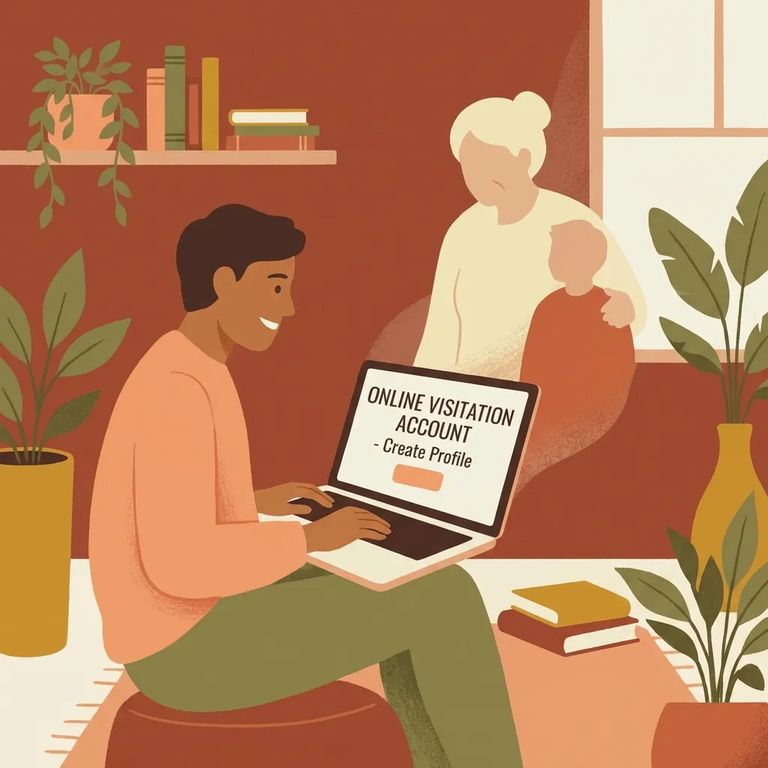
- Start the “Create an Account” process - You have to create your own account in the TDCJ Online Visitation Scheduler; staff can’t create visitor accounts for you.
- Enter your email address - Use a valid email you can reliably access, because the account becomes tied to that email permanently.
- Open the validation email - After you submit your email, you’ll get an email with a 7-digit validation code and a link to finish registration.
- Complete registration using the code/link - Follow the prompts to finish setting up your profile.
- Finish every required profile question - Don’t leave the background questionnaire unfinished; your account needs to be fully completed before you can move forward with scheduling.
Note: No validation email? Check your spam or junk folder first. If it's not there, try the troubleshooting checklist below before starting over.
With your account ready, add the person you want to visit using their TDCJ/SID number. Select your relationship from the dropdown and submit the request. TDCJ staff at the inmate's assigned unit (W. F. Ramsey Unit, in this case) will verify the relationship. Until they approve it, you won't be able to schedule a visit.
- Look for the verified relationship - Once the unit verifies you, the inmate should appear as a verified relationship in your profile.
- Click “Schedule Visit” next to the inmate’s name - That’s where you’ll see available options.
- Pick an available date/time - If a date is already booked for the inmate, it won’t show as available to you, so try another day if your first choice isn’t listed.
- Submit the request and keep a record of what you chose - If you need to follow up with the unit later, it helps to know what you attempted to schedule.
If the Schedule Visit button is grayed out or shows
When you see
S6
- ✓ You didn’t get the validation email: check spam/junk first, then confirm you entered the email address correctly
- ✓ You used the wrong email: accounts can’t be deleted and the email address can’t be changed, so pick carefully before submitting
- ✓ You can’t move forward after logging in: go back and complete every required background/profile question; an unfinished profile can stop you from scheduling
S7
- ✓ Confirm the inmate is assigned to W. F. Ramsey Unit and has visitation privileges
- ✓ Verify your relationship approval is completed in the system
- ✓ Call the unit for final confirmation before you travel (schedules and locations are updated regularly, and cancellations can happen)
Reminder: Every visitor needs their own scheduler account, and the email you choose is permanent. Before making the drive, call the unit to confirm the inmate's location and that visitation is still happening.
Find an Inmate at W. F. Ramsey Unit
Search for a loved one and send messages and photos in minutes.
