
Registering to Visit at Wabash Valley: ViaPath Approval Steps (and how to avoid delays)
Visiting at Wabash Valley starts online. Register the right way the first time—especially the documentation step—and you'll save yourself a lot of waiting and back-and-forth.
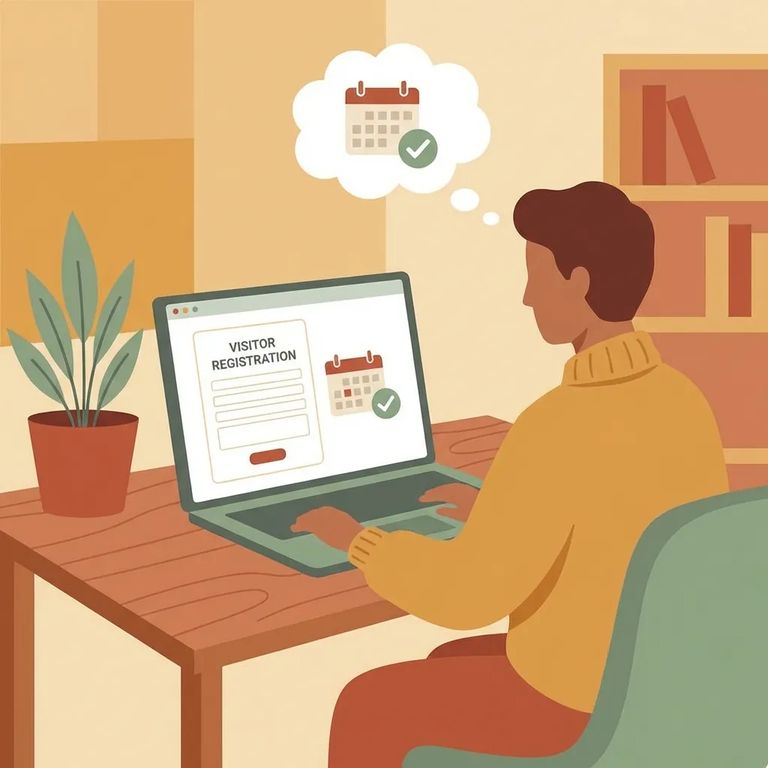
To visit someone at Wabash Valley Correctional Facility - in person or by video - you need to be registered in ViaPath and approved before you can schedule anything. This isn't optional. It's why some people get stuck wondering why they can't see available visits yet. Create your account, submit what's requested, and wait for approval before trying to book.
Start by creating your ViaPath account. You'll be flagged as a
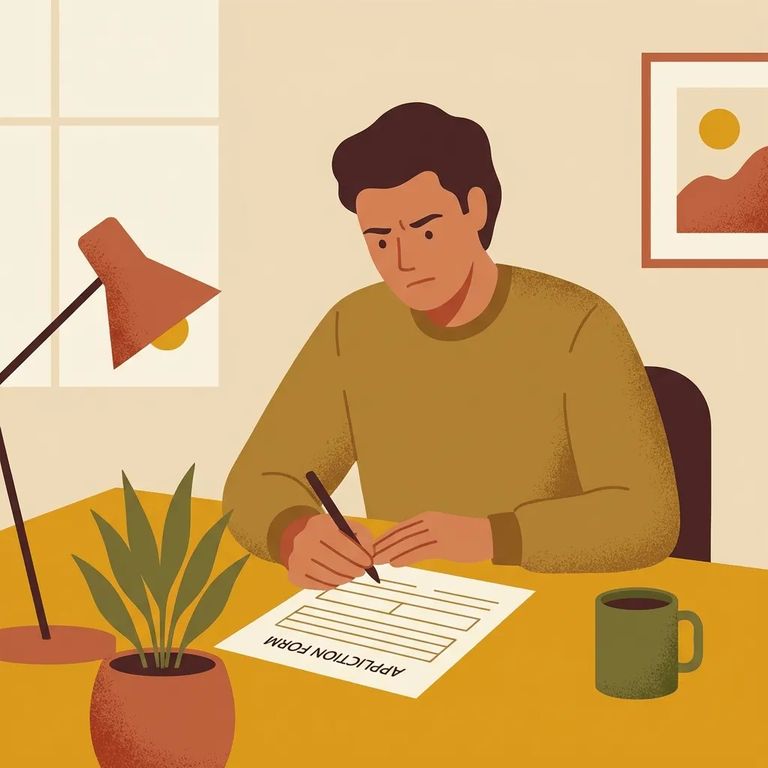
After you register, ViaPath may ask for supplemental documentation. This is where delays pile up. Missing or incomplete paperwork can stall your application - or get it rejected outright. Slow down and double-check that you've provided exactly what the system asks for.
- ✓ Upload clear, readable images - blurry photos are one of the easiest ways to trigger a request for more information
- ✓ Make sure every required document is actually uploaded before you submit (don’t assume a partial upload “went through”)
- ✓ If a document has multiple pages, include every page the request calls for
- ✓ Double-check that names and details match across what you submit
- ✓ Watch your email (and spam/junk folder) for messages asking for additional information, and respond quickly
Common delay triggers: Missing pages, unreadable photos/scans, or information that doesn’t match (like a name that’s different from what you entered in your account) can slow approval down or lead to a rejection.
- Review what you submitted - Open your uploaded files and check for missing pages, cut-off corners, or blurry text.
- Fix and re-upload (if allowed) - If the system lets you replace documents, upload clean copies that match what was requested.
- Follow any instructions you received - If you got a message about what’s missing, respond with exactly that item (and nothing unrelated).
- Reach out to the visitation coordinator if you’re stuck - If you’ve corrected everything and approval still isn’t moving, contact the facility’s visitation coordinator for help with next steps.
Tip: Keep copies of every document you upload and any messages you receive. If you need to follow up, having your paperwork and dates in front of you makes the conversation faster and less stressful.
One last thing before you schedule: ViaPath lists visit times in Eastern Time. Even if the facility sits in a different time zone, the system uses Eastern. Convert accordingly before picking a slot. And confirm you're fully approved - until that happens, you may not be able to book.
Find an Inmate at Wabash Valley Correctional Facility
Search for a loved one and send messages and photos in minutes.
