
Setting Up Video Visits at Wabash Valley: GTL vs. ViaPath, Payments, Check‑in, and Dress Rules
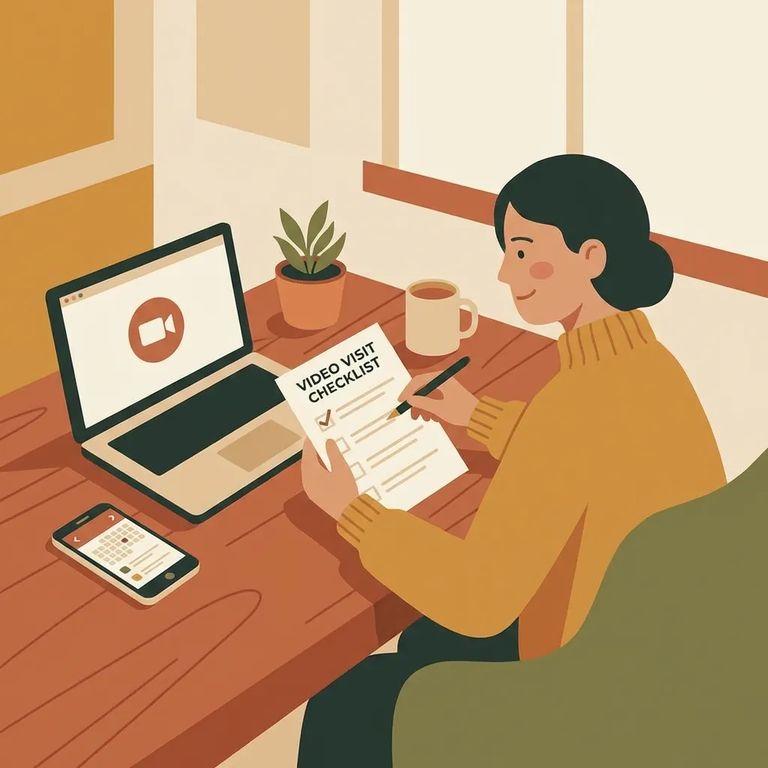
Video visits are a solid backup when you can't make the trip in person - but the setup catches people off guard the first time. At Wabash Valley, you'll need to register for a ViaPath account and get approved before you can schedule any visits, including video.
Before creating accounts and entering payment info, confirm what video-visit options are actually available for the facility and your loved one's situation. Policies change. The fastest way to avoid a canceled session is to verify the current setup before you schedule.
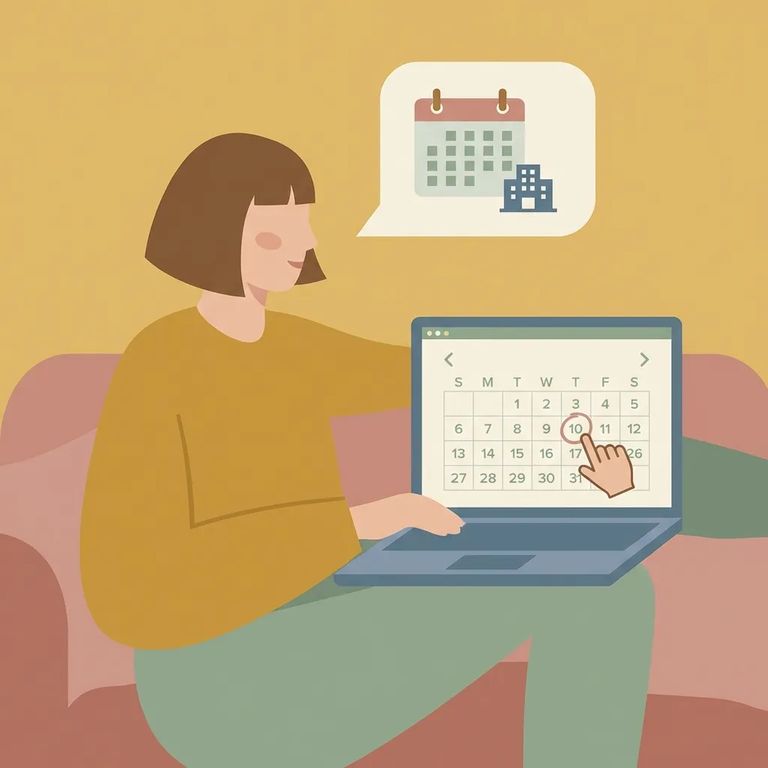
- Get approved on ViaPath first - At Wabash Valley, visitors must register for a ViaPath account and be approved before scheduling in-person or online visits.
- Register on GTL Visit Me - Go to www.gtlvisitme.com and register yourself (and any other visitors who will participate).
- Select the facility - Choose the facility where your loved one is located.
- Add the incarcerated person - Search for the incarcerated individual and add them to your account.
- Schedule the visit - Click “Schedule” and follow the prompts.
- Pay to finish scheduling - The cost will be displayed during scheduling; enter your credit or debit card information to complete the process.
GTL shows you the price before you finalize. Enter your credit or debit card details, complete checkout, and you'll get a confirmation email with a receipt. Keep that confirmation - you may need it to double-check the date and time later.
On-site check-in: If you’re doing an on-site GTL video visit, arrive at least 15 minutes before check-in and bring a valid photo ID.
For fee-based video visits through ViaPath, you'll enter payment info when you schedule. They accept debit cards, charge cards, and Visa/Mastercard gift cards.
Dress Behavior Rules
- ✓ Wear a shirt or blouse
- ✓ Wear pants, shorts, or a dress
- ✓ Wear appropriate undergarments
- ✓ Skip hats or head coverings unless they’re required for religious beliefs
Even for video visits, your clothing has to meet basic standards. Skip anything worn out, torn, transparent, or so frayed that undergarments show - these are common reasons visits get cut short.
Watch the time zone. On ViaPath, all visit times for Wabash Valley display in Eastern Time. Double-check the start time before you confirm, especially if you're in a different time zone.
Timing tip: Plan to be signed in about 15 minutes early so you’re not rushing at start time.
- Re-check the card details - Confirm the card number, expiration date, billing address, and security code match what your bank has on file.
- Use an accepted payment type - ViaPath fee-based visits accept debit cards, charge cards, and Visa/Mastercard gift cards.
- Try a different accepted card - If one card won’t go through, switching to another accepted card (including an eligible gift card) can be the quickest fix.
- ✓ Sign in about 15 minutes early so you have time to get set up
- ✓ Confirm you actually completed scheduling (look for the confirmation email/receipt)
- ✓ If your visit is through GTL, make sure you paid during scheduling (credit/debit card)
- ✓ Test your internet connection and your device’s camera/microphone before start time
Find an Inmate at Wabash Valley Correctional Facility
Search for a loved one and send messages and photos in minutes.
