
How to Submit Supplemental Documents to the Visitation Coordinator (so your IDOC application isn’t delayed)
Missing paperwork can stall your IDOC visitation application fast. Here's how to get your supplemental documents to the right Facility Visitation Coordinator so your application doesn't sit in limbo.

Getting approved to visit someone in an Indiana Department of Correction (IDOC) facility takes more than filling out the online form. You also need to prove who you are - and sometimes provide extra paperwork that supports your eligibility. IDOC calls this "supplemental documentation," and it goes hand-in-hand with your electronic application (State Form 14387, Application for Visiting Privileges). Depending on your situation, you might need to submit a government ID, Social Security card, birth certificate, or other approval letters.
Note: Supplemental documents must be submitted electronically to the Facility Visitation Coordinator for the specific facility you want to visit.
Anyone 16 or older needs to submit a photo ID as part of the review. IDOC only accepts specific types: a valid driver's license from your state of residence, a valid state photo ID card from your state of residence, a valid photo military ID, a valid passport, or a valid government identification card (including those issued by foreign governments). Submit something outside that list, and your application can stall while staff wait for acceptable identification.
Remember: The 16+ ID requirement is strict. Double-check that what you're sending is on the Department's accepted list.

Once you've gathered your documents, send them to the right person. IDOC requires supplemental documentation to go electronically to the Facility Visitation Coordinator at the specific facility you want to visit. Each facility has a designated staff member who handles these applications. Routing matters - your documents need to reach that coordinator, not a general inbox or a different location.
- Complete the electronic visitation application - Apply through the IDOC ViaPath website using State Form 14387 (Application for Visiting Privileges).
- Confirm the facility you’re applying to visit - Your supplemental documents must match the facility tied to your application.
- Gather the required supplemental documents - This may include proof of identity (and, for visitors age 16+, an accepted photo ID) plus any other documents requested for your situation.
- Send the documents electronically to the Facility Visitation Coordinator - Submit your files directly to the coordinator for the facility you wish to visit, using the electronic method the facility provides.
- Keep your submission organized - Use clear file names and make sure every required item is included before you hit send.
Heads up: If you send documents to the wrong facility (or not to the Visitation Coordinator), your application can get stuck while staff try to track them down - or it may never be matched to your application.
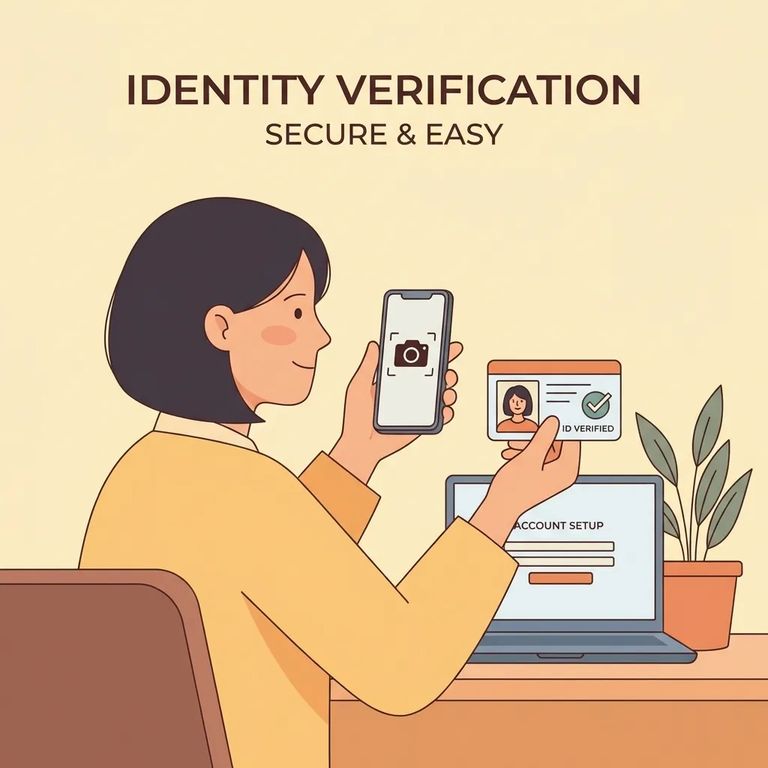
Tips Avoid Problems
- ✓ Send clear, readable scans or photos (blurry images can slow review)
- ✓ Use common file formats like PDF or JPEG
- ✓ Include an accepted photo ID if you’re age 16+ (only the Department’s listed ID types count)
- ✓ Double-check you’re submitting to the Facility Visitation Coordinator for the facility you want to visit
- ✓ Name files clearly (for example: “LastName_FirstName_PhotoID”)
- ✓ If you have special circumstances, reach out to the visitation coordinator as early as you can - additional information may be required
Tip: Keep copies of everything you submit, along with a timestamped record (like a sent email or upload confirmation) in case you need to prove what you sent and when.
Missing or incomplete documents can delay or even get your application rejected. That's frustrating when you've already submitted the online form and you're just waiting for approval. The simplest way to avoid a drawn-out timeline? Get your documents in early, and make sure they're readable and complete.
- Check your application details - Make sure you applied through the IDOC ViaPath process and that you selected the correct facility.
- Confirm what you already submitted - Compare your files against what IDOC requires (including an accepted photo ID for visitors age 16+).
- Contact the Facility Visitation Coordinator - Ask whether your supplemental documents were received and whether anything else is needed.
- Resubmit corrected or missing documents quickly - If something was unreadable, incomplete, or the wrong ID type, send the corrected version electronically to the coordinator for the facility you wish to visit.
Find an Inmate at Wabash Valley Correctional Facility
Search for a loved one and send messages and photos in minutes.
