
Virtual Visits at Wateree River — Account Setup, Scheduling, Testing, Rules, and Costs
Virtual visits at Wateree River are straightforward once you understand the timing rules, ID requirements, and what can cut a visit short. Here's how to set up your account, schedule within the allowed window, test your device, and avoid common issues.
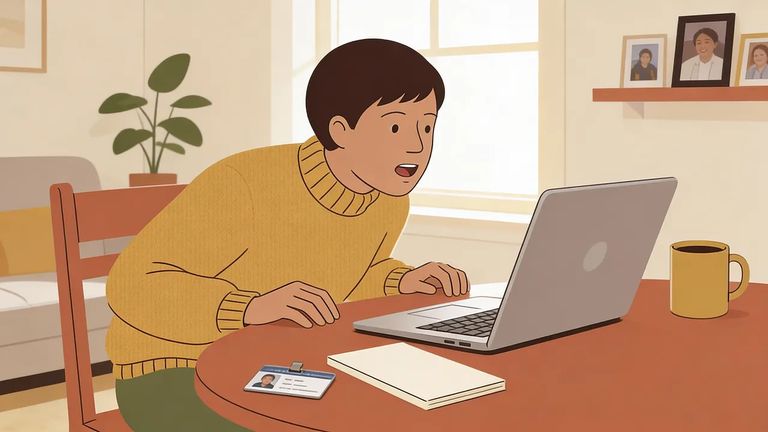
You must already be on the incarcerated person's approved visitation list before requesting a virtual visit. Not approved yet? Your request won't go through until you are.
Each person who wants to be part of the virtual visit needs their own GTL/VisitMe account, even if you plan to sit together during the call. You’ll create and manage your account through the GTL VisitMe portal at scdoc.gtlvisitme.com/app.
Virtual visits require some lead time. You must schedule at least three days in advance, and you can't book more than seven days out.
Plans change - just watch the cutoff times. You can modify your visit up to two days in advance and cancel up to one day before.
Keep the group small: virtual visits allow up to four approved visitors total. If more people want to say hello, you'll need to rotate them across separate visits.
Have ID ready for everyone on screen. Approved visitors age 10 and older need a photo ID. For children under 10, bring a certified long-form birth certificate.
Children count toward the participant limit too. Two adults and two kids? That's already the four-person max.
- Get set up early - Be in front of your device 15 minutes before the visit start time.
- Open your upcoming visit - Log in, go to your Upcoming Visits, and select the scheduled visit.
- Click Play to test - You can click the Play button up to 15 minutes before the visit begins to make sure everything is working.
- Stay ready through start time - Once it’s time, the visit begins automatically, so don’t step away right before the hour.
Note: Visits start on the hour, and charges begin when the visit begins. If the visit ends early, you won’t get a partial refund.
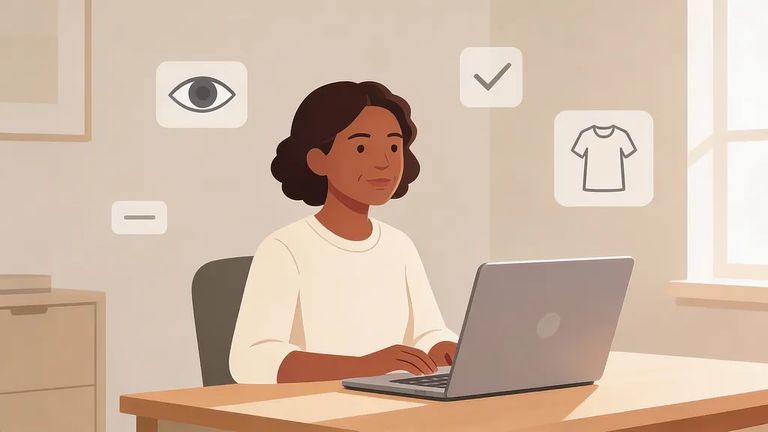
Assume everything you say and do can be reviewed later. Virtual visits are recorded, and staff can terminate the call immediately if they see inappropriate behavior.
- ✓ Sexual behavior or actions
- ✓ Any display of nudity
- ✓ Inappropriate attire
- ✓ Any activity or display of gang paraphernalia
- ✓ Use or display of drugs, alcohol, weapons, or related items
- ✓ Joining the visit from prohibited locations like bedrooms or bathrooms
Getting a visit ended for rule violations doesn't just cut your time short - it can cost you virtual visitation privileges entirely. Keep the setting appropriate and everyone on-camera from start to finish.
Pricing has changed, so check the current rate before you pay. An older SCDC FAQ lists a flat $10 charge for a 50-minute visit. A newer SCDC memo (effective Feb. 1, 2025) shows $0.16 per minute - making a full 50-minute visit $8 - with billing based on actual visit length rather than the full time slot.
Note: The FAQ also states you’re charged when the visit begins and there are no partial refunds if the visit ends early. Since billing rules can update, verify the current billing policy in your account before scheduling.
Video won't load? Audio cutting out? Can't connect? Call GTL Visitor Support at 1-855-208-7349.
For help with visitation-list issues or name changes, email VirtualVisitation@doc.sc.gov. You can also call (803) 896-1838, press #1, and leave your name and a good callback number.
Find an Inmate at Wateree River Corrections Institution, SC
Search for a loved one and send messages and photos in minutes.
