
How to Contact an Inmate at Facility
Video visits at Wayne County Jail, MI use the GTL GettingOut Visit Now system. Here's what to set up first so you don't get stuck at the last step.
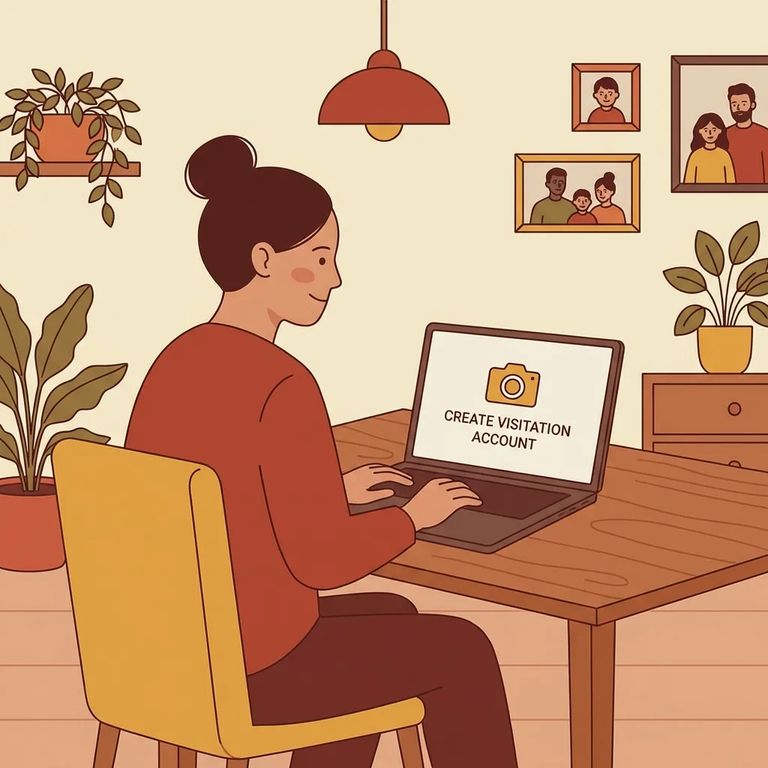
You'll use either the GTL Friends and Family Visit Now app (often called the FnF Go app) or the GettingOut.com website. One thing to know: Visit Now isn't available on demand. It only works when the facility has tablets designated for video visits that aren't already in use.
Before you try starting a Visit Now session, make sure you're already listed as an accepted contact for that inmate. If you're not on the approved list, the system won't let you connect.
Device check: Visitor-initiated (incoming) video visits can be completed on a computer or a smartphone. Inmate-initiated (outgoing) visits can only be completed on the visitor’s smartphone.
You'll need a verified email address to log in to GettingOut.com or the Go Visits app. During setup, you also have to agree to the ViaPath Terms of Service. Read through and check the required boxes first. The "I Agree" button won't appear until those boxes are checked.
Steps to Follow
- ✓ Use the GTL Friends and Family Visit Now app (FnF Go app) or GettingOut.com to start the Visit Now process
- ✓ Log in with your verified email address
- ✓ Read the ViaPath Terms of Service and check the required boxes so you can select “I Agree” and confirm
- ✓ Confirm you are an accepted contact for the inmate you want to visit
- ✓ Try Visit Now when video visit tablets are available at the facility (designated video tablets that are not already in use)
- ✓ Match your device to the visit type: incoming visits work on computer or smartphone; outgoing visits require your smartphone
- Open the right platform: Use the FnF Go app or GettingOut.com to access Visit Now.
- Log in with your verified email: You will not get far in the process without a verified email login.
- Accept the ViaPath terms: Check the required boxes so the “I Agree” button becomes available, then confirm.
- Confirm you are an accepted contact: Visit Now only works for inmates who have you listed as an accepted contact.
- Start Visit Now when tablets are available: The visit depends on designated video visit tablets that are not currently in use.
- Use the right device for the direction of the call: Incoming visits can be on computer or smartphone; outgoing visits must be on your smartphone.
What to Verify
- ✓ Your email is verified and you can log in to GettingOut.com or the Go Visits app
- ✓ You checked the required boxes and agreed to the ViaPath Terms of Service so you can confirm a visit
- ✓ You are an accepted contact for the inmate (otherwise you cannot start Visit Now)
- ✓ Video visit tablets are available (designated video tablets that are not already in use)
- ✓ You are using a compatible device for the visit type: incoming visits can be completed on computer or smartphone; outgoing visits require your smartphone
Tip: If Visit Now won't connect, the two most common blockers are contact approval and tablet availability. Confirm that you're an accepted contact, and check whether video visit tablets are available right now.
Find an Inmate at Wayne County Jail, MI
Search for a loved one and send messages and photos in minutes.
