
Setting Up Your First Video Visit with Someone at Wayne County Jail
Setting up your first video visit might look like a maze of screens and prompts. It's actually pretty simple once you know where to click. Follow these steps to register, pick a time, and make sure your device is ready to go.
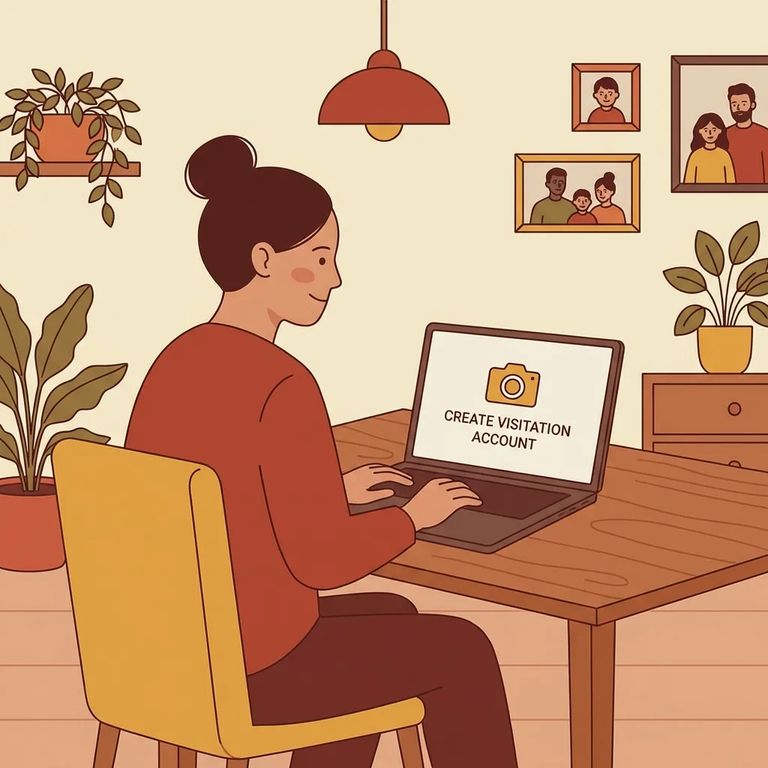
Wayne County Jail uses GTL for internet video visits. If you’re registering and scheduling online, you’ll want to make sure you’re on the right portal: waynemi.gtlvisitme.com.
Want to use the "Visit Now" feature? Start with the GTL Friends and Family Visit Now app (FnF Go) on your phone, or head to GettingOut.com on a modern web browser. You'll need to go through one of these entry points before you can schedule a Visit Now visit.
You'll need to sign in before you can schedule anything. For Wayne County Jail video visits, log in at GettingOut.com (go) or through the Go Visits app using your email address and password.
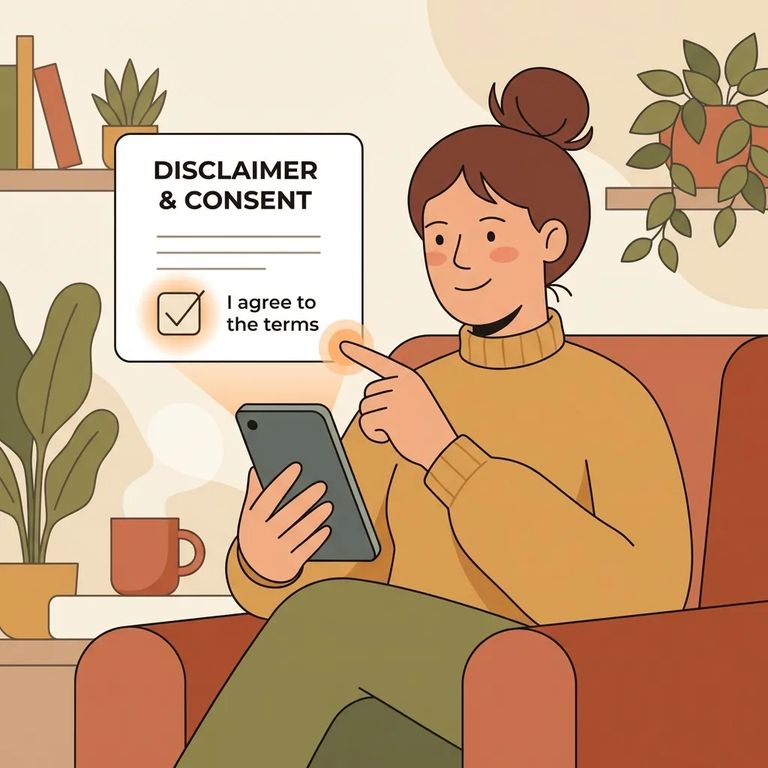
Heads up: During login, you’ll be prompted to agree to the Terms of Service. Select I Agree to continue to scheduling.
- Choose your visit type - On the Visit page, select Online Video Visit or Facility Video Visit.
- Pick a date - Select the day you want to visit.
- Choose the time of day and visit length - Select the time-of-day option shown (for example, Morning) and the length offered.
- Select an available time slot - The system will display open time slots; pick the one you want to book.
Note: When you confirm your visit request, you’ll need to read and check three ViaPath Terms of Service boxes. The I Agree button won’t show up until all three boxes are checked.
- Run the device compatibility test - Before you finish setup, use the built-in test on your phone to confirm it will work for a video visit.
- Continue after the test - Once you’re done testing, select Continue to move forward.
Once you finish the device test, the setup screen displays a map of the facility location and the facility phone number. Double-check that everything looks right before moving on.
After you submit, your request goes to the incarcerated person for acceptance. The visit will show as pending until they log into a tablet and accept it on their end.
Troubleshooting Reminders
- ✓ Log in to GettingOut.com (go) or the Go Visits app with the same email address and password you used to create your account.
- ✓ If you’re stuck at the confirmation screen, go back and make sure you’ve checked all three ViaPath Terms of Service boxes so the I Agree button appears.
- ✓ Run the device compatibility test ahead of time so you’re not troubleshooting your phone at the last minute.
Note: Fees, visit availability, and scheduling windows aren't covered here. Check the scheduling screens in the app or website for current options.
Find an Inmate at Wayne County Jail, MI
Search for a loved one and send messages and photos in minutes.
