
How to Schedule and Conduct a Video Visit at Weld County Jail
Video visits at Weld County Jail trip people up because scheduling and the actual call happen on two different systems. Once you know which site does what—and who starts the session—the whole process gets a lot easier.
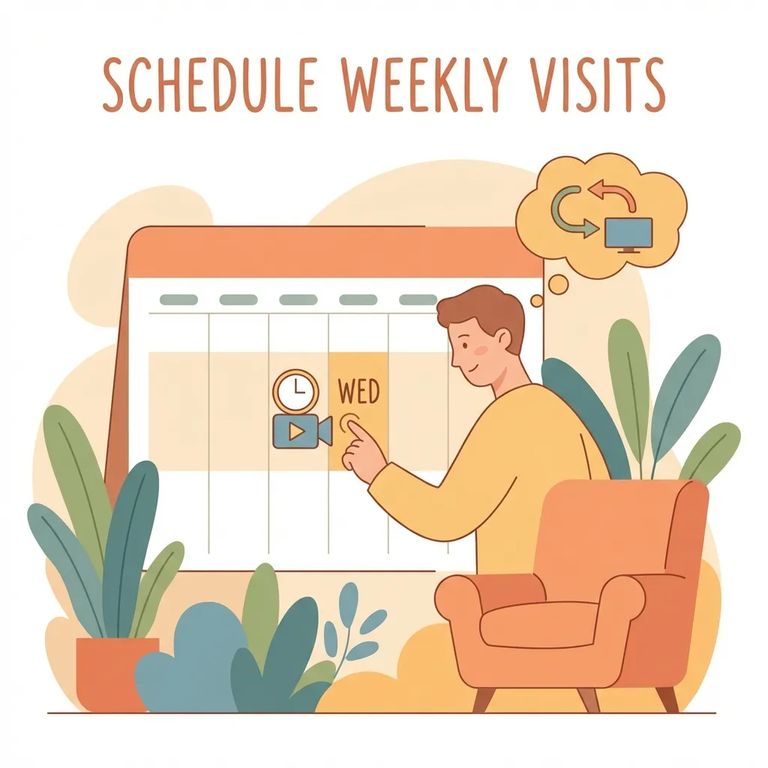
Weld County Jail uses a split system for video visitation. You schedule your visit on the Weld County scheduling website, but the actual video call runs through GettingOut.com or the GO Visit mobile app. So don't stop after picking a time slot on the county site. Plan for two parts: reserve your slot first, then be ready to use GettingOut or GO Visit when your session starts.
Start by scheduling your visit on the Weld County scheduling website. Every visit needs to be booked in advance - you can't just show up or call in last minute. Once your time slot is reserved, you'll use a different platform for the actual video call. This split system is the biggest reason people miss visits, so keep it in mind.
Reminder: Scheduling happens on the Weld County site, but the video visit itself happens on GettingOut.com or the GO Visit mobile app.
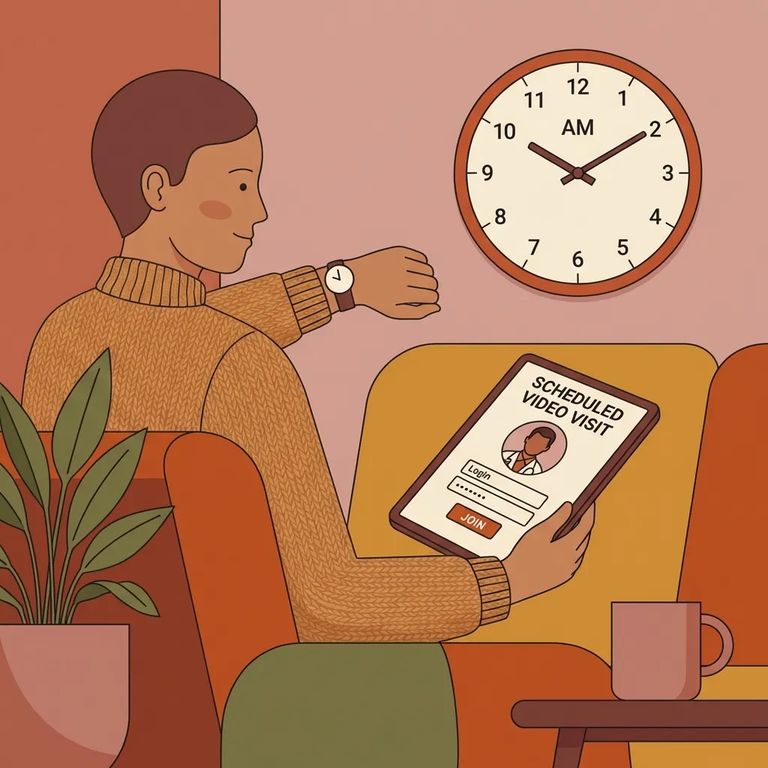
For remote visits, log into GettingOut before your scheduled time. Weld County uses GettingOut or GO Visit for the actual session, so being signed in and ready helps you avoid last-second scrambling. This matters because the inmate initiates remote video visits. Your job is to be logged in and waiting so you can receive the session when it starts.
- ✓ Log into GettingOut before your scheduled visit time
- ✓ Make sure your device is ready for a video call (camera and microphone working)
- ✓ Use a reliable internet connection
- ✓ Keep your device charged (or plugged in) so you don’t disconnect mid-visit
Note: Weld County schedules the visit time, but the on-screen prompts and the visit flow come from GettingOut/GO Visit - follow your scheduled slot and what the app/site tells you at visit time.
For remote video visits, the inmate initiates the call. Log into GettingOut ahead of your scheduled time so you're ready to receive the session - not still fumbling with your password when it starts.
Onsite visits work differently. If you're visiting at the North Jail, you initiate the session from a lobby station. Even for onsite visits, the video portion still runs through GettingOut. Your time slot is scheduled through the county site, but the visit itself uses the GettingOut platform.
- Schedule the visit in advance - Reserve your time using the Weld County scheduling website.
- Go to the North Jail lobby station - Onsite video visits are started from a lobby station at the North Jail.
- Initiate the visit at the station - For local/onsite visits, you start the session from the lobby station when it’s time.
GettingOut services are intended for users over 18. If you're setting up a visit for a minor, have an adult handle the GettingOut side of things.
Quick Checklist
- ✓ Schedule the visit in advance on the Weld County scheduling website
- ✓ Remember: the video visit itself runs on GettingOut.com or the GO Visit mobile app
- ✓ If it’s a remote visit, log into GettingOut before the visit time (the inmate initiates the session)
- ✓ If it’s an onsite visit, you will initiate the session from a lobby station at the North Jail
- ✓ Be ready at your scheduled time and follow the on-screen prompts in GettingOut/GO Visit
Tip: Log into GettingOut early. For remote visits you’ll be waiting for the inmate to start the session; for onsite visits you’ll be starting it from the lobby station.
Find an Inmate at Weld County Jail
Search for a loved one and send messages and photos in minutes.
