
Putting Money on an Inmate's Account at Western Virginia Regional Jail: Lobby Kiosk vs. ConnectNetwork Online
Need to add money to someone's account at Western Virginia Regional Jail? You have two options: the lobby kiosk or GTL/ConnectNetwork online. Which one works best depends on whether you prioritize speed, convenience, or keeping fees low.
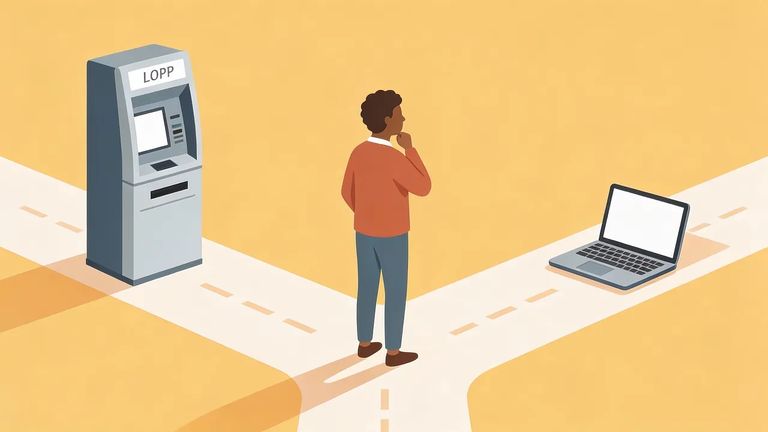
Western Virginia Regional Jail accepts deposits two ways: the WVRJ lobby kiosk (cash or credit card) and GTL's ConnectNetwork online. One thing you can't do is mail money. Since January 1, 2018, cash, certified checks, and money orders sent by mail are not accepted - they'll be returned to you. If you've been using the mail, it's time to switch to the kiosk or online.
The lobby kiosk is your most straightforward in-person option. It's in the WVRJ vestibule and available 24/7 - no need to work around business hours. You can pay with cash or credit card, and deposits hit the inmate's account immediately. That's helpful when you need them to have access to funds right away.
Note: Kiosk deposits are credited to the inmate’s account immediately, so this is a good choice when timing is tight.

Prefer to handle everything from home? You can deposit online through GTL ConnectNetwork. You'll need a valid email address - the system sends a verification email during account setup. After clicking the verification link and logging in, select Virginia as the state, choose Western VA Regional Jail, then search for the person you're sending money to by name or ID number.
- Create your ConnectNetwork account - use a valid email address you can access.
- Verify your email - open the verification message and click the link to confirm your account.
- Log in and choose the state - select Virginia from the dropdown.
- Pick the facility - select Western VA Regional Jail.
- Find the inmate - search using their name or ID number.
- Make your deposit - follow the prompts to submit your payment.
Tip: Use an email account you can check right away - if you can’t access the verification email, your deposit will be delayed until you complete that step.
Both methods come with GTL/Viapath processing fees. Cash deposits at the kiosk have a flat fee per transaction. Credit card fees are tiered - a base fee plus a percentage based on how much you're sending. If you want to stretch every dollar, do the quick math before submitting so you know exactly how much goes to fees versus how much lands in the account.
- ✓ Credit card (example tier): $0.00–$50.00 = $4.00 + 3.5%
- ✓ Credit card: $50.01–$100.00 = $5.50 + 3.5%
- ✓ Credit card: $100.01–$200.00 = $8.50 + 3.5%
- ✓ Credit card: $200.01–$300.00 = $11.50 + 3.5%
- ✓ Cash at kiosk: $2.50 per deposit
Trying to get money on the account before commissary? Both options let you act fast, but the lobby kiosk has two advantages for last-minute situations: it's open 24/7, and deposits credit immediately. Online deposits through ConnectNetwork are easier when you can't get to the jail - just don't forget the setup step. You'll need to verify your email before you can log in and complete a deposit. That one extra step can mean the difference between "done in minutes" and "waiting until you can check your inbox."
Find an Inmate at Western Virginia Regional Jail, VA
Search for a loved one and send messages and photos in minutes.
