
How to Set Up Your First Video Visit at Western Virginia Regional Jail
Setting up your first video visit at Western Virginia Regional Jail (WVRJ) comes down to creating the right account and being ready when the inmate starts the call. Here's how to get it done without losing time to avoidable setup issues.
Western Virginia Regional Jail doesn't offer regular in-person visits for family and friends. Instead, all visits happen through video - your loved one stays in their housing unit while you connect remotely via phone and video. It's a non-contact setup. Once you get the app installed and your account ready, the rest is straightforward.
Note: Face-to-face visitation is limited to professional visits or visits that have been specially approved by the Superintendent.
Create Gettingout Account
- ✓ Set up your account at GettingOut.com.
- ✓ Add the inmate you want to visit as a contact (this has to be done before you can accept a home video visit request).
WVRJ uses GettingOut for video visits, inmate email, and photos - all through one platform. Home video visits happen on a mobile phone or tablet app and cost money, so set up your account before you try to schedule anything. One thing to know: emails and photos are monitored by WVRJ staff. If you don't follow the guidelines, your account can be canceled.
Home video visits are available every day in three time blocks: 8 a.m.–11 a.m., 2 p.m.–5 p.m., and 7 p.m.–10 p.m. Pick a slot when you can be fully logged in and ready before the visit starts - rushing leads to lost time.
Each home video visit lasts up to 30 minutes. Log in late and you only get whatever time remains in your scheduled window - there's no extension.
Home video visits cost $0.25 per minute through the mobile app. A full 30-minute session runs $7.50, so budget accordingly before you connect.
Pre Visit Technical
- ✓ Install the GettingOut Visits app on your mobile phone/tablet.
- ✓ Create your account at GettingOut.com.
- ✓ Add the inmate as a contact before you try to accept a visit.
- ✓ Be logged into the GettingOut Visits app at the time the inmate initiates the visit (that’s how you can accept it).
- Install the GettingOut Visits app - use the same device you plan to visit on.
- Sign in and stay signed in - being logged in when the inmate initiates the visit is what allows you to accept it.
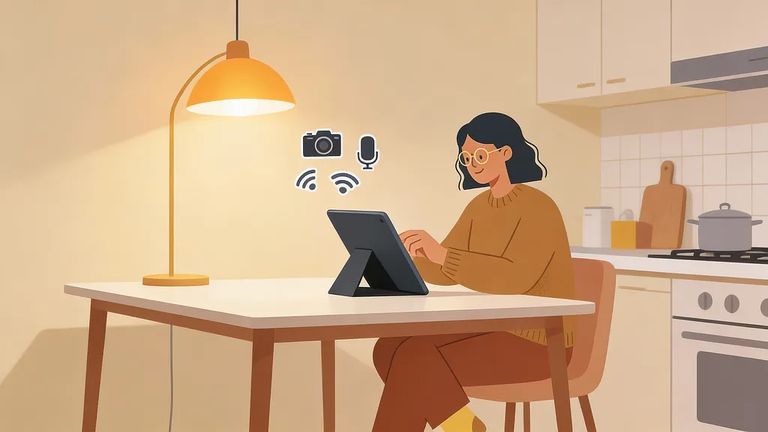
- Allow camera and microphone access - if the app can’t use your camera/mic, the visit won’t work the way you expect.
- Test your setup ahead of time - open the app and confirm your video and audio are working before the visitation time block.
- Use a stable connection - if your signal is weak, switch to a stronger Wi‑Fi or a more reliable spot before the visit starts.
Troubleshooting and Support
- ✓ Confirm you’re already logged into the GettingOut Visits app when the inmate starts the visit.
- ✓ Log out and log back in.
- ✓ Restart the app.
- ✓ Restart your phone/tablet.
- ✓ Check your device settings to make sure the app is allowed to use your camera and microphone.
Having app problems, account access issues, or payment questions? GettingOut handles the platform for home video visits. They also run the email and photo system - which WVRJ staff monitor - so keeping your account in good standing matters.
Find an Inmate at Western Virginia Regional Jail, VA
Search for a loved one and send messages and photos in minutes.
