
Video Visits at Western Tidewater: Lobby Kiosks vs. Remote GettingOut Visits
Western Tidewater offers two ways to video visit: lobby kiosks at the jail or remote visits through GettingOut on your phone or computer. Which one works best depends on whether you can get to the facility and how much flexibility you need.
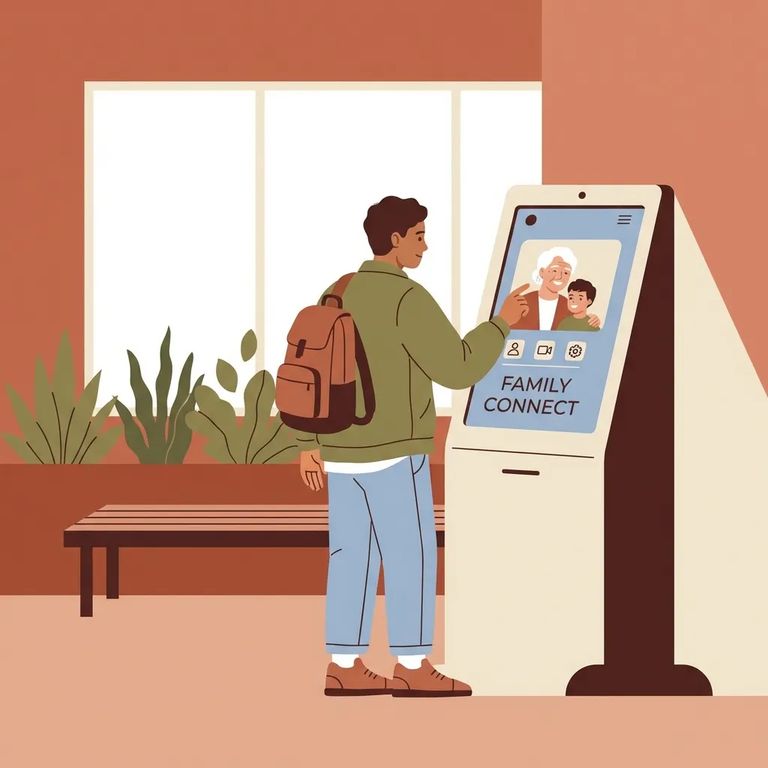
You have two video visit options at Western Tidewater. Lobby kiosks let you visit onsite - just show up during operating hours. GettingOut connects your phone or computer to the inmate's tablet in their housing area. Think of it this way: lobby kiosks are the walk-in option, GettingOut is for when you can't make the trip.
The jail lobby has six video kiosks, including one that's ADA-compliant. They're available every day from 10:00 a.m. to 10:00 p.m. - a wide window that makes it easier to work around jobs, school pickup, or long drives.
Here's a perk worth knowing: you get one free 20-minute lobby kiosk visit per week. Many families use that free session as their regular touchpoint, then add remote visits through GettingOut when they need extra contact.
Remote visits work through GettingOut. The inmate sets up a tablet account and schedules visits from their housing block to your phone or computer. On your end, use the GettingOut website or mobile app to schedule video visits, send messages, and share photos. You're not limited to visiting only when you can physically get to the jail.
Video visits don't run straight through the day. Western Tidewater blocks them during meal times and headcount, so your visit window depends on what's happening inside the facility.
Access also depends on the inmate's status. Some inmates lose video visitation privileges for disciplinary reasons. Those in disciplinary segregation, cell restriction, medical isolation, close observation, or suicide watch can't have personal visits with family or friends - though attorneys and court personnel can still meet with them.
Practical Tips
- ✓ If you’re coming onsite, plan your lobby kiosk visit within the 10:00 a.m. to 10:00 p.m. daily kiosk hours.
- ✓ Expect the one free 20-minute lobby kiosk video visit per week to be the simplest “baseline” visit to plan around.
- ✓ If a visit won’t connect when you expect it to, try a different time - video visits aren’t allowed during meal times or headcount times.
- ✓ For remote visits, make sure you and your loved one are both set up to use GettingOut (the inmate schedules from their housing-unit tablet; you join from your phone or computer).
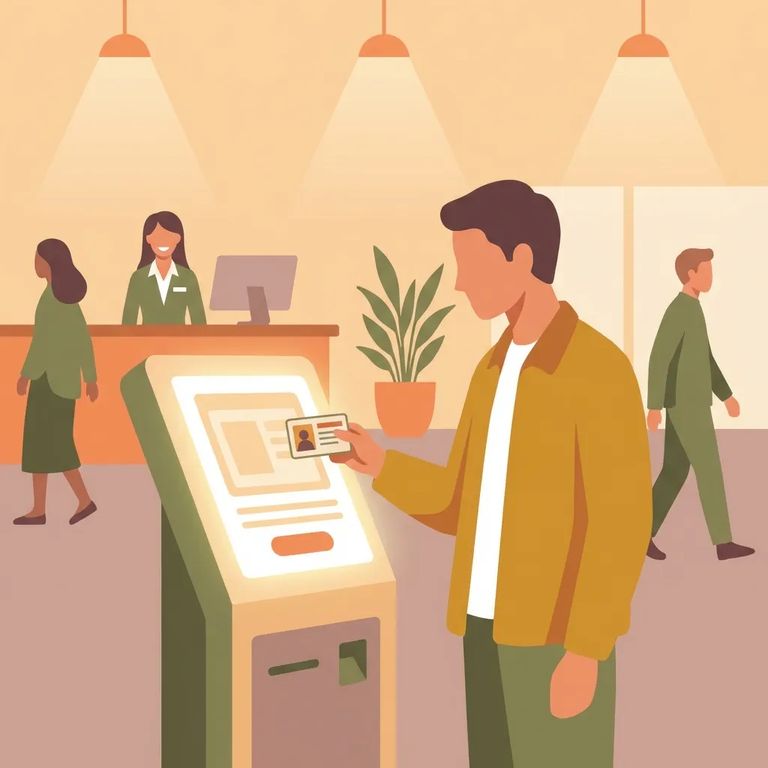
- ✓ Bring your photo ID with you when you go onsite, and keep what you carry minimal so you can focus on getting checked in and starting the visit.
Reminder: Visitors may not bring items for inmates. The Director of Security or Treatment may grant exceptions.
Find an Inmate at Western Tidewater Jail
Search for a loved one and send messages and photos in minutes.
