
Need to Add Someone or Cancel Your Visit at Wilcox? Quick Steps
Already scheduled a visit at Wilcox State Prison but plans changed? You can usually handle it online—add approved visitors or cancel to free up the slot for someone else.
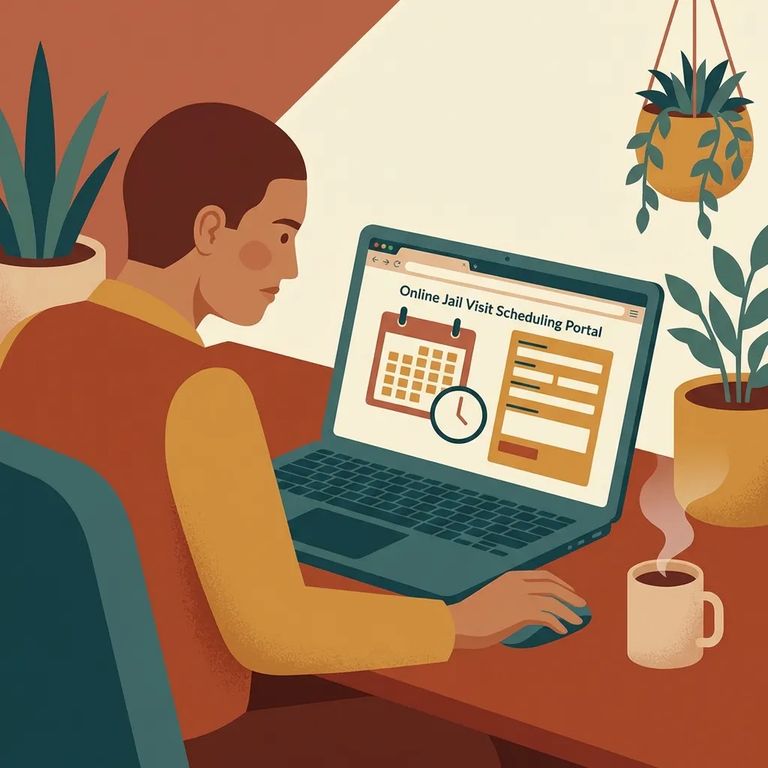
Plans change fast. Maybe a ride falls through, a child needs to come along, or another family member wants to join last minute. If you need to add someone or cancel altogether, handle it as soon as you know. You'll avoid surprises at check-in - and free up a spot for another family.
Have a scheduled visit at Wilcox State Prison and need to add more visitors? Use the Georgia Department of Corrections (GDC) "Add Visitor" option. Find your existing appointment, then follow the prompts to attach the extra person(s) to that same time slot.
Reminder: You can only add people who are already approved visitors. To get approved for Wilcox State Prison, they need to fill out the GDC Visitation Request Form and submit it to the facility where the person is incarcerated.
Can't make it? Canceling is simple. Use the GDC cancellation option to find and cancel your appointment. Do it as early as possible - your original time may open up for another family.
- ✓ Look for a clear cancellation confirmation after you submit the request
- ✓ Save any confirmation message (or take a screenshot) for your records
- ✓ Double-check that your appointment no longer shows as scheduled
4
- ✓ Before you try to add someone, make sure they’re already approved (approved visitors must complete the GDC Visitation Request Form and submit it to the facility)
- ✓ Use the GDC “Add Visitor” process to find your scheduled visit and add the extra approved visitor(s)
- ✓ If you can’t attend, use the GDC cancellation process to find and cancel your scheduled visitation appointment
- ✓ Save confirmation details (screenshots or messages) after you add or cancel so you can reference them later
- ✓ Cancel as soon as you know you won’t make it so the time can potentially open up again
These small habits prevent most day-of problems. When everyone on the visit is already approved, you won't run into a last-minute "not on the list" issue. Keeping proof of what you submitted makes sorting things out easier if your visit still shows up wrong. And canceling early helps the facility manage the schedule - giving other families a better shot at booking a time.
- Try the GDC tool again - Use the same GDC process to find your scheduled visitation, then add visitors or cancel the appointment from there.
- Capture what you’re seeing - Take screenshots of any error messages or pages that show the visit didn’t update.
- Check approval status if someone can’t be added - If the system won’t let you add a person, it may be because they aren’t approved to visit yet.
- Reach out for help if it still won’t fix - If the online process keeps failing or your schedule won’t update, contact the facility or GDC support with the details and any screenshots you saved.
If a visitor is blocked: Make sure they completed the GDC Visitation Request Form and submitted it to the facility where your loved one is incarcerated. Approval has to come first.
Find an Inmate at Wilcox State Prison, GA
Search for a loved one and send messages and photos in minutes.
