
Common Visitation Scheduler Problems for Wynne Unit Visitors — and how to fix them
Can't book a visit at the Wynne Unit through the TDCJ Online Visitation Scheduler? It's usually one of a handful of fixable issues. Match what you're seeing on your screen to the sections below to find your next step.

"Pending Approval" means your request has been sent to TDCJ staff at the inmate's unit for verification. While they review it, you'll see the request on your home page under "Relation Requests Pending Approval." Once staff confirms the relationship, it moves to your verified relationships - and you can schedule a visit if the Schedule Visit button appears next to the inmate's name.
If the Schedule Visit button is blank or shows "Call Unit," online scheduling isn't available for that visit. The fix is simple: call the inmate's unit of assignment to schedule by phone.
Tip: When you call, have the inmate’s TDCJ/SID number and your relationship details ready so staff can locate the right record quickly.
The most common reason your preferred date isn't showing? The inmate already has a visit scheduled that week. The scheduler hides any dates during weeks when another visit is already booked, so the calendar can look strangely empty even when you're doing everything right.
The visit type you select also affects what's available. The scheduler offers multiple types - Regular, Contact, and Video/Tablet (which is different from the limited Securus Video program). Not every unit offers every type. Availability depends on your relationship to the inmate, the facility's setup, and the inmate's visitation privileges. You might see dates for one type but not another.
Reminder: If dates are missing, check whether the inmate already has a visit scheduled that week, and remember that some visit types may be limited or not offered - availability can be type-specific.
S4
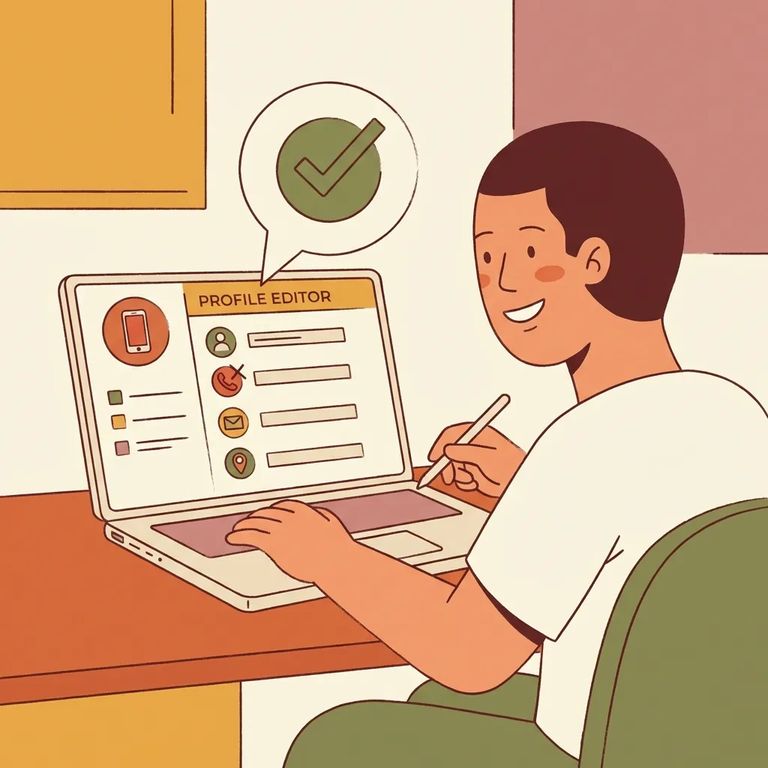
- ✓ Enter your phone number as XXX XXX XXXX using spaces (no dashes)
- ✓ When adding an inmate, enter the TDCJ/SID number as exactly 8 digits
These two formatting issues cause a lot of "it won't let me continue" frustration. The scheduler expects your telephone number in the exact spaced format (XXX XXX XXXX) - dashes can trigger an error or prevent your profile from saving. Same goes for adding an inmate: if the TDCJ/SID number isn't exactly 8 digits, the system can't match it, and you'll get stuck before you ever reach the scheduling screen.
- Reset a forgotten password - On the login page, enter your email address and use the Forgot Password/Reset Password link. The system will email you the steps to reset your password.
- Find your validation code for a new account - After you submit your email to create an account, you should receive an email with a 7-digit validation code and a link to finish registration.
Note: If you don’t see the validation-code email, check your spam/junk folder and make sure you entered your email address correctly.

Good rule of thumb: troubleshoot online when the problem is your account or profile. Call when the system tells you to - or when it's something only the unit can control. If your relationship request still shows under "Relation Requests Pending Approval," that's an online status you'll see while TDCJ staff verifies it. But if the Schedule Visit button is blank or says "Call Unit," stop refreshing and call the inmate's unit of assignment to schedule instead.
- ✓ Reset your password from the login page using your email (online)
- ✓ Use the 7-digit validation code email to complete new account registration (online)
- ✓ Fix your phone number format to XXX XXX XXXX with spaces (online)
- ✓ Confirm the inmate’s TDCJ/SID number is exactly 8 digits when adding them (online)
- ✓ Wait for “Relation Requests Pending Approval” to move to verified after staff review (online status)
- ✓ If Schedule Visit is blank or says “Call Unit,” schedule by calling the inmate’s unit of assignment (call)
- ✓ If dates are missing, check whether the inmate already has a visit scheduled that week (online check)
Find an Inmate at WYNNE UNIT
Search for a loved one and send messages and photos in minutes.
