
Yellowstone County Detention Center, MT
Need to reach someone at Yellowstone County Detention Center? Look up an inmate, send messages or mail, add commissary funds, or schedule a visit.
Explore
Find an Inmate at Yellowstone County Detention Center, MT
Search for a loved one and send messages and photos in minutes.

Guides for This Facility

How to Visit Yellowstone County Detention Center, MT (MT)
Yellowstone County Detention Center uses video visitation. Once you set up an account and know your options, the process is simple.
Read Guide
How to Contact an Inmate at Yellowstone County Detention Center, MT (MT)
Contacting someone at Yellowstone County Detention Center is simple once you know the main rule: personal mail goes through a scanning address, while legal mail goes directly to the jail.
Read Guide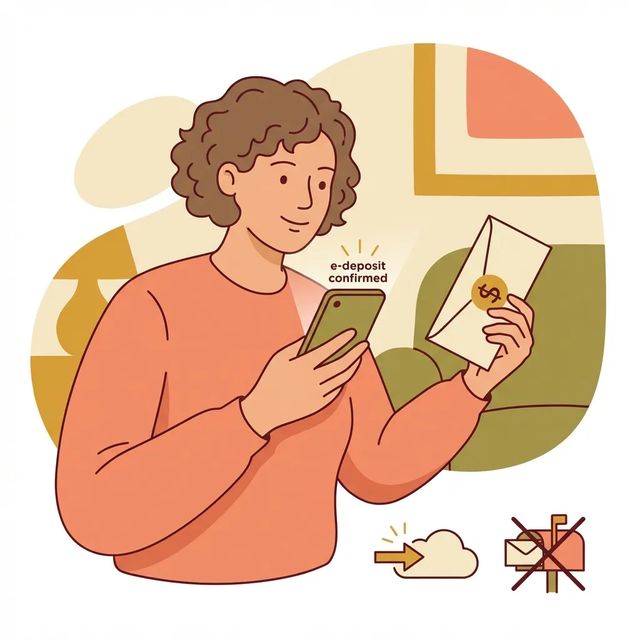
How to Send Money to Yellowstone County Detention Center, MT (MT)
Sending money to someone at Yellowstone County Detention Center means choosing the right account and the right method. The facility uses separate accounts for commissary and communications, so decide what you're paying for before you send anything.
Read GuideAt a Glance
Visitation
- Visitors must create an NCIC account to schedule and conduct video visits.
- Ministers must be pre‑approved by the Facility Chaplain and must be requested by the inmate; family cannot make the appointment.
- Visitors generally need a government photo ID and minors typically must be accompanied by a parent or legal guardian.
Communication
- Each inmate has access to a tablet or kiosk and receives two free remote video visits per week.
- Visitors must have an NCIC account to schedule and conduct video visits at this facility.
- Schedule electronic visits at Videovisit.ncic.com (NCIC).
Sending Commissary
- You can add money to an inmate’s TRUST account online through Team3 Inmate Canteen or at the Blue Kiosk in the facility lobby.
- The facility accepts mailed money orders only; do not send cash or personal checks.
- When mailing a money order include the inmate’s full name and jacket number and address it with 'ATTENTION MAIL OFFICER'.
Based on official sources and community feedback.Learn how we verify
Topic Overviews
Visitation
Video visitation at Yellowstone County Detention Center runs through NCIC. Set up your NCIC account first, then use the NCIC video portal to schedule before connecting. In-person visits follow limited time windows, with weekend or holiday blocks and pauses during meals. Check posted schedules or facility notices for exact times. Visitors need to be approved and show a government-issued photo ID at check-in. Minors must come with a parent or legal guardian. Clergy visits work differently: ministers need pre-approval from the Facility Chaplain, and the inmate has to request the visit. Arrive early, keep your contact info current, and follow all visitation rules to avoid losing privileges.
Read full guideCommunication
Yellowstone County Detention Center offers remote video visits through NCIC. Each inmate has access to an in-cell tablet or kiosk and gets two free video visits per week. To visit, create an NCIC account, then schedule and connect at Videovisit.ncic.com. You can join from a smartphone, laptop, or any computer with a camera and microphone. Public kiosks are also available in the facility lobby. Need more call or visit time beyond the free visits? Add funds to the inmate's communications account at www.ncic.com or by calling 1-800-943-2189. Video services are monitored and billed, so check balances and vendor rules before booking extra time.
Read full guideSending Commissary
To add money for someone at Yellowstone County Detention Center, deposit funds to the inmate's TRUST (commissary) account online through Team3 Inmate Canteen, use the Blue Kiosk in the facility lobby, or mail a money order. For mailed deposits, send money orders only. Cash and personal checks are not accepted. Include the inmate's full name and jacket number, and address it with "ATTENTION MAIL OFFICER" so it gets routed correctly. Money in the TRUST account covers commissary purchases. Required booking or medical fees may be deducted before commissary funds become available. Inmates can transfer money from TRUST into a separate COMMUNICATIONS account for phone or video services, but they cannot transfer it back.
Read full guideCommon Questions
Showing 6 of 9How do I set up video visits at Yellowstone County Detention Center?
Create an NCIC account, then register and schedule your visit through the NCIC video portal. You need to book a time before attempting a video call.
VisitationCan a minister visit an inmate at Yellowstone County Detention Center?
Yes, but the minister must be pre-approved by the Facility Chaplain before entering the secure perimeter. The inmate, not family, has to request the minister visit.
VisitationWhat ID and approvals do visitors need to visit Yellowstone County Detention Center?
You need approved visitor status and a government-issued photo ID to check in. Minors must be accompanied by a parent or legal guardian. Arrive early and keep your contact information current with the facility.
VisitationHow do I schedule a video visit with an inmate at Yellowstone County Detention Center?
Create an NCIC account first, since it is required to schedule and conduct video visits. Then schedule your electronic visit at Videovisit.ncic.com.
CommunicationHow many free video visits does an inmate get each week?
Each inmate receives two free remote video visits per week.
CommunicationHow do I add money to an inmate's communications account?
Add funds at www.ncic.com or by calling 1-800-943-2189. This covers additional call or visit time beyond what is free.
CommunicationMore Guides
Ready to Connect?
Search for your loved one to start communicating today
Did You Know?
Yellowstone County Detention Center uses a third-party vendor for personal (non-legal) inmate mail. Instead of accepting letters directly, the facility scans incoming mail and delivers it to inmates electronically.
This guide is based on feedback from dozens of families and official facility documentation. Learn how we verify