
How to Visit Yellowstone County Detention Center, MT (MT)
Yellowstone County Detention Center uses video visitation. Once you set up an account and know your options, the process is simple.
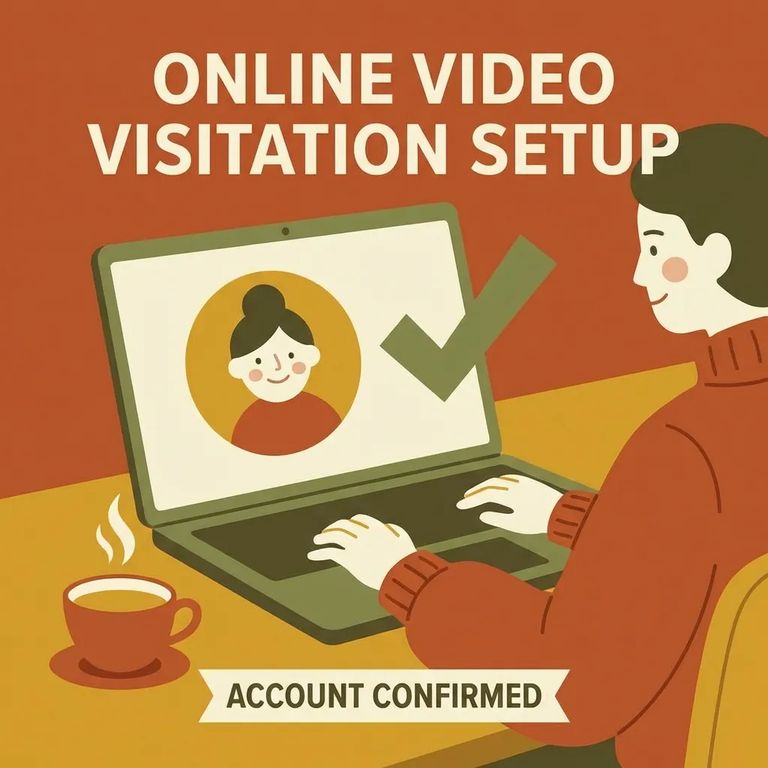
Each inmate gets two free video visits per week. If you plan to visit regularly, keep that weekly limit in mind when scheduling.
You need an NCIC account to visit. Set this up before you try to schedule or join a video visit, since the entire system runs through NCIC.
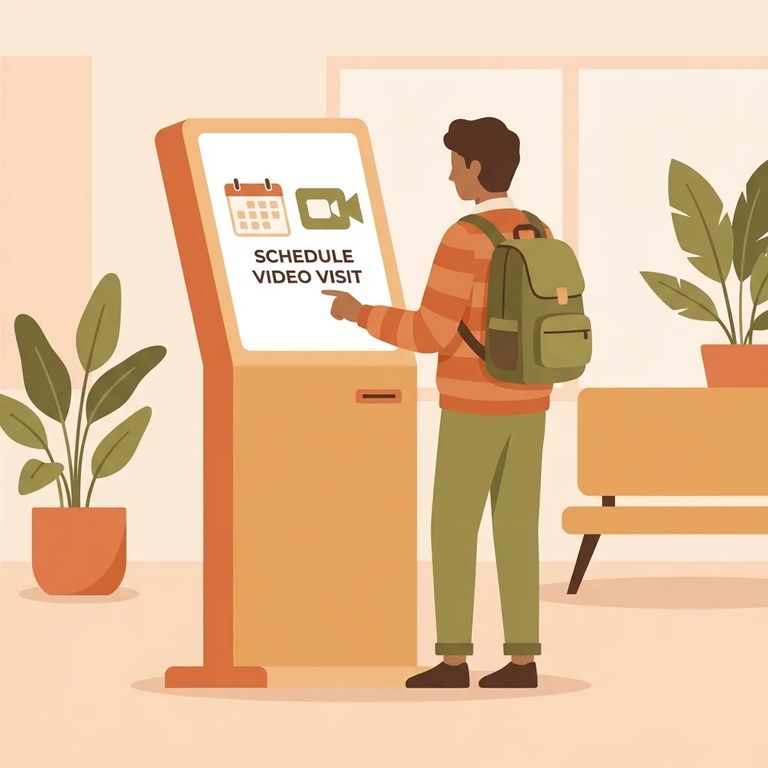
Video visits work from a smartphone, laptop, or any computer with a camera and microphone. No device? Kiosks are available in the facility lobby.
To add money to an inmate's commissary (TRUST) account, you have two options: fund it online through the Team3 Inmate Canteen portal, or deposit in person at the Blue Kiosk in the detention facility lobby.
Mail and reading materials have strict limits. Personal letters are scanned and delivered electronically by a third-party vendor. Each letter can be up to five pages with one photo allowed. Books and magazines must be paperback, new, no larger than 8.5 x 11 inches, and shipped directly from a recognized publisher or distributor. The maximum is five items.
Steps to Follow
- ✓ Create your NCIC account so you can schedule and conduct video visits
- ✓ Plan your week around the two free video visits each inmate is allotted
- ✓ Choose how you will join: smartphone, laptop, or a camera-and-microphone computer
- ✓ If you cannot use your own device, use a kiosk in the facility lobby
- ✓ Fund commissary (TRUST) online through the Team3 Inmate Canteen portal if you are depositing remotely
- ✓ Fund commissary (TRUST) in person at the Blue Kiosk in the detention facility lobby
- ✓ Keep personal letters to a maximum of 5 pages, and include no more than 1 photo per letter (mail is scanned by a third-party vendor)
- ✓ Order only paperback, new books or magazines
- ✓ Stay within the size limit (max 8.5 x 11 inches) and the quantity limit (max 5 items)
- ✓ Make sure books and magazines ship directly from a recognized publisher or distributor
Before settling into a routine, confirm the current NCIC enrollment steps and login requirements. Double-check that the "two free video visits per week" allotment is still accurate, and ask about any scheduling windows or restrictions that might affect when you can use them.
Visiting from home? Verify what your device needs: supported browsers, apps, or camera and microphone settings. If you plan to use a lobby kiosk, confirm availability and lobby access times before making the trip.
For deposits, make sure you are using the correct Team3 Inmate Canteen portal for Yellowstone County and that the inmate appears correctly in the system. Verify accepted payment types, any minimum or maximum deposit amounts, and whether the Blue Kiosk takes cash, cards, or both. Also confirm when the kiosk is available.
Mail rules are enforced tightly. Confirm the current scanning process and exact page and photo limits before sending anything. For books and magazines, verify the paperback-only rule, size and quantity limits, and what counts as a recognized publisher or distributor. Orders that do not meet requirements get rejected.
Tip: The fastest way to avoid a wasted trip is to verify details through official channels: the detention center's information pages, NCIC for video visitation, and Team3 Inmate Canteen for commissary deposits.
Find an Inmate at Yellowstone County Detention Center, MT
Search for a loved one and send messages and photos in minutes.
