
How to Send Money to Someone at Pasco County Jail (JailATM deposits)
Sending money through JailATM is straightforward once your account is set up. Plan for the $300 weekly deposit limit, make sure you have a Visa or MasterCard ready, and expect processing to take 24–48 hours.
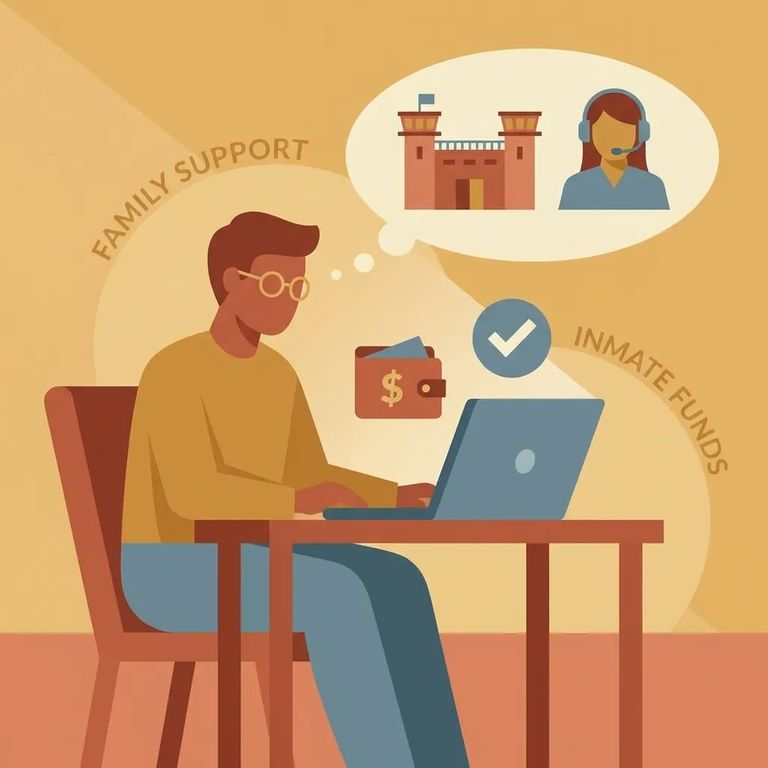
Most JailATM deposits to Pasco County Jail arrive within 24–48 hours. If it's been longer, contact the facility so they can look into it - if they can't resolve the issue after 72 business hours, JailATM will investigate. You'll see the service fee before confirming your transaction (fees vary by facility). One more thing: JailATM caps deposits at $300 per resident per calendar week.
First, create your JailATM account and complete verification. You'll need your Social Security Number to make deposits, so have that ready during setup.
- ✓ Social Security Number (required on your JailATM account before you can make a deposit)
- ✓ A valid Visa or MasterCard for payment (prepaid cards are not supported)
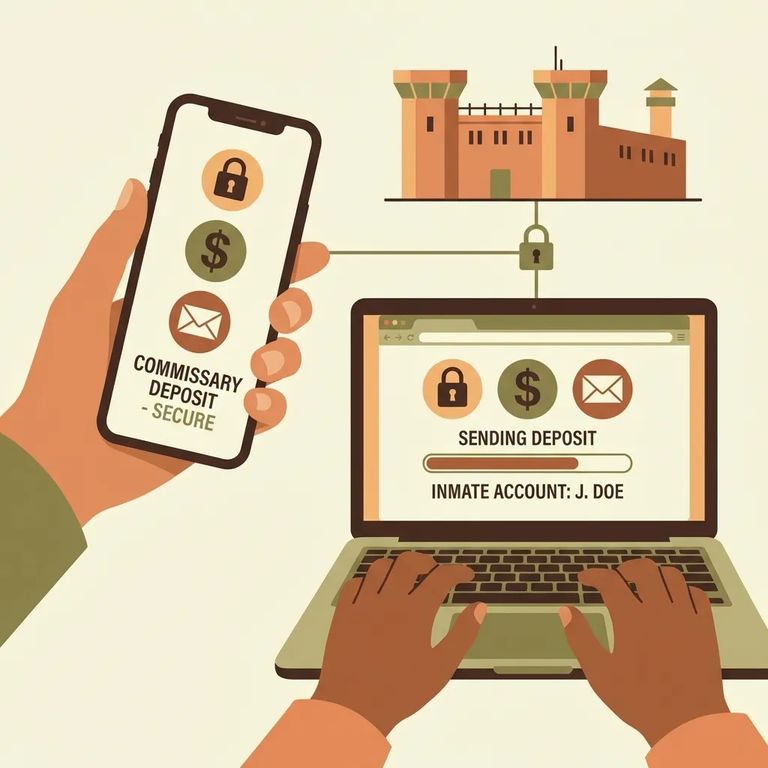
- Sign in to your JailATM account - use the account you set up and verified.
- Select “Send Money Now” - this takes you into the deposit workflow.
- Choose the state and facility - select the option that matches where your person is housed.
- Search for the resident - enter at least 3 characters of the resident’s last name, or search using their ID.
- Review the fee shown on-screen - the fee varies by facility and is displayed after you search for the resident, before you confirm payment.
- Enter your card details and deposit amount, then confirm - once you approve the total, the transaction is processed.
Heads-up: JailATM web deposits accept Visa and MasterCard only - no prepaid cards. Deposits are capped at $300 per resident per calendar week (Sunday–Saturday).
JailATM caps deposits at $300 per resident per calendar week, running Sunday through Saturday. That limit applies to all deposits for that resident - even from different senders. If multiple family members are sending money, coordinate so you don't hit the cap unexpectedly.
Fees aren't a flat rate - they vary by facility. JailATM shows you the fee after you search for the resident but before you confirm. If the total looks wrong, stop and double-check the resident selection and amount before finalizing.
Most deposits arrive within 24–48 hours. If that window passes and the funds still aren't showing, contact the facility right away. If they can't resolve it after 72 business hours, JailATM will investigate.
For help with JailATM deposits, call Jail ATM Customer Service at 1-877-810-0914. For commissary questions at the jail, contact Trinity Commissary at (813) 235-6053. Quick rule: payment and deposit issues go to JailATM; commissary questions go to Trinity.
If a deposit is missing: wait for the normal 24–48 hour window, then contact the facility right away. If the facility can’t resolve it after 72 business hours, call JailATM Customer Service at 1-877-810-0914.
Quick Checklist
- ✓ Your JailATM account includes the required Social Security Number
- ✓ You’re paying with a Visa or MasterCard (prepaid cards won’t work)
- ✓ Your total deposits to that resident will stay at or under $300 for the Sunday–Saturday calendar week
- ✓ You review the facility-specific fee after selecting the resident, before you confirm the transaction
Find an Inmate at ZEPHYRHILLS C.I., FL
Search for a loved one and send messages and photos in minutes.
