
Sending Money to an Iowa Inmate: Step-by-Step Checklist for First-Timers
When you send money for the first time, the details matter: one wrong number can delay your deposit or get it sent back. Use these checklists to pick a method and include everything Iowa DOC requires.

The steps below follow the Iowa Department of Corrections' statewide rules for commissary accounts of people in Iowa prisons. Those deposits are handled centrally at Fort Dodge Correctional Facility. The 2nd Judicial District Department of Correctional Services isn't a prison: it supervises probation and parole and runs residential centers in Fort Dodge, Marshalltown and Mason City, Iowa. If the person is at one of those centers, call the center and ask how money is handled: Beje Clark Residential Center, Mason City, (641) 424-3817; Fort Dodge Residential Center, (515) 955-6393; Marshalltown Residential Center, (641) 753-5571.
Before You Start
- ✓ Offender’s full name
- ✓ Offender number (sometimes referred to as the commissary/inmate number)
- ✓ Your full name
- ✓ Your complete return address
Mailed money doesn't go to the prison itself. All mailed deposits for offender commissary/spending accounts go to: IDOC Offender Fiduciary Account, 1550 L Street, Suite B, Fort Dodge, IA 50501.
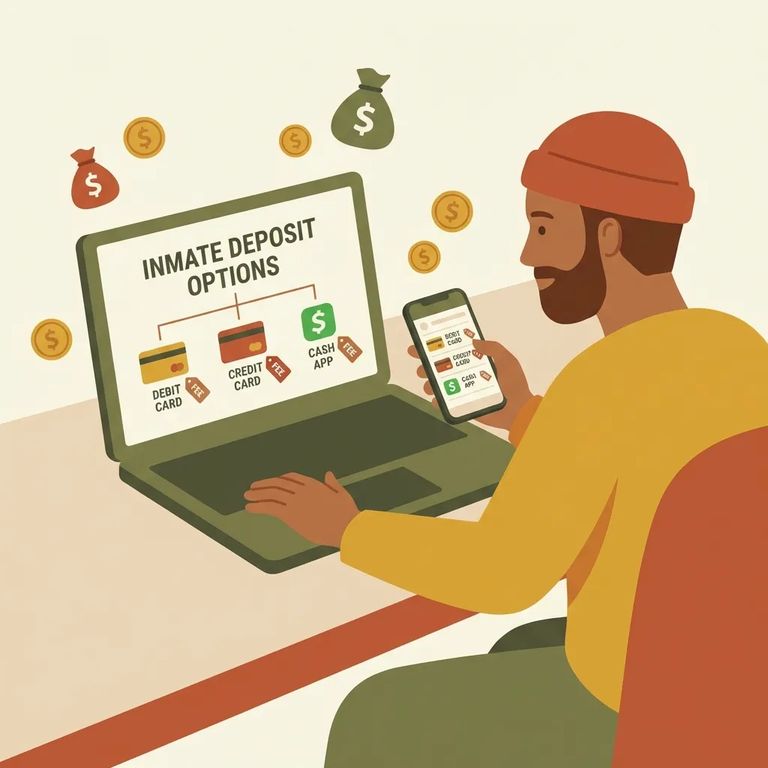
Iowa accepts electronic deposits through Access Corrections, JPay, or Western Union. Which one's best depends on what matters most to you: lowest fees, fastest turnaround, or the ability to pay in cash.
- ✓ Access Corrections (online): fees start at $3.49. Pay with Visa or MasterCard-branded credit or debit cards.
- ✓ Access Corrections (phone): call 1(866)345-1884. Fees are as low as $4.49.
- ✓ JPay (online): pay with a Visa or MasterCard-branded debit or credit card. Fees range from $3.95 to $10.95 depending on deposit amount.
- ✓ JPay (phone): call 1-800-574-5729. Fees range from $4.95 to $11.95 depending on deposit amount.
- ✓ Western Union: pay with cash or debit card. You’ll need the recipient’s commissary number and the name of the correctional facility.
- ✓ Send2Corrections (mobile app): use the Send2Corrections app from the Apple App Store or Google Play Store. A credit/debit card is required.
- ✓ Send2Corrections (online / pay later in-store): you can set up a transaction online or in-app and pay later in-store using a Western Union-generated tracking number (MTCN).
Mailed deposits require a cashier's check or money order. Make it payable to IDOC offender Fiduciary Account and mail it to IDOC Offender Fiduciary Account, 1550 L Street, Suite B, Fort Dodge, IA 50501.
- ✓ Offender name
- ✓ Offender number
- ✓ Sender’s name
- ✓ Sender’s complete address
- ✓ Write legibly; if the deposit doesn’t follow the guidelines, it will be returned to you by mail.
Note: Money orders and cashier’s checks are no longer accepted by drop-off at any institution. The only option is to mail them to the Fort Dodge address.
- Choose online or phone. Access Corrections lets you deposit online or by phone.
- Pay with the right card. Online deposits accept Visa and MasterCard-branded credit or debit cards, and fees start at $3.49. Phone deposits can be made at 1(866)345-1884, with fees as low as $4.49.
- Send anytime. Online and phone deposit services are available 24 hours a day, every day.
- Save your receipt and watch timing. Funds are typically transferred in real-time and available within 24 hours, and a digital receipt is emailed to the address you provide.
- Pick online or phone. JPay deposits can be made online or over the phone.
- Pay by card and expect a fee. Online payments use a Visa or MasterCard-branded debit or credit card, with fees ranging from $3.95 to $10.95 depending on the amount. Phone deposits are available at 1-800-574-5729, with fees ranging from $4.95 to $11.95.
- Time it if you need it faster. Money sent before 11:45 AM is generally available to the offender the next day.
Paying in cash or through an agent
- ✓ Access Corrections walk-in cash options: some cash transactions have a $900.00 maximum limit per transaction.
- ✓ Western Union: pay with cash or debit card. You’ll need the recipient’s commissary number and the name of the correctional facility.
- ✓ Send2Corrections mobile app: requires a credit/debit card.
- ✓ Send2Corrections pay-later option: set up the transaction online or in-app, then pay later in-store using the Western Union tracking number (MTCN) that’s generated.
For Western Union (including Send2Corrections), you'll need the "commissary number." This is the unique ID tied to the person receiving the money. Depending on the facility, this might be their commissary number or the inmate number assigned when they arrived. Have that number ready, along with the facility name, before you start.
After you send money
- ✓ Keep your Access Corrections confirmation. A digital receipt is emailed to the address you provide during the deposit transaction.
- ✓ Plan around timing. Access Corrections funds are typically transferred in real-time and available within 24 hours.
- ✓ If you used JPay, note the cutoff. Money sent before 11:45 AM is generally available to the offender the next day.
If a deposit doesn't show up, start by double-checking what you entered, especially the offender number or commissary number. For mailed payments, review the payee line and required fields. If a cashier's check or money order doesn't follow the guidelines, it'll be returned to you by mail.
Find an Inmate at 2nd Judicial District
Search for a loved one and send messages and photos in minutes.