
How to Request Records from Aransas County: Fill the Online Form, Print a Completed Copy, and What to Expect
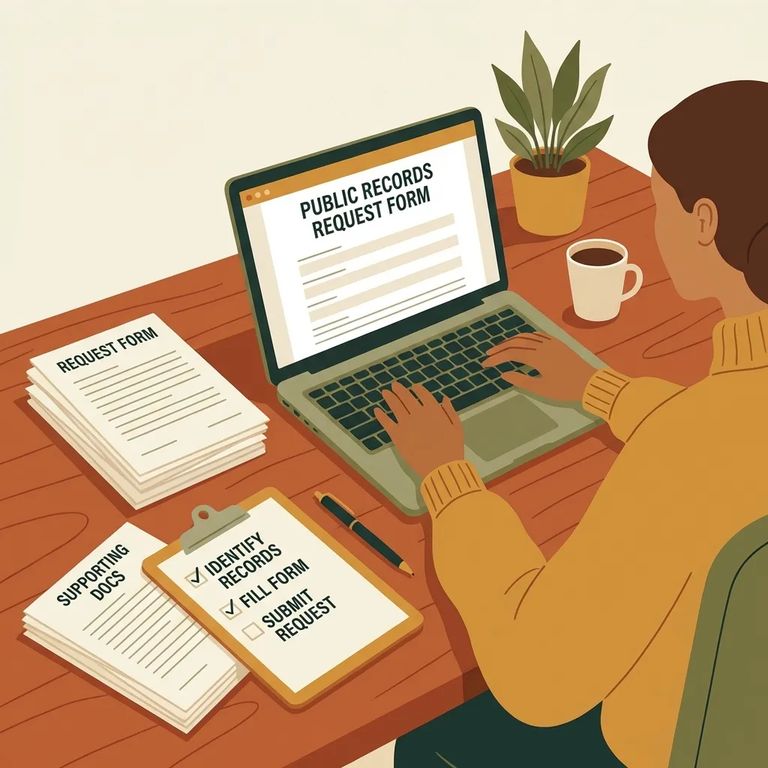
Need to request records from Aransas County? The online form makes it easy to create a clean, completed copy for your files. Here's how to fill it out in your browser, use the Print feature to generate your document, and understand the County Clerk's website disclaimers.
Start by opening the Aransas County online request form and filling it out on-screen. Why do it this way instead of printing a blank form? Your information carries over into the printable version. No handwriting the same details twice, and you get a cleaner copy for your records.
Once you've filled in the fields, click the Print button on the form. The site will prepare a printable document and download it automatically. Since you completed the form first, your information should already be populated - no starting from scratch.
Checklist Ready
- ✓ The details you plan to enter in the online form (so you can complete it in one sitting)
- ✓ Any names, dates, or other identifiers you’ll use to describe what you’re requesting
- ✓ A way to save the downloaded printable document after you click Print
The County Clerk's website is a public convenience tool, but the Aransas County Clerk doesn't certify the authenticity of information shown there. The site helps you look things up and start a request - but appearing online doesn't make something a certified record.
The County Clerk also isn't responsible for errors or omissions in the online records, and won't be liable if you rely on website information to make decisions. If you're using what you find for something serious, treat it as a starting point and verify through official channels.
There's also an indemnification term: by using the online service, you agree to hold harmless the County and anyone involved in storing, retrieving, or displaying the information for any damages from retrieving information over the Internet. Translation: you're using an online tool with conditions, and using it means accepting them.
One more thing: the site describes its index like a library card catalogue - a guide to what's in referenced documents, not a substitute for the documents themselves. If something looks off, treat the index entry as a pointer and focus on getting the actual record.
Note: Images on the Clerk’s site may be unavailable while system backups are in progress. If a document image won’t load, try again later.
If you’re searching the Clerk’s site and not finding what you expected, broaden your search. The site advises users to try all possible spelling variations of names and to use alternate search criteria to maximize results.

After the populated document downloads, save it somewhere you can find it later. Print a copy for your paper file if you keep one. Since you filled out the form online first, this version includes your information - not a blank template. Keeping it also makes follow-ups easier if you need to double-check what you submitted.
Find an Inmate at Aransas County Jail
Search for a loved one and send messages and photos in minutes.
