
How to Send Money to Facility
Sending funds to someone at ASPC-Red Rock or paying visitation fees? The Arizona Department of Corrections has specific payment rules you need to know. Here's what they accept and what they don't.
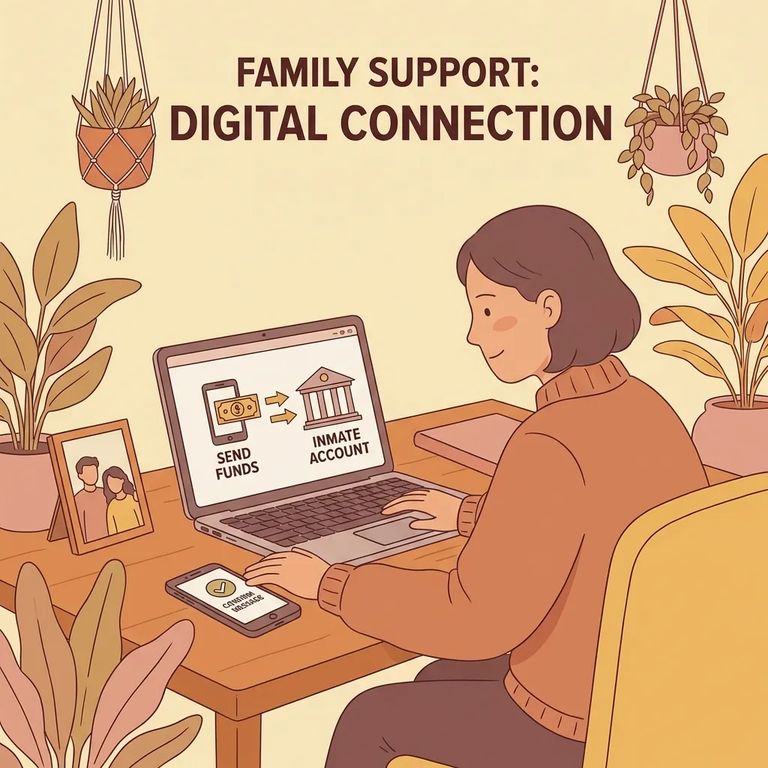
The Arizona Department of Corrections does not accept personal checks, money orders, or cashier's checks for inmate account deposits. Don't plan to mail or drop off any of these. They won't be accepted.
Visitation payments work differently. Background check fees and Application to Visit payments must be made electronically. Include your Application Visitor ID when you submit so the payment gets matched to your application. You can pay through the facility's listed vendors online, through a mobile app, by phone, or at a walk-up location (depending on what the vendor offers).
Time-sensitive: Background check fees and supporting documents must be received within 30 days of your application date. Miss this deadline and your application will be considered incomplete and won't be processed.
- Skip checks and money orders. Do not send personal checks, money orders, or cashier’s checks for deposit to an inmate’s account because they are not accepted.
- Pay visitation-related fees electronically. For background check fees and Application to Visit payments, use an electronic payment method.
- Use your Application Visitor ID. Have your Application Visitor ID ready and include it when you submit payment so it is applied to the right application.
- Choose a listed vendor and payment channel. Use one of the facility’s listed vendors and pay through the internet, mobile app, phone, or a storefront or walk-up option (as available).
Reminder: Fees and supporting documents must arrive within 30 days of your application date, or your application won't be processed.
What to Verify
- ✓ Confirm the current accepted ways to deposit money to an inmate’s account (and remember that personal checks, money orders, and cashier’s checks are not accepted).
- ✓ Confirm which vendors are currently listed for visitation background fee payments.
- ✓ Ask which payment channels each vendor supports right now (internet, mobile app, phone, storefront or walk-up).
- ✓ Confirm that you must include your Application Visitor ID with the payment, and exactly where it should be entered.
- ✓ Confirm how the facility counts the 30-day window (what they consider the “application date”).
- ✓ Ask what happens if fees or supporting documents arrive after 30 days, since late items can make the application incomplete and not processed.
Tip: Worried about timing or whether your payment will match your Application Visitor ID? Call the facility's visitation office and keep your electronic payment confirmation handy.
Find an Inmate at ASPC-Red Rock
Search for a loved one and send messages and photos in minutes.
