
Sending Messages Through Tablets at Baker County: What You Need to Know

Baker County Detention Center gives detainees access to tablets, which means you can stay in touch without relying solely on phone calls. For messaging, the facility directs families to HomeWAV - that's where you'll find instructions on sending non-confidential messages.
Note: The facility doesn't provide its own step-by-step messaging guide. Instead, they refer you to HomeWAV for instructions.
Looking for the official how-to? The facility points you to homewav.com for current instructions on sending non-confidential tablet messages.
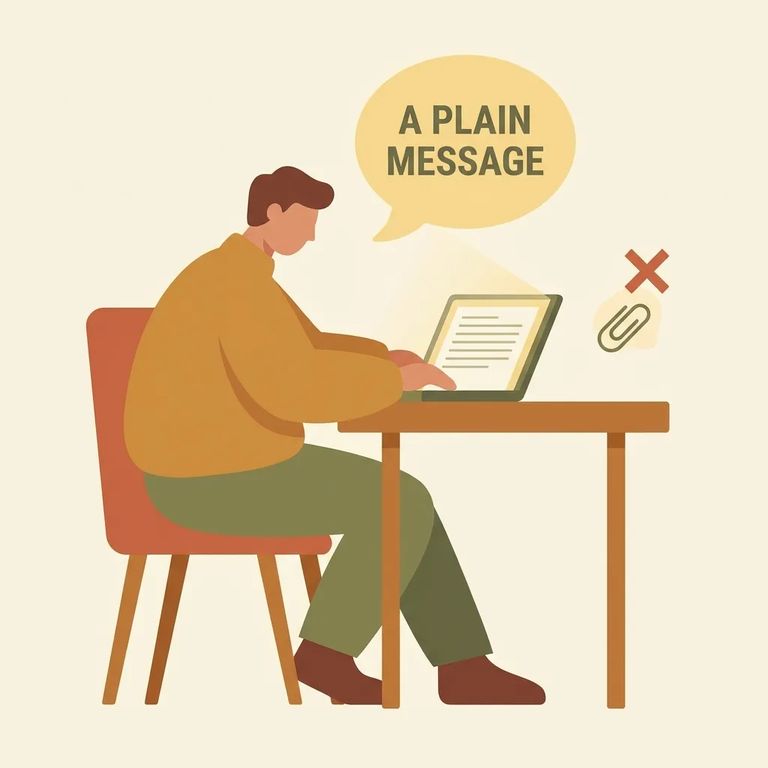
- Go to homewav.com - Use the vendor’s site as your starting point for the most current instructions on sending a non-confidential message through the tablets.
- Follow HomeWAV’s prompts to send your message - HomeWAV provides the onboarding and message-sending flow (like setting up your account and composing a message) inside their system, so stick to their on-screen steps.
- Call to confirm facility-specific details - If you’re not sure whether tablets are available for the person you’re trying to reach, or you have detainee-related questions that could affect communication, call (904) 288-4600 between 8 a.m. and 4 p.m.
Tablet messages sent through HomeWAV are non-confidential. Think of it like a public channel - keep your messages focused on safe, everyday updates and avoid sharing anything sensitive.
If Help
- ✓ Contact HomeWAV support if you’re stuck on the vendor side (account setup, sending a message, or technical issues)
- ✓ Call (904) 288-4600 between 8 a.m. and 4 p.m. if you need information about a detainee or want to verify communication options
Urgent message: Detainees can't receive incoming calls. To leave an urgent message, call (904) 259-3311 and provide the detainee's full name, alien registration number, plus your name and phone number.
Find an Inmate at Baker County Detention Center, FL
Search for a loved one and send messages and photos in minutes.
