
Sending Messages Through Tablets at Baker County: What You Need to Know About HomeWAV
Baker County provides tablets inside the facility, with messaging routed through HomeWAV. Before you send anything, know this: these messages are treated as non-confidential.
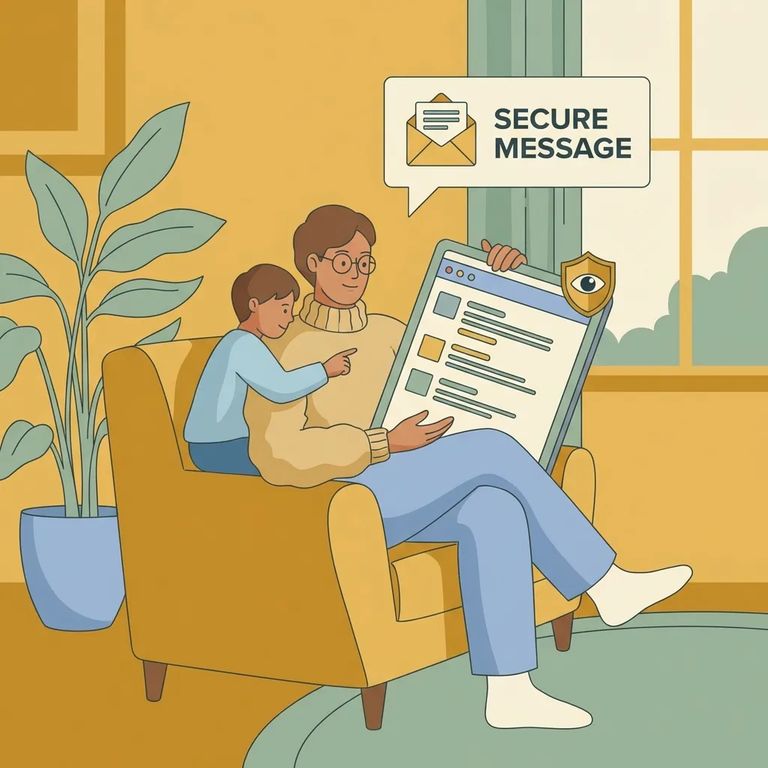
People held at Baker County have access to tablets inside the facility. That's the device your loved one will use to read and send messages through the approved system.
Note: Tablet access and how messaging works can depend on the facility’s process. Follow the directions provided for using HomeWAV through the in-facility tablet.
HomeWAV is where the facility directs you for messaging - but these are labeled non-confidential messages. Treat anything you send like it's not private. Keep your messages supportive and practical. Stick to everyday updates rather than anything you wouldn't want repeated.
- ✓ Keep messages general and avoid sensitive details (especially legal, medical, or immigration information)
- ✓ Use a more appropriate channel for sensitive topics instead of tablet messaging
- ✓ Read HomeWAV’s own privacy/confidentiality language before you send anything you’d regret sharing
Looking to figure out how messaging works at Baker County? The facility directs you to HomeWAV for guidance on sending non-confidential messages. That's where you'll find details on using the messaging system connected to the in-facility tablets.
Click through from the ICE website to the iPhone download option, and you'll see an ICE
Same thing for Android: ICE shows a redirection notice explaining you're leaving ICE.gov for HomeWAV's listing on Google Play. From there, downloads, sign-ins, and account setup all happen through the app store and HomeWAV.
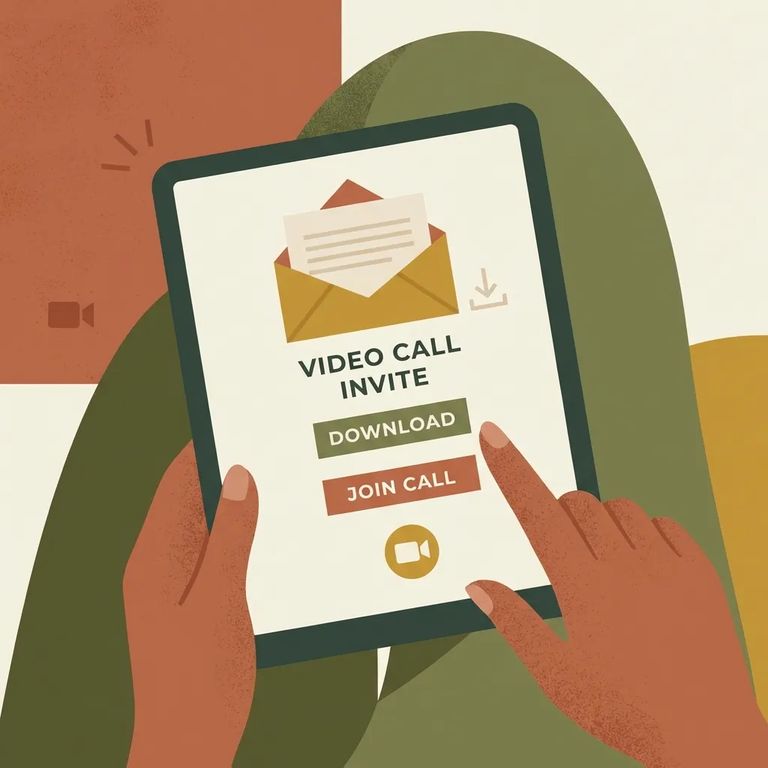
The facility's guidance is simple: for messaging, go to HomeWAV, and remember that messages are non-confidential. For the practical details - account setup, costs (if any), and privacy policies - check HomeWAV's own information and any facility-specific rules for tablet use.
- Check HomeWAV for setup and pricing - Look for whatever HomeWAV lists for creating an account, adding funds (if required), and sending messages.
- Read HomeWAV’s privacy/confidentiality language - Confirm how messages are treated and what “non-confidential” means in practice before you share anything sensitive.
- Confirm facility-specific limits - Make sure you understand any rules that affect who can be contacted and what content is allowed through the tablet messaging system.
Find an Inmate at Baker County Detention Center, FL
Search for a loved one and send messages and photos in minutes.
