
How to look up someone in Michigan's OTIS (step-by-step)
Trying to find someone in Michigan's corrections system? OTIS is a good starting point. Here's how to search it—and how to verify what you find before making any plans.
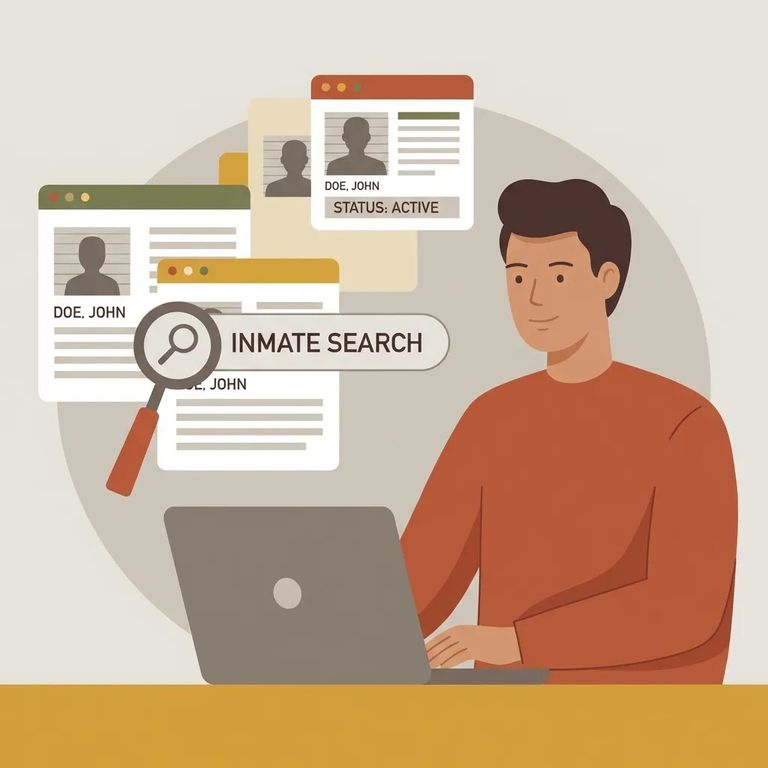
OTIS covers people who are currently - or were previously - under the jurisdiction or supervision of the Michigan Department of Corrections (MDOC). That includes anyone in a Michigan prison, plus people on parole or probation supervised by MDOC. You'll also find records for people who transferred in or out of Michigan under the Interstate Compact. Some records may show that a person escaped or absconded from their sentence.
One important limit: OTIS only shows people who've been under MDOC jurisdiction or supervision within the last three years. If it's been longer than that, they won't appear in the database.
OTIS provides public information you can verify through MDOC, Michigan Courts, the Michigan State Police, or other law enforcement agencies. If you're using what you find to make decisions - travel plans, contacting an agency, planning around a possible release - take the time to confirm it.
Before you can search OTIS, you'll need to check a box agreeing to the site's terms. By proceeding, you're confirming you've read and understood them. The key limitation: OTIS comes with no warranty on accuracy. The database may not reflect the most current location, status, projected release date, or other details.
Note: Don’t take action based only on OTIS. Confirm what you found with MDOC, the Michigan State Police (through ICHAT), or by reviewing the court file.
Step1 Search
- ✓ Search by the person’s name (try common variations if you’re not sure how it’s entered)
- ✓ Use a DOC number if you have it (this can help narrow down results when names are similar)
Not finding the person? Try alternate spellings or name variations. Remember the three-year window - if someone hasn't been under MDOC jurisdiction or supervision within that time, they won't show up. Also, some offenders are sentenced under Michigan statutes that block public disclosure. Those convictions won't appear in OTIS even if you have the right name.
When you open a result, read the status details carefully. This is where you'll learn whether someone is in a Michigan prison or under community supervision (parole or probation). OTIS also displays records for people who've escaped or absconded - so don't assume "no facility listed" means "released."
You may see a projected release date on the record. Treat it as a rough estimate, not a guarantee. If the record lists an offense with a Michigan Compiled Law (MCL) number, you can click it to read the statute on the Michigan Legislature website.
Heads up: OTIS may be out of date and may not reflect the most current location, status, or projected release date. Confirm details with MDOC, Michigan State Police ICHAT, or the court file before you rely on what you see.
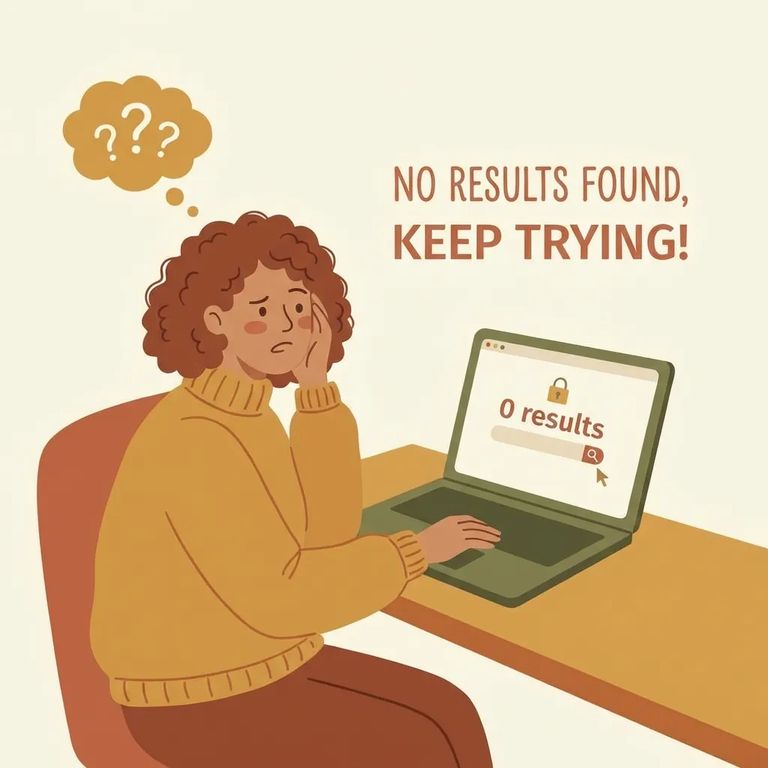
No results doesn't always mean "not in the system." The most common reason is timing - OTIS only covers the last three years of MDOC jurisdiction or supervision. Another possibility: the person's conviction falls under a Michigan statute that blocks public disclosure. In that case, the record won't appear even if you have the correct name.
- Confirm through MDOC - OTIS is meant to be verified, so use MDOC to confirm any information before you act.
- Check Michigan State Police ICHAT - OTIS specifically recommends confirming through the Michigan State Police using ICHAT.
- Review the court file - A court file review is another recommended way to confirm details when OTIS is missing, incomplete, or unclear.
Checklist After
- ✓ Write down the identifying details from the record (especially the DOC/offender number if it’s shown)
- ✓ Save what you found for your own reference (for example, a screenshot or notes)
- ✓ Verify the information with MDOC, Michigan State Police ICHAT, or the court file before you take action based on OTIS
Find an Inmate at Baraga Correctional Facility, MI
Search for a loved one and send messages and photos in minutes.
