
How to Send Money to Facility
Sending money and paying for communication services can feel confusing during a vendor change. Here's how to set yourself up so your loved one's transition goes smoothly and your funds end up in the right place.
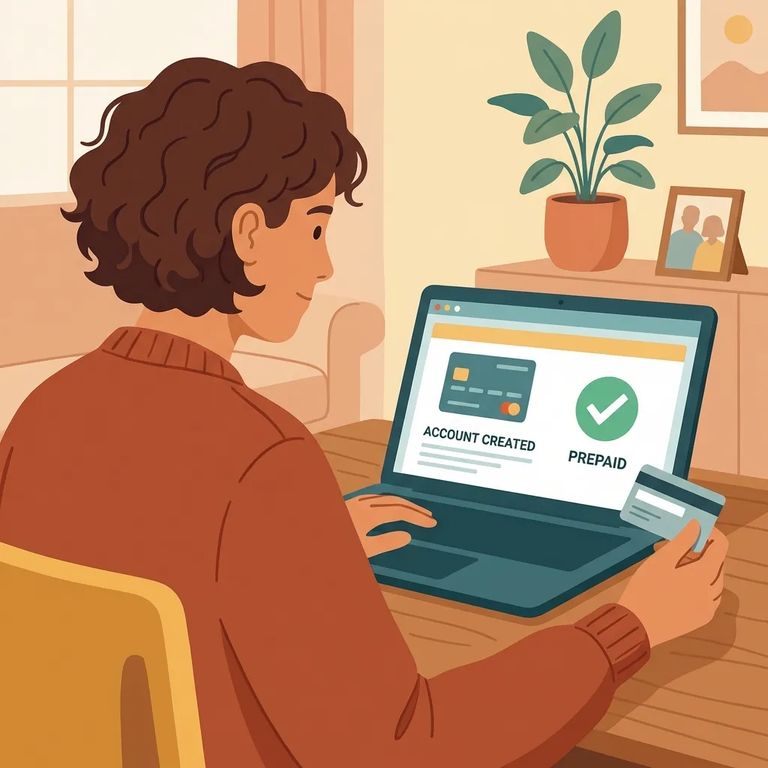
Create your Securus account before your loved one's facility transition. If you wait until after, you'll lose time trying to add funds or start using services when it matters most.
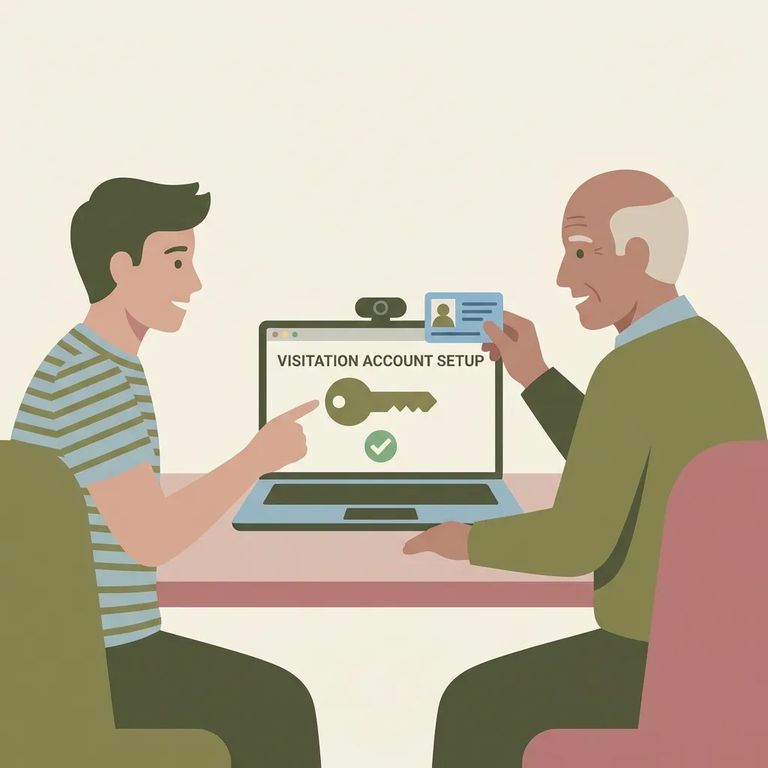
Setting up through the visitation portal? Look for the "Claim Account" option. That link is specifically for new users who need to create access for the first time.
If you still have unused ViaPath balances from before the transition, refunds are handled separately. You can request one through ViaPath's website using the ConnectNetwork help resources.
- Create your Securus account before the transition - Set it up ahead of time so you are ready as soon as your loved one’s facility changes over.
- Use “Claim Account” if you are signing up through the visitation portal - On the portal login page, new users can select “Claim Account” to create their account.
- Set up prepaid video funding with AdvanceConnect - If you plan to receive video calls, use Securus’s AdvanceConnect feature to configure your account and add funds for prepaid video.
- ✓ If you plan to receive prepaid video calls, confirm you are using Securus AdvanceConnect to set up and fund the account.
- ✓ If you have unused ViaPath balances, request a refund through ViaPath’s website (ConnectNetwork help).
Note: Confirm two things before adding money: that your Securus account is set up prior to the facility transition, and that AdvanceConnect is the correct way to fund prepaid video calls for your loved one.
On the visitation side, double-check that your portal login screen shows the "Claim Account" workflow for new users. That's the intended sign-up path. Separately, if you're trying to recover unused ViaPath funds, verify your refund eligibility and follow the instructions through ViaPath's ConnectNetwork help resources so your request goes to the right place.
Find an Inmate at California Institution for Women
Search for a loved one and send messages and photos in minutes.
