
How to Set Up Video Visits with Securus at California Institution for Women (CIW)
Securus handles communications for CDCR facilities, including California Institution for Women (CIW). Setting up your account now means you'll be ready for video visits the moment they become available—no last-minute scrambling required.
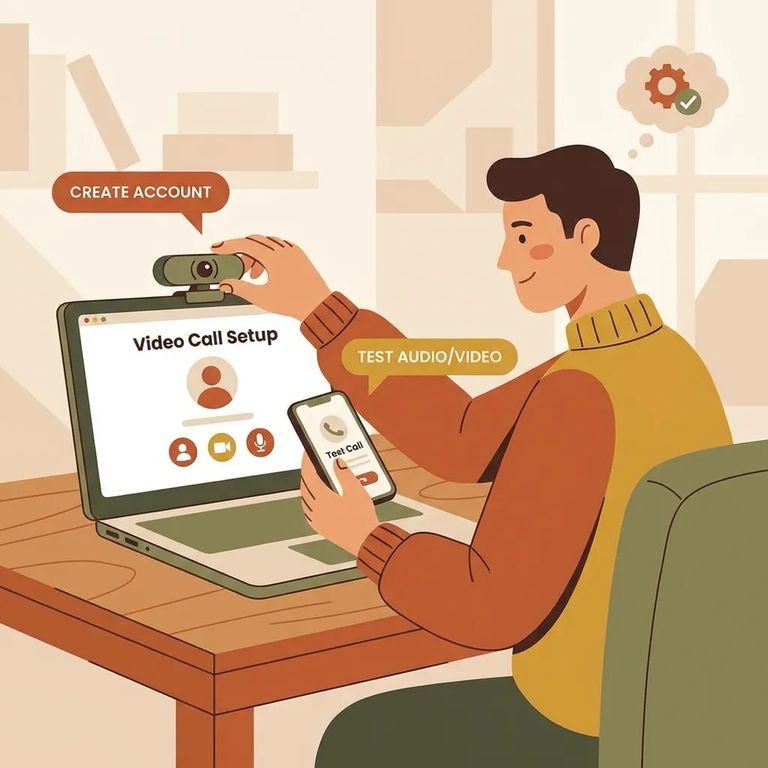
Securus handles communications for CDCR facilities, including California Institution for Women (CIW). Calls, videoconferencing, and electronic messaging for CDCR facilities will begin rolling out in September. Getting your account set up ahead of time means you won't be rushing when video visits finally open up.
Note: CDCR calls, video, and electronic messaging start rolling out in September. Get your account ready now to avoid delays when services go live.
Start by creating a Securus account on their website or mobile app. You'll need this account for video visits and electronic messaging once those services launch. One thing that might save you some confusion: you don't actually need an online account just to receive free telephone calls. But go ahead and set one up now - it's mainly about being ready for video and messaging.
Add Funds
- ✓ Open the Securus app and sign in to your account.
- ✓ Find AdvanceConnect in the app.
- ✓ Set up AdvanceConnect and add funds for prepaid video calls.
- ✓ Check your AdvanceConnect balance before your visit so you’re not troubleshooting at the last minute.
- Open Video Connect in the Securus app - this is where you register to receive videoconference visits.
- Register and select “Permitir videollamadas” (Allow video calls) - this setting is required so video calls can be sent to you.
- Save and double-check your selection - if “Allow video calls” isn’t enabled, you may not be able to receive videoconference visits.
Securus Video Connect is web-based, so you can schedule and join video sessions from anywhere with internet access. Use the free Securus app, a computer, or a tablet - whatever works for you. Before your first visit, log in and make sure everything loads correctly on your device. Small setup issues are much easier to fix before your scheduled time than during it.
Tip: Test your device ahead of time (camera, microphone, and internet connection) so you’re not troubleshooting when your video session is supposed to start.
Since CDCR video, calls, and electronic messaging are rolling out starting in September, expect details to firm up as the launch progresses. Before booking your first video visit, check for the latest CIW and CDCR updates to confirm scheduling and availability.
Find an Inmate at California Institution for Women
Search for a loved one and send messages and photos in minutes.
