
Before Your First Video Visit: Checklist to Create a Securus Account for Cochise County
Video visits go smoother when your Securus account is ready before you need it. Here's a quick checklist to get set up for Cochise County.
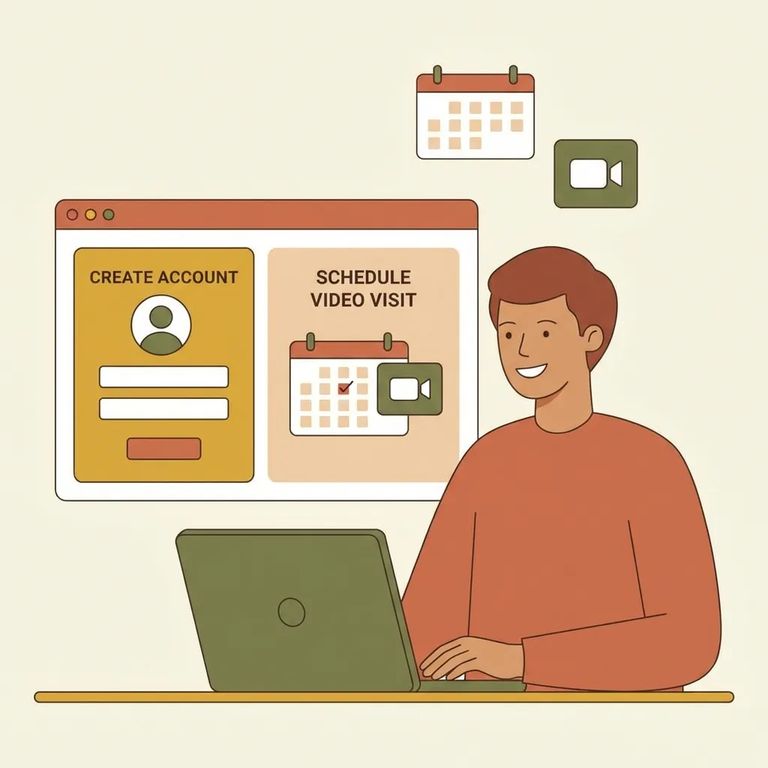
You can't just jump on a video call at Cochise County without some prep. First, you'll need to create an online account and agree to the terms and conditions - only then can you visit remotely.
Note: Cochise County uses Securus Video Connect, which lets you join video sessions from anywhere with internet access using the free Securus app, a computer, or a tablet.
Remote video visits at Cochise County run through Securus Video Connect. You can use the free Securus app or connect from any computer or tablet with internet access. Set everything up before your scheduled visit - you don't want to be troubleshooting when you should be connecting.

Simple Checklist Before Call
- ✓ Create your online Securus account.
- ✓ Agree to all terms and conditions (this is required to visit from home).
- ✓ Decide what you’ll use for the visit: the free Securus app, a computer, or a tablet with internet access.
- ✓ Check that your device can use audio and video so you’re ready when the session starts.
Tip: Test the free Securus app or your computer/tablet connection before visit day. Use whichever device you'll actually use, so you know it works with your setup.
Stuck during setup? Call Securus support at 877-578-3658 for help with Cochise County services.
Find an Inmate at Cochise County Jail, AZ
Search for a loved one and send messages and photos in minutes.
