
How Mail Works at IDOC: Scanning, Printing Requests, Books, and Addressing Tips
Mail sent to Illinois Department of Corrections (IDOC) facilities doesn't arrive the way you might expect. Here's what you need to know about scanning, privileged mail labeling, printing requests, and sending books or magazines.
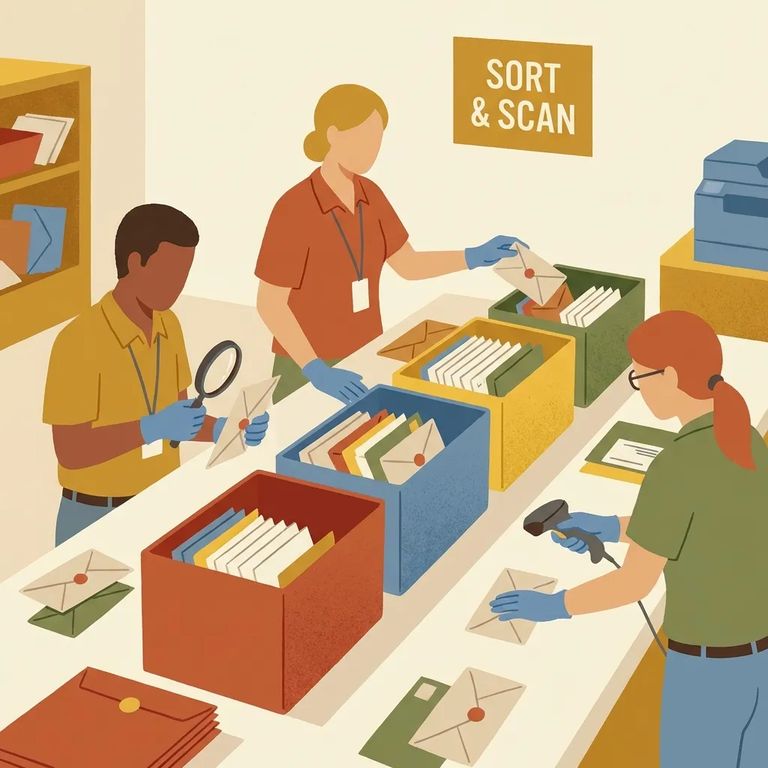
When non-privileged mail arrives, IDOC mailroom staff open it and check for contraband. They then scan the front and back of the envelope - plus every item inside (letters, greeting cards, photos) - in color and upload everything as PDFs to the recipient's bulletin board/tablet. Your loved one reads your letter as a scanned document, not the original paper you sent.
Tip: If you’re sending photos or a card, expect them to show up as color-scanned PDF images on the individual’s bulletin board/tablet, along with scans of the envelope.

Sending privileged or legal mail? Label it clearly. Write "privileged" or "legal" on the outside of the envelope, and include the sender's name, title, and address. This labeling tells the mailroom to treat your correspondence as privileged - not general mail.
Note: IDOC opens and inspects all incoming and outgoing mail for contraband - except privileged mail. Marking legal correspondence correctly keeps it protected.
- Find the mail document number - Locate the document number for the specific scanned mail item they want printed.
- Fill out DOC 028 - Complete an Individual In Custody Request Form (DOC 028) as a “Mail Print Request.”
- Include the document number - On the DOC 028, provide the mail document number for the item to be printed.
Reminder: A print request needs both the DOC 028 form and the mail document number for the specific scanned item.
Starting September 30, 2025, IDOC will only accept publications mailed directly from the publisher. You can't drop off books, magazines, or other publications at a facility for someone. If you want to send reading material, order it through a publisher, book club, bookstore, or distributor that ships directly to readers.
Addressing Tip
- ✓ Put the individual’s IDOC number right next to (or very close to) their name on the envelope to help ensure prompt processing.
Find an Inmate at Danville Corrections Facility, IL
Search for a loved one and send messages and photos in minutes.
