
Scheduling Your First In-Person Visit at Danville Correctional Center (SignUpGenius)
Scheduling your first visit is usually the hardest part—mostly because the process is specific to each facility. At Danville, in-person visits are booked online through IDOC's SignUpGenius system. A quick, careful signup is all it takes to get in the door.

Danville - like other IDOC facilities - uses SignUpGenius for in-person visit scheduling. You'll pick an available time slot online. Phone scheduling isn't an option.
- Go to IDOC’s SignUpGenius scheduling page - Start from the official IDOC SignUpGenius system used for in-person visitation scheduling.
- Find the Danville in-person visitation signup - Make sure you’re selecting the Danville location before choosing a date/time.
- Pick an available date and time slot - Choose an open slot that works for you (double-check the day and time before you submit).
- Enter visitor information carefully - Add the visitor details requested, and make sure any names you enter match what you intend to use for the visit.
- Confirm the booking - Finish the signup and save whatever confirmation details the system provides so you can reference them later.
Tip: Before you hit submit, re-check the facility (Danville), the date/time you selected, and that every visitor name is entered correctly. Most scheduling problems come from simple mix-ups on those details.
Arrive at least 10 minutes before your scheduled time. That buffer accounts for check-in and any line at the entrance - show up late and you could lose your slot.
- ✓ Two forms of identification for each adult visitor
- ✓ One form must be a current state-issued photo ID
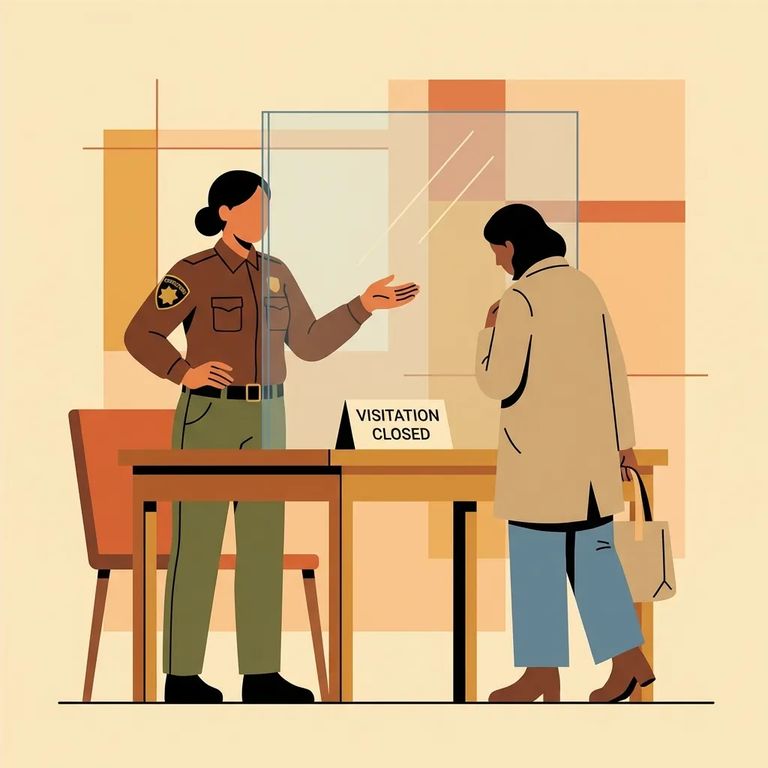
Even with a confirmed slot, your visit can be denied, suspended, or restricted. IDOC rules give the facility's chief administrative officer authority to do so for security concerns, space limitations, disruptive behavior (from you or the incarcerated person), abuse of visiting privileges, or violations of state, federal, or departmental rules.
Next step: Make sure you’re on the incarcerated person’s approved visitation list. IDOC staff won’t confirm list status by phone, so the practical way to verify is to write to the person you’re trying to visit.
Troubleshooting Verification
- ✓ Write to the person in custody to confirm you’re on their approved visitation list (IDOC staff won’t verify list status by phone)
- ✓ Try scheduling again through IDOC’s SignUpGenius system if you couldn’t book the first time
- ✓ Don’t call the facility to ask whether you’re approved - plan to verify approval by letter instead
Looking for a video visit instead? That's handled through the ICSolutions website - not SignUpGenius. Don't call the facility to schedule video visits.
Find an Inmate at Danville Corrections Facility, IL
Search for a loved one and send messages and photos in minutes.
