
District 12 Lawrenceburg, Anderson County
Need to reach someone at District 12 Lawrenceburg, Anderson County? Look up an inmate, send messages or mail, add commissary funds, or schedule a visit.
Explore
Find an Inmate at District 12 Lawrenceburg, Anderson County
Search for a loved one and send messages and photos in minutes.

Guides for This Facility
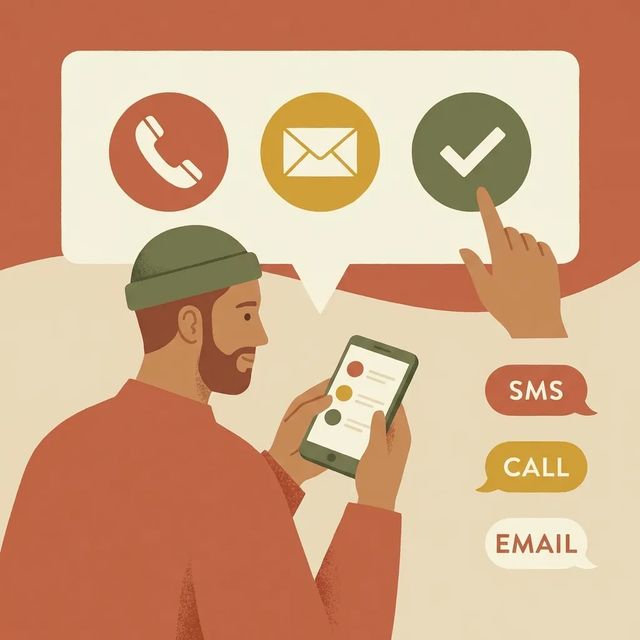
How to Contact an Inmate at District 12 Lawrenceburg, Anderson County (KY)
Getting in touch with someone at District 12 in Lawrenceburg starts with setting up your phone number correctly and completing verification. Here's what you need to do, based on Kentucky DOC guidance.
Read Guide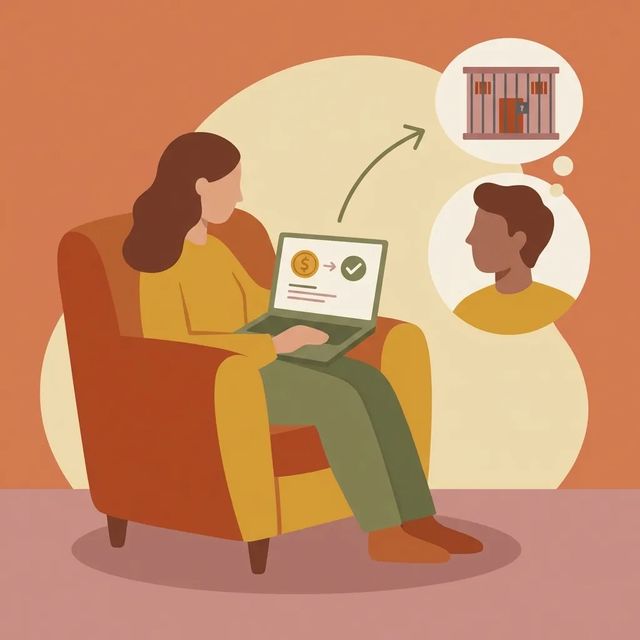
How to Send Money to District 12 Lawrenceburg, Anderson County (KY)
Looking to send money to someone at District 12 (Lawrenceburg, Anderson County)? The only facility information available here covers Kentucky DOC's Legal Mail Portal, which handles legal correspondence, not money transfers. The Legal Mail page lets you register for a portal account used for legal-mail communication and verification. For sending funds, you'll need to confirm the approved method directly through District 12 or Kentucky DOC, since money-transfer details aren't included in the available material.
Read GuideVisiting, Payments, and Travel Permits at District 12 Probation & Parole (Lawrenceburg)
Heading to the District 12 Probation & Parole office in Lawrenceburg to support someone on supervision? A little prep can save you a stressful trip. Use the checklists below for security rules, payment options, and travel permits.
Read GuideAt a Glance
Visitation
- Attorneys must create a Securus Online account and submit a self-image, driver’s license photo, and bar license photo to use attorney video visits.
- Attorney video visits are listed as costing $5 for up to 25 minutes.
- Securus Video Connect enables remote video sessions so friends, family, and attorneys can participate from off-site.
Communication
- Remote video visits are handled through Securus Video Connect.
- You can register your phone number with Securus to have it marked private to help prevent calls from being recorded.
- Legal Mail Portal applicants complete phone or text verification and receive email notification if approved or rejected.
Sending Commissary
- You can add funds to commissary and phone accounts via online vendor portals, lobby kiosks, phone deposits, or mailed money orders, depending on the facility.
- Vendor portals and services commonly handle commissary, phone time, and care packages; some jails also provide lobby kiosks for cash or card deposits.
- Posting times, accepted payment types, and whether deposits can be used for bonds or fees differ by location—check the facility’s instructions for exact rules.
Based on official sources and community feedback.Learn how we verify
Topic Overviews
Communication
District 12 (Lawrenceburg) uses third-party vendors for remote communication, including scheduled video sessions through Securus Video Connect. Create an account with the approved vendor, complete identity verification, then use the vendor website or app to schedule video visits or send electronic messages. Phone calls are placed by the incarcerated person and may be collect, debit, or funded through vendor accounts. Calls and messages are typically monitored or recorded. If you want to prevent unwanted recording, register your phone number with Securus and request it be marked as private. For the Legal Mail Portal, you'll need to complete phone or text verification. You'll receive an email stating whether your application was approved or rejected.
Read full guideSending Commissary
Sending money to someone at District 12 Lawrenceburg, Anderson County typically happens through a third-party online vendor portal, phone deposit, lobby kiosk, or mailed money order. Available options depend on the location. Vendor portals let you search by state and facility, choose whether you're funding commissary or phone time, then pick a payment method like card, cash at a kiosk, or money order. Posting times, accepted payment types, and whether a deposit applies to bonds or specific fees can differ. Check the facility's instructions before you pay. Some fees, such as drug testing or supervision fees, may be payable through apps or kiosks where supported.
Read full guideCommon Questions
Showing 6 of 8How do I schedule a visit at District 12 Probation & Parole (Lawrenceburg)?
Get a visitor information form (from the facility or the person you plan to visit), complete it, and submit it for approval. After background checks and official approval, you can schedule using the facility’s system, which may be an online vendor, email, or a lobby kiosk.
VisitationCan an attorney do a video visit with someone at District 12 Lawrenceburg?
Yes. Attorney video visits can be done through Securus Video Connect, but you must create a Securus Online account and upload a self-image, driver’s license photo, and bar license photo. The attorney video fee is listed as $5 for up to 25 minutes.
VisitationHow do I schedule a video visit with someone at District 12 (Lawrenceburg)?
Create an account with the facility’s approved communications vendor and complete any identity verification required. Then schedule through the vendor’s web portal or app, since District 12 uses Securus Video Connect for remote video visits.
CommunicationCan phone calls from District 12 be recorded, and how can I keep calls private?
Yes. Calls and electronic messages are typically monitored or recorded. To help keep calls private, register your phone number with Securus and request it be marked as private.
CommunicationWhat verification is required to use the Legal Mail Portal for District 12?
Legal Mail Portal enrollment requires phone number verification by text or phone call. You will get an email notification telling you whether your application was approved or rejected.
CommunicationHow can I add money to an inmate account at District 12 Lawrenceburg, Anderson County?
Common options include online vendor portals, phone deposits, lobby kiosks, or mailed money orders. Use the vendor portal to search by state and facility, then choose commissary or phone deposits and follow the payment steps. Since methods vary, confirm the accepted option before you send funds.
Sending CommissaryMore Guides
Ready to Connect?
Search for your loved one to start communicating today
Did You Know?
If you have questions or problems registering for or using the Legal Mail Portal, email doc.legalmailportal@ky.gov.
This guide is compiled from official facility documentation and community feedback. Learn how we verify