
How to Send Money to Someone at FMC Fort Worth (MoneyGram step-by-step)
Sending money through MoneyGram to someone at FMC Fort Worth is straightforward—but the details need to be exact. Follow these steps to make sure the deposit lands in the right commissary account as quickly as possible.

Wait until the person has physically arrived at FMC Fort Worth (or another BOP facility) before sending a MoneyGram deposit. Send funds too early, and the information won't match an active account - which means a rejected transaction or money landing in the wrong place. Once they're checked in, deposits move fast. MoneyGram transfers sent between 7:00 a.m. and 9:00 p.m. EST typically post within 2–4 hours. Send after 9:00 p.m. EST, and it posts at 7:00 a.m. EST the next morning.
The most common mistake? The account number format. For BOP MoneyGram deposits, the "Account Number" is the inmate's eight-digit register number followed immediately by their last name - no spaces, no dashes. Example: if the register number is 12345678 and the last name is DOE, enter 12345678DOE. Double-check the digits and spelling before you hit submit.
Receive Code: Use 7932 for Bureau of Prisons (BOP) deposits.
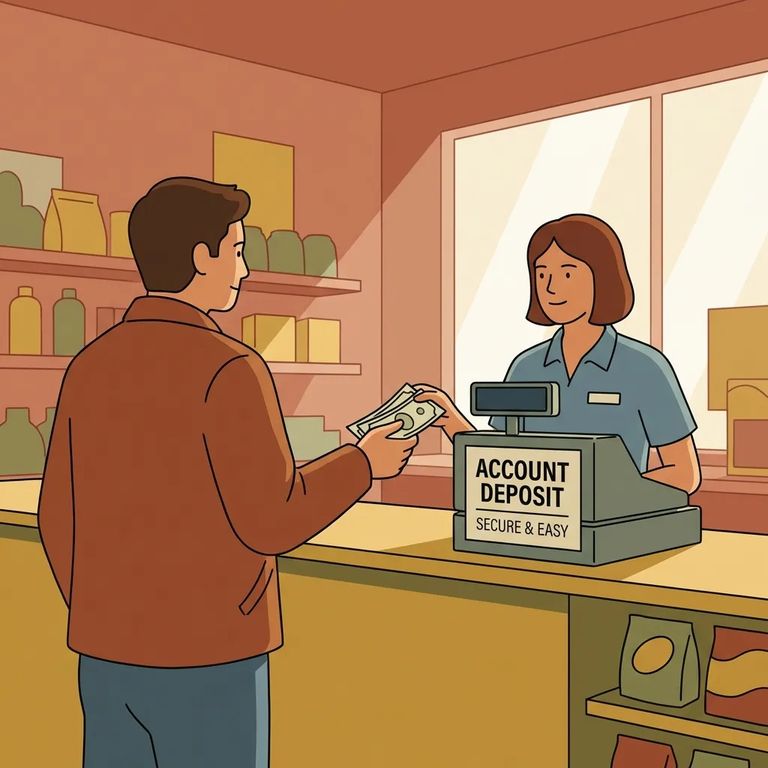
- Bring what you need to pay - Have your payment method ready at the counter, and be prepared to provide the inmate’s information.
- Enter the account number in BOP format - Use the inmate’s eight-digit register number followed immediately by their last name (example: 12345678DOE). No spaces, no dashes.
- Use the BOP receive code - Enter 7932.
- Confirm everything before you pay - Check the register number, last name spelling, and receive code one more time. A small typo can cause the transaction to be rejected or misapplied.
Deposit limits depend on how you send the payment. Online MoneyGram payments for BOP deposits max out at $300. Paying in person? Limits vary by location - ask the clerk about any maximums before you finalize.
- Start a MoneyGram payment to the BOP - In MoneyGram’s online bill-pay flow, select the option that lets you send to a company.
- Enter the receive code - Use 7932.
- Type the account number exactly - Enter the inmate’s eight-digit register number followed immediately by their last name (example: 12345678DOE). No spaces or dashes.
- Enter the amount (up to $300) - Choose the amount you want to send, staying within the $300 maximum for online entries.
- Review before submitting - Double-check the account format and receive code so the money posts to the correct commissary account.
MoneyGram deposits follow a predictable schedule. Send funds between 7:00 a.m. and 9:00 p.m. EST, and they typically post within 2–4 hours. After 9:00 p.m. EST? The deposit posts at 7:00 a.m. EST the following morning. If you're timing a deposit for commissary, this matters. Send earlier in the day, and the money usually shows up same-day instead of rolling over to the next morning.
Troubleshooting
- ✓ Entering the account number with spaces or dashes instead of eight-digit register number + last name (example should look like 12345678DOE)
- ✓ Typing the last name wrong (even a small spelling error can cause problems)
- ✓ Using the wrong receive code (BOP receive code is 7932)
Money not showing up? First, check the posting windows: deposits sent 7:00 a.m.–9:00 p.m. EST usually post within 2–4 hours, while deposits after 9:00 p.m. EST post at 7:00 a.m. EST the next morning. If you're outside those windows, give it more time. Still missing after the expected posting time? Grab your receipt or confirmation and contact MoneyGram support to verify the transaction details. Once you've confirmed the payment info is correct, you can follow up through BOP channels.
Find an Inmate at FMC Fort Worth
Search for a loved one and send messages and photos in minutes.
