
Setting Up an ICSolutions Video Visit at Fox Lake: Step-by-Step
Setting up a video visit feels like a lot the first time. Once you know Fox Lake's rules, though, it's straightforward. Here's how to create your ICSolutions account, book a time slot, and sidestep the common mistakes that can cut your visit short—or cost you money.
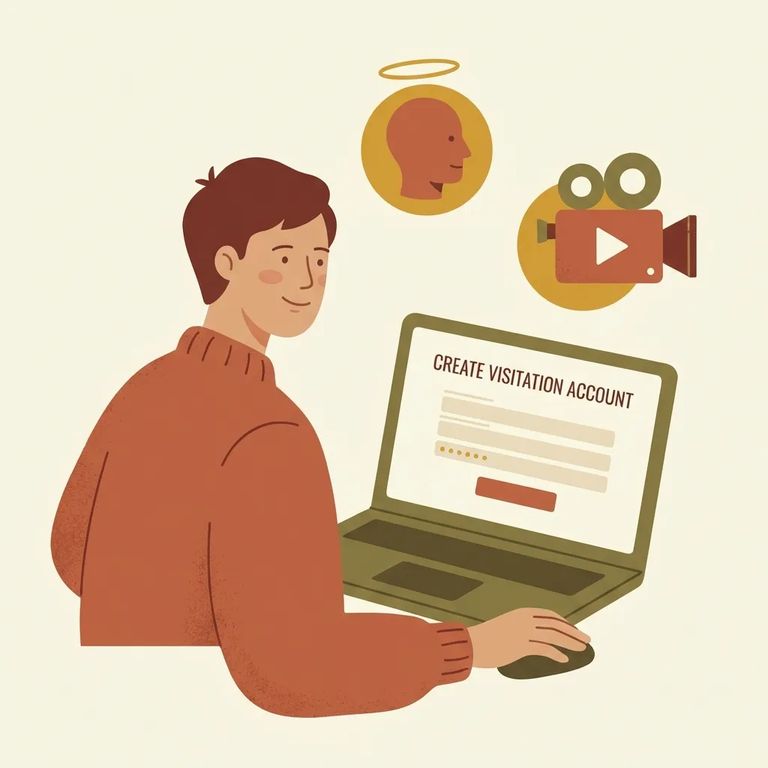
To request any visit at Fox Lake Correctional Institution - in-person or video - you'll use the ICSolutions website. New to the system? Create an account first. Already have one? Log in and head straight to the scheduling section.
Timing matters when booking an ICSolutions video visit at Fox Lake. You must schedule at least 48 hours ahead, but no more than 14 days in advance. Fall outside that window and the system won't let you proceed - adjust your date so it lands between 48 hours and 14 days out.
Heads up: Video visit slots are limited at Fox Lake, and scheduling is first-come, first-served - so booking earlier (within the allowed window) can help you get the time you want.
Only the people scheduled for your Fox Lake video visit can appear on screen or be heard. Everyone has to join from the same device - no extra faces off-camera, and no splitting the group across multiple phones, tablets, or computers.
No recording: Visitors are not permitted to record an ICSolutions video visit at Fox Lake.
Termination Behaviors
- ✓ Sexual acts or nudity (including displaying sexual content or devices)
- ✓ Drug or alcohol use during the visit
- ✓ Showing weapons
- ✓ Operating a vehicle during the visit
- ✓ Joining from inappropriate locations
- ✓ Any suspected illegal activity or behavior that wouldn’t be allowed in a visiting room setting
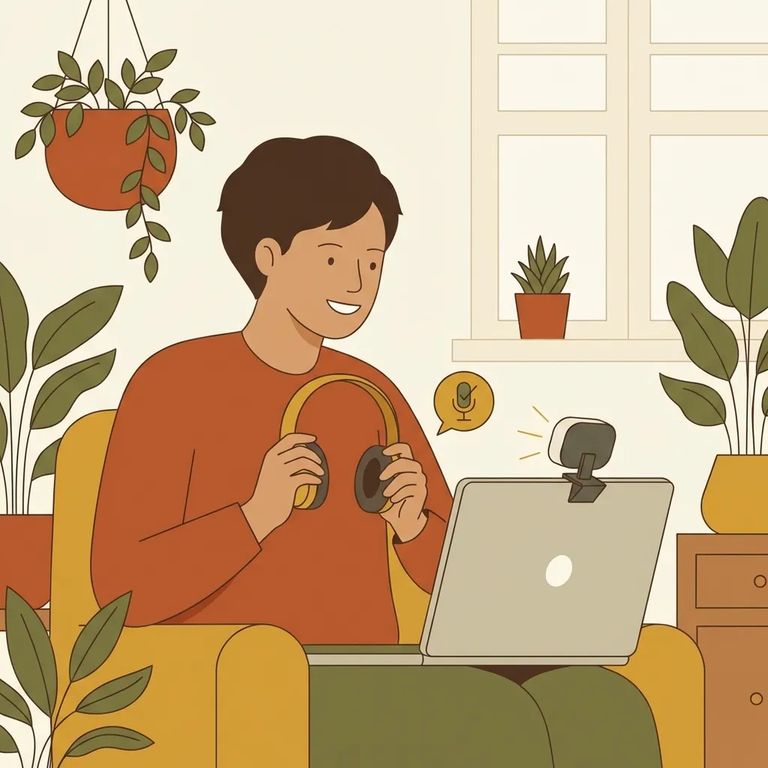
Plan for zero wiggle room: Fox Lake won't extend or reschedule your visit if you're late or hit technical problems. Test your setup beforehand.
- Confirm your appointment falls in the allowed window - Make sure the visit time you choose is at least 48 hours away and no more than 14 days out.
- Use one device for everyone who’s scheduled - Only the scheduled participants can be seen/heard, and they must all be on the same device for the visit.
- Set up your device and connection ahead of time - Use a stable internet connection and a fully charged device (or keep it plugged in) so you don’t lose time.
- Join early to test audio and video - Give yourself a few minutes to make sure your camera and microphone are working before the visit starts.
- Keep the session “clean” and unrecorded - Don’t record the visit, and don’t do anything on camera that could be treated as inappropriate or illegal.
Find an Inmate at Fox Lake Correctional Inst., WI
Search for a loved one and send messages and photos in minutes.
