
How to Receive Phone Calls from Someone at FRDC: Setting Up Securus and Other Options
Phone calls are often the fastest way to stay connected—but Missouri DOC phone systems have a few moving parts. Here's how calls work at Fulton Reception & Diagnostic Center (FRDC), how to set up Securus, and what to do if you're getting calls you don't want.
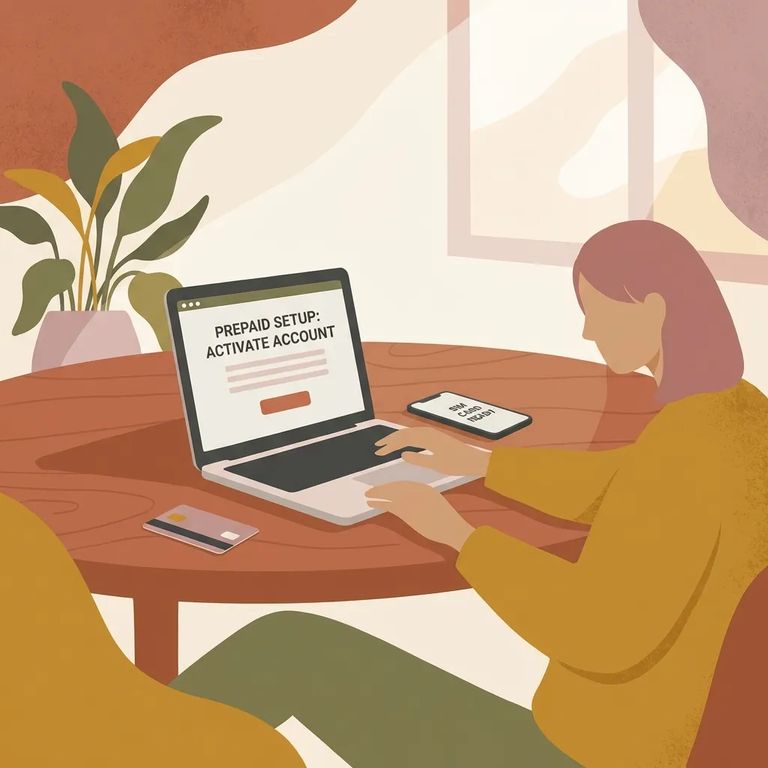
At FRDC, incarcerated individuals cannot receive incoming phone calls. The only way you'll talk by phone is if your loved one calls you - and they may not be able to if they're on restricted status.
The phone system handles three types of calls: collect, debit, and prepaid. Collect means you accept the charges when the call comes in. Debit means your loved one uses minutes they've already purchased. Prepaid means money is set aside ahead of time to cover calls.
There's also a tablet option. Your loved one can place calls through a phone app on JPay tablets, and that service runs through Securus Technologies.
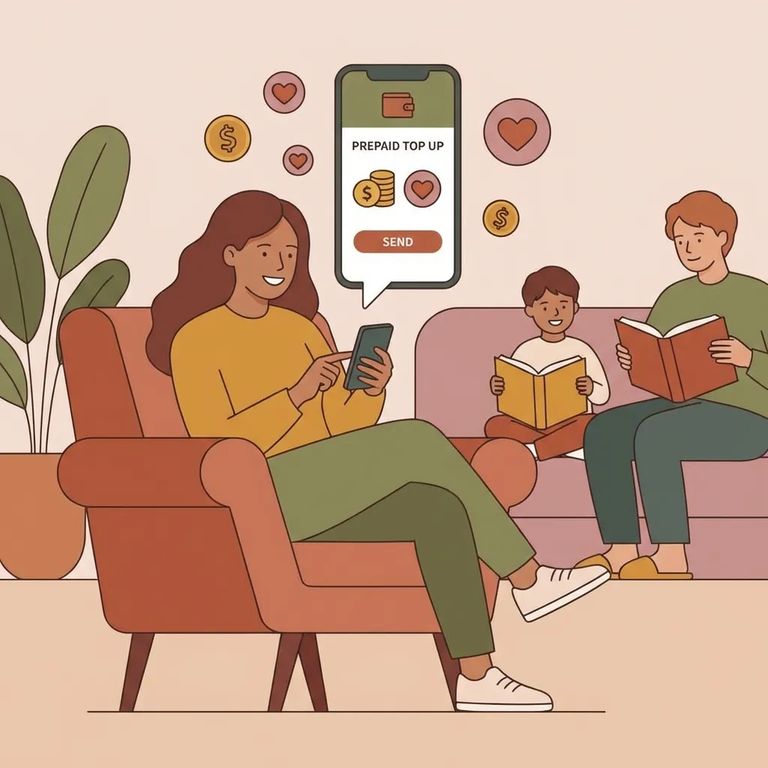
Prepaid and Securus
- ✓ Buy debit minutes through the canteen.
- ✓ Buy debit minutes at a kiosk available at the facility.
Want more control over costs? Securus accounts are a popular choice for FRDC calls. One option is AdvanceConnect, which lets you fund calls in advance to a specific billed-to number (BTN). Missouri DOC also notes that you can set up your Securus account online, by phone, email, or mail.
Another option is Securus Direct Bill. Instead of paying upfront, calls get billed to you monthly - but you'll need to pass a credit check to qualify.
Tip: If you’re not sure which Securus option fits your situation (prepaid/AdvanceConnect vs. Direct Bill), contact Securus customer service for help with setup and eligibility.
Calls go through an automated security system. Your loved one needs a personal identification number (PIN) to place any call - that's how the system controls and tracks calling access.
Reminder: All offender phone calls are monitored for security purposes. Plan your conversations with that in mind.
- Use the automated phone prompts to block calls - follow the prompts during the call to block future calls to your residence.
- Contact the institution right away if calls continue - share as much identifying information as you can so staff can intervene.
Find an Inmate at Fulton Reception & Diagnostic Center
Search for a loved one and send messages and photos in minutes.
