
How to Set Up Your First Video Visit at Highland County Jail
Getting your first video visit set up comes down to four steps: create your account, register as a visitor, download and test the app, then schedule at least 24 hours ahead.
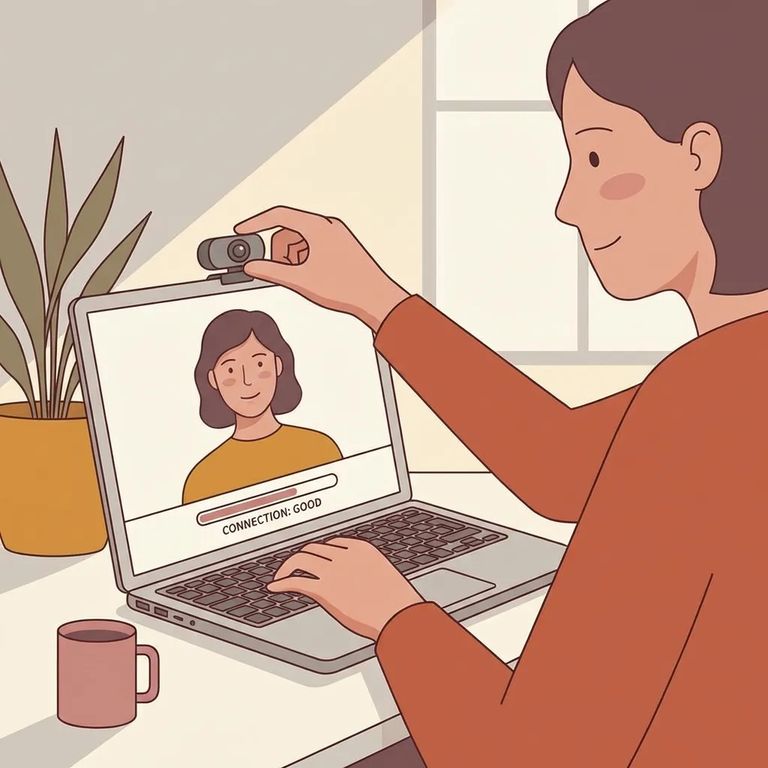
Highland County uses The Visitor™ (ICSolutions) for remote video visits. You'll use this system to create your profile, get approved, and book a time to video chat from anywhere with an internet connection.
All visits at Highland County Jail are video-only and recorded. Your loved one stays in their housing unit - no traveling to a visiting room on their end. Your job is making sure your device and account are ready beforehand.
First, create an ICSolutions account and register for visitation through their website. The registration step links you to the person you want to visit at Highland County Jail - without it, you won't be able to schedule anything.
- ✓ Identify the inmate(s) you want to visit
- ✓ State your relationship to the inmate

Next, set up the app on whatever device you plan to use. Highland County's system works on Windows computers, Android devices, and iPhones or iPads. For phones and tablets, download the ICS MOBILE app from ICSolutions.
- ✓ Use a computer or an internet-enabled mobile device with a speaker and camera
- ✓ Download and test the visitation application on your Windows, Android, or iOS device (testing is required before you can schedule)
With your account created, registration complete, and app tested, you're ready to schedule. Highland County requires at least 24 hours notice - don't wait until the last minute. Book the day before or earlier to protect your time.
During the visit, remember two things: it’s video-only, and it’s recorded. Keep your conversation focused on family updates and support, and avoid sharing anything you wouldn’t want replayed later.
Most first-visit hiccups come down to setup issues: an untested device, an app that won't cooperate, or trying to schedule before the system recognizes you. Run through the download-and-test step a day or two early so you're not troubleshooting under pressure.
Stuck on registration or scheduling? ICSolutions offers Visitation Support by phone at 888-646-9437 or email at customer@ICSolutions.com. When you reach out, mention you're setting up visitation for Highland County Jail and note whether you've already created your account and tested the app.
Find an Inmate at Highland County Jail, OH
Search for a loved one and send messages and photos in minutes.
