
Setting Up Remote Video Visits for Hillsborough County Jail: A Step-by-Step GettingOut Guide
Want to accept a remote
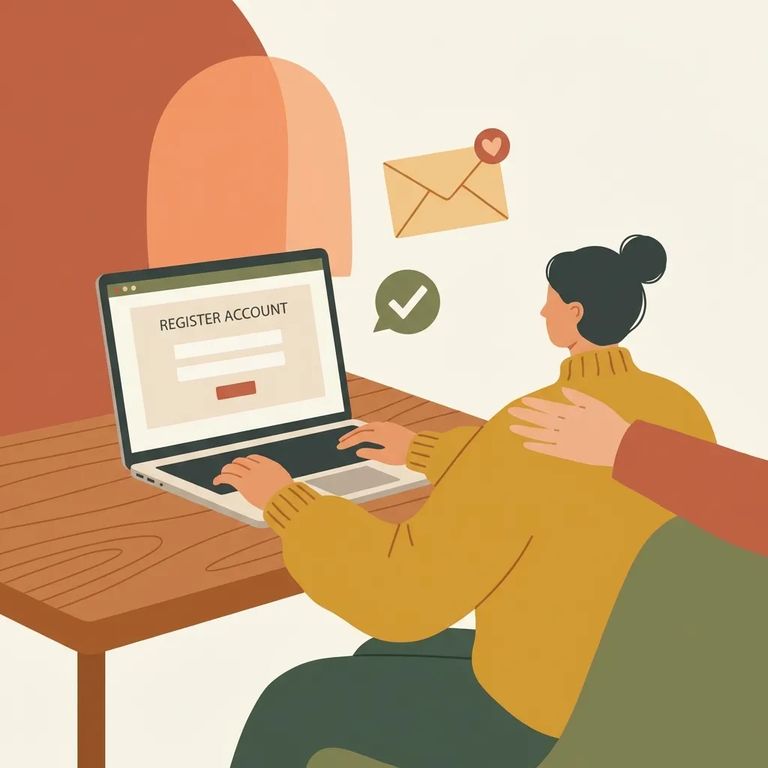
To receive inmate-initiated (outgoing) video visits at Hillsborough County Jail, you’ll need to create an account at GettingOut.com first. During signup, you’ll be asked to confirm both your email address and your phone number. That verification step matters - until your email and phone are verified, you may not be able to accept a Visit Now video visit when the inmate starts one.
Once you’re set up, it helps to know how video visitation works at this jail. Video Visitation Services (VVS) are typically available between 9:30 am and 8:45 pm, and each inmate is afforded two hours of prescheduled no-cost VVS each week. There’s also an on-demand option. On-demand VVS sessions are initiated by the inmate and can be conducted for a fee, so having your GettingOut account ready (and verified) ahead of time can prevent last-minute scrambling when a paid or time-sensitive visit is attempted.
Before you can accept a Visit Now visit, you’ll also need a way to receive it. Hillsborough County Jail’s current instructions allow you to either download the GTL Friends & Family “Visit Now” app (also called the Getting Out Visits app) to a smart device, or use GettingOut.com in a modern web browser. If your goal means “I need to answer when they call,” installing the app on the device you keep with you is usually the smoothest path.
Note: Per the jail’s current instructions, inmate-initiated (outgoing) visits can only be completed on a visitor’s smart device - not on a desktop.
After your email and phone are verified, there’s one more step that trips people up: you must add the inmate to your GettingOut contacts list. Hillsborough County Jail’s guidance is clear that video visits will only connect with inmates on the visitor’s contacts list. In practice, that means you’ll want to make sure the inmate is added and accepted/confirmed as a contact before you expect a Visit Now visit to work.
- Sign in to your GettingOut account - Use GettingOut.com (or sign in through the app) with the account you created.
- Complete email and phone verification - Confirm your email address and phone number so your account is fully verified.
- Add the inmate to your contacts list - Follow the prompts in GettingOut to add the inmate as a contact.
- Make sure the contact is accepted - Video visits will only connect when the inmate is on your contacts list and accepted as a contact.
Tips Accepting Visits
- ✓ Install the GTL Friends & Family “Visit Now” / Getting Out Visits app on the smart device you plan to use.
- ✓ If you prefer not to use the app, make sure you can access GettingOut.com from a modern web browser.
- ✓ Keep your smart device nearby during the times you expect a Visit Now call.
- ✓ Make sure your device is ready for video (camera/microphone allowed) so you can connect quickly when a visit comes in.
Reminder: Incoming inmate-initiated Visit Now visits are meant to be completed on a smart device under the jail’s current instructions, so don’t rely on a desktop to answer those calls.
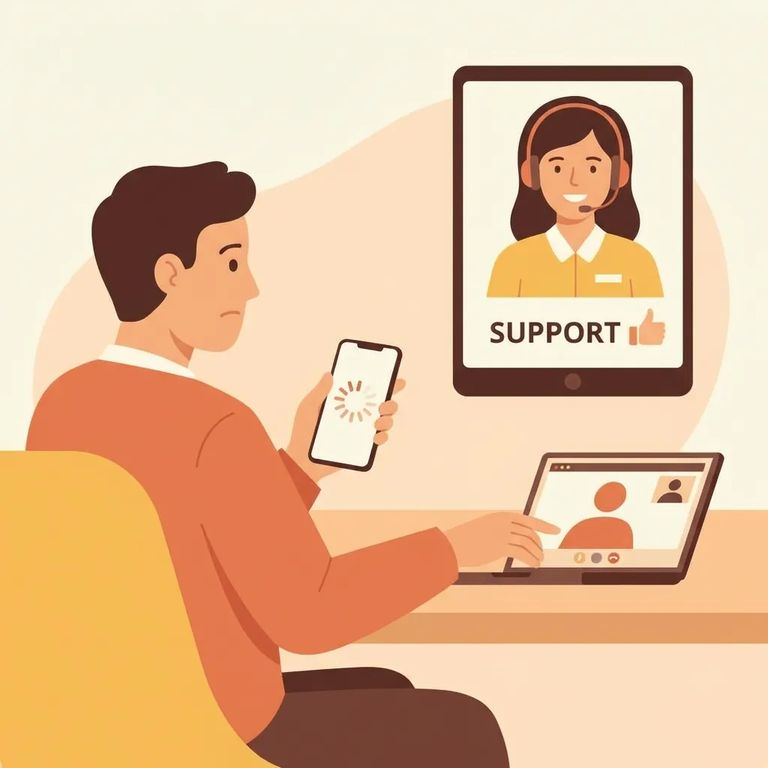
If something isn’t working - especially with an on-demand visit - keep in mind that inmate-initiated on-demand VVS sessions can be conducted for a fee. If you’re seeing problems around starting a session or charges tied to a visit attempt, start by reviewing Hillsborough County Sheriff’s Office video visitation information and any on-demand/visitation files they provide for the current process.
- Review the jail’s video visitation instructions - Check the Hillsborough County Sheriff’s Office materials for Video Visitation and any on-demand visitation guidance.
- Confirm you’re using a supported method - Use the GTL Friends & Family “Visit Now” app on a smart device or GettingOut.com in a modern browser.
- Double-check your setup - Make sure your email/phone are verified and the inmate is added to (and accepted in) your contacts list.
- Reach out through the official help channels listed by the jail/vendor - If you’re still stuck, use the support contacts referenced in the jail’s visitation instructions for the GettingOut/GTL system.
Find an Inmate at Hillsborough County Jail, FL
Search for a loved one and send messages and photos in minutes.
