
How to Set Up Video Visits from Home with Holmes County Jail (InmateSales)
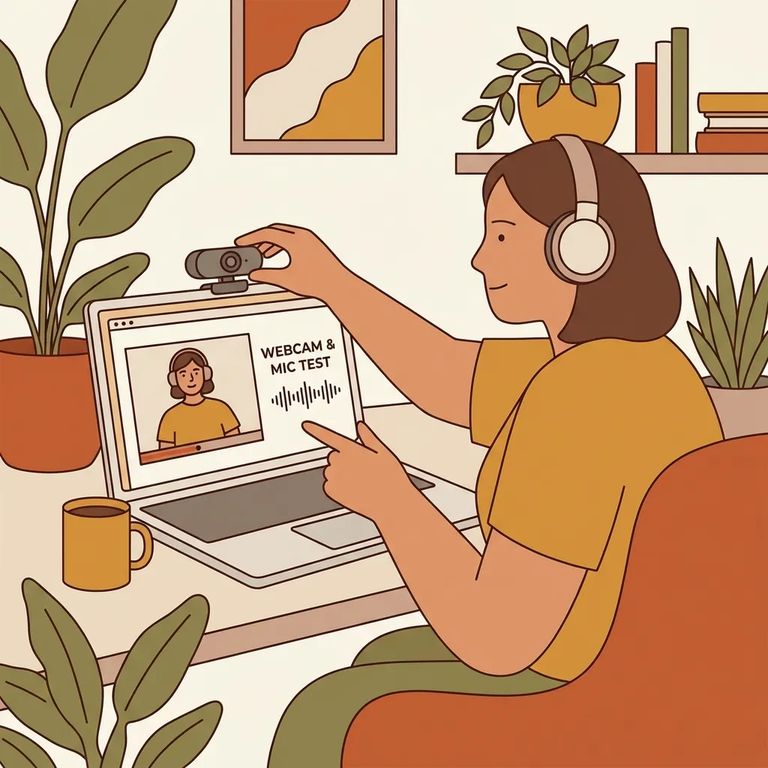
Need Before Start
- ✓ A computer or internet-enabled mobile device
- ✓ A working speaker and camera on that device
- ✓ High-speed internet (strong enough to handle live video)
- Go to InmateSales - Open your browser and go to inmatesales.com.
- Create an account (or log in) - If you’re new, register for an InmateSales account. If you already have one, sign in with your existing login.
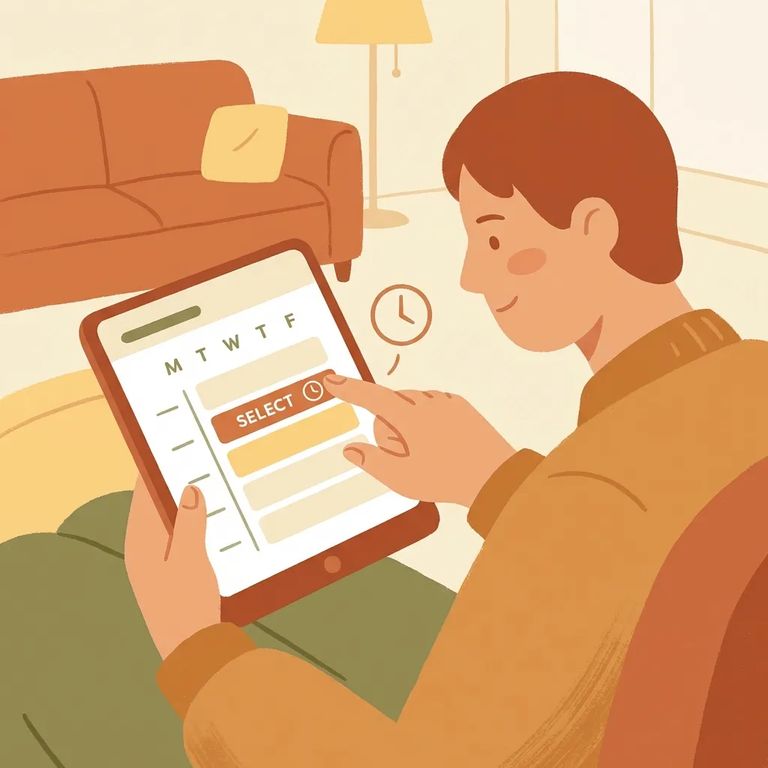
- Select “New Purchase” - After you’re logged in, choose the “New Purchase” option to start setting up your visit purchase.
- Choose the facility and visit type - Select Holmes County Jail as the facility, then pick the product you need (remote visit or onsite visit).
- Complete the purchase and schedule your visit - Follow the prompts to finish your purchase so you can schedule the video visit time.
Having trouble? Make sure your camera and speakers work, and that you have a solid internet connection. For InmateSales support, call 866-340-7879.
Find an Inmate at Holmes County Jail
Search for a loved one and send messages and photos in minutes.
Free to search · Used by families nationwide
