
How to schedule your first visit with an inmate at Jester 3 (TDCJ online scheduler)
Scheduling your first visit starts with the TDCJ Online Visitation Scheduler. You'll create an account, fill out a questionnaire and profile, add your inmate, and then book a time once your relationship is verified.

You'll need your own account in the TDCJ Online Visitation Scheduler before you can book anything. TDCJ staff won't set this up for you - you'll do it yourself on your phone or computer. Once your account and profile are complete, submit a relationship request. After verification, you can pick a visit time.
- ✓ A valid email address (you’ll receive a 7-digit validation code there)
- ✓ A phone number you can enter as: 123 456 7890 (spaces, no dashes)
- ✓ The inmate’s exact 8-digit TDCJ/SID number
- ✓ The government-issued photo ID you plan to bring with you to the unit
Note: Use of the TDCJ visitation portal is restricted to residents of the United States, Canada, and Mexico. If you’re outside those countries, you’ll need to contact the unit to ask what options you have.
- Start your account creation - In the TDCJ Online Visitation Scheduler, choose the option to create an account. You have to do this yourself; staff can’t create a visitor login for you.
- Submit your email address - Enter a valid email you can access right now.
- Use the 7-digit validation code - After you submit your email, the system sends a message with a 7-digit validation code and a link to finish registration. Enter that code when prompted to complete the setup.
Tip: If you don’t see the email with your 7-digit code, check your spam/junk folder and make sure you type the code exactly as shown.
Once you set your password, you'll land on the Background Questionnaire. Every question must be answered - no skipping around. Leave anything blank and you'll get stuck here, unable to finish your account setup.
When filling out your Visitor Profile, watch how you enter your phone number. The scheduler requires the format XXX XXX XXXX with spaces - not dashes. Type 512 555 1212, not 512-555-1212.
- Complete the Background Questionnaire - Answer every question; the system won’t let you continue until all questions are filled in.
- Confirm your profile is complete - If you see prompts indicating missing information, go into your profile and finish the required fields.
- Enter your phone number in the required format - Use spaces and no dashes (XXX XXX XXXX). This is a common reason profiles don’t save correctly.
- Save and look for completion messages - Once the questionnaire and profile are accepted, you should be able to move on to adding an inmate and requesting approval.
- Open the inmate search inside your profile - Use the option to search by TDCJ number or SID.
- Enter the exact 8-digit number - The scheduler requires the inmate’s TDCJ/SID number to be 8 digits long.
- Select the correct result - Make sure you’ve pulled up the right person before you move on.
Once you find the inmate, submit a relationship request through the scheduler. This doesn't unlock scheduling right away - your request goes to the inmate's unit, where TDCJ staff verify the relationship. After verification, you can schedule a visit if the option is available.
Tip: Double-check the 8-digit TDCJ/SID number and your selected relationship before you submit. Fixing an error can slow down the unit’s verification process.
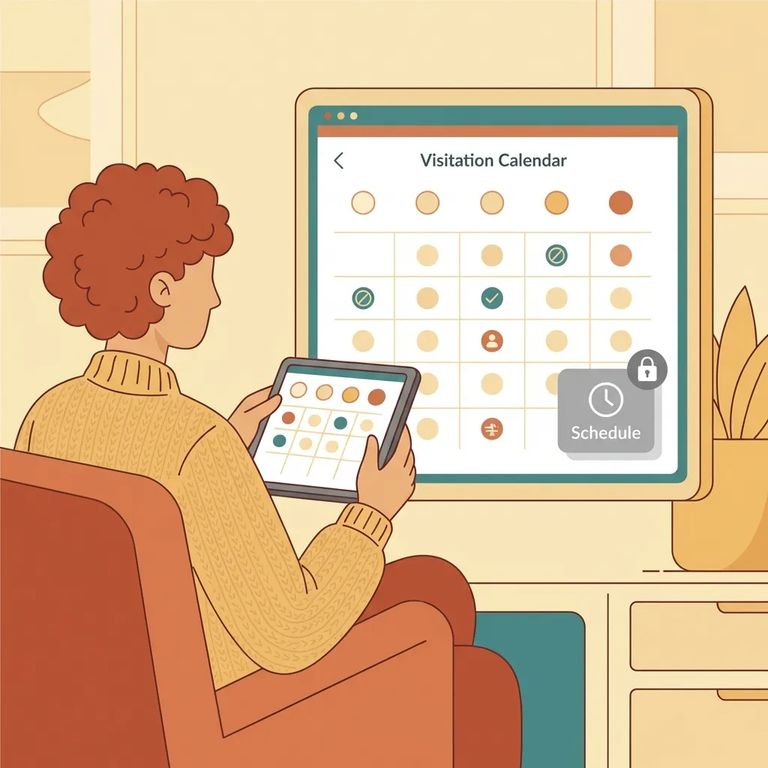
Sometimes you'll reach the scheduling step and find the Schedule Visit button is blank or says
- Call before you travel - Confirm the inmate is assigned to the unit you plan to visit and that visitation hasn’t been canceled.
- Confirm the schedule with the unit - Ask what dates and times are available and what you need to do next if the scheduler is showing “Call Unit” or no scheduling button.
- Make sure the inmate has visitation privileges - Even with a verified relationship, you don’t want to drive out without confirming visits are actually happening.
Tip: Jot down who you spoke with and the date and time of the call. This helps if you need to follow up or sort out any confusion later.
The TDCJ visitation portal only works for residents of the United States, Canada, and Mexico. If you live elsewhere, you'll hit a wall with the online scheduler. Contact the inmate's unit directly to ask how to handle scheduling from your location.
Find an Inmate at Jester 3 Unit, TX
Search for a loved one and send messages and photos in minutes.
