
How Illinois DOC Handles Your Mail: Scanning, Exceptions, and How to Address Mail for Faster Processing
Writing to someone in Illinois DOC? The biggest change you need to know: most personal mail isn't delivered as paper anymore. Here's how scanning works, what skips the scanner, and one addressing trick that prevents delays.
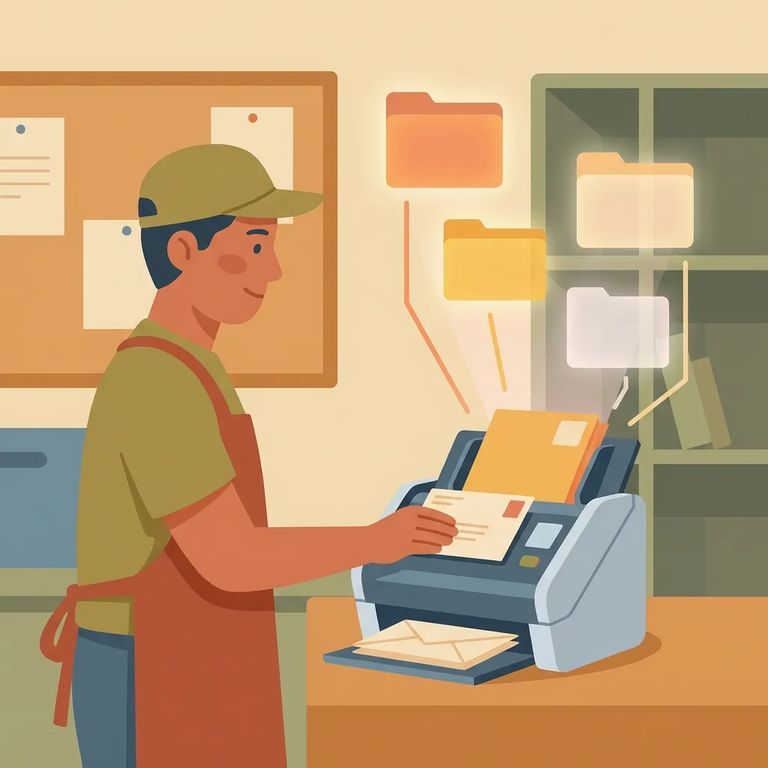
When non-privileged mail arrives, mailroom staff scan everything in color - front and back of the envelope, plus every item inside (letters, greeting cards, photos). Those scans become PDF images uploaded to the person's Bulletin Board, where they can view and download them on their tablet. Bottom line: your loved one gets a digital copy of what you sent, not the physical letter.
Note: The scanning process above applies to non-privileged mail. Legal/privileged mail is handled differently.
Publications work differently. Magazines, newspapers, and similar items aren't scanned or photocopied - they won't show up on the tablet like a regular letter does.
Certain paperwork stays out of the scanning system entirely. Official government documents - birth certificates, Social Security cards - aren't scanned or photocopied. If you need to get an original government document to someone in custody, know that it won't be handled like regular scanned mail.
Correspondence from IDOC staff to someone in custody also skips the scanner. That's why some documents and notices won't appear as uploaded PDFs on the Bulletin Board.
Mail flagged as "unauthorized" under IDOC's policies doesn't get scanned or photocopied. It won't move through the normal electronic process your loved one uses to read personal mail.
Mail headed back to the sender also skips electronic scanning. That means if something triggers a return, your loved one won't see it on their tablet - and mistakes can create longer gaps in communication.
The Director can also exclude specific incoming mail from the scanning process. If an item gets flagged this way, it won't follow the normal "scan to PDF and upload" path.

Addressing Tip
- ✓ Put the individual’s IDOC number right next to (in the proximity of) their name on the envelope.
- ✓ Keep the name + IDOC number easy to spot so it can be processed promptly.
- ✓ If you’re sending mail regularly, treat the IDOC number as part of the “must-have” addressing line, not an optional detail.
Don't know the IDOC number? Look it up using the Individual in Custody Search on the IDOC website. Once you have it, include it near the person's name every time you mail them. This simple step helps your letter move through processing without avoidable delays.
Sending reading material? Keep two rules straight. First, publications aren't scanned like personal letters - they don't show up on the tablet. Second, hardback books aren't allowed as incoming mail at all. Paperbacks only.
Tip: Before you order or mail a book, double-check that it isn’t a hardback. Hardbacks aren’t allowed as incoming mail in Illinois DOC.
Legal or privileged mail doesn’t follow the same process as non-privileged letters that get scanned and uploaded to the Bulletin Board. If you’re sending legal/privileged mail, use the IDOC guidance for privileged mail so it’s routed and handled under the correct rules.
Find an Inmate at Joliet Treatment Center, IL
Search for a loved one and send messages and photos in minutes.
