
How Mail, Photos, and Cards Are Delivered at Joliet Treatment Center (IDOC's Digital Mail System)
Sending a letter, card, or photos to someone at Joliet Treatment Center? Here's the key thing to know: most personal mail gets scanned and delivered digitally now — not handed over in its original form.
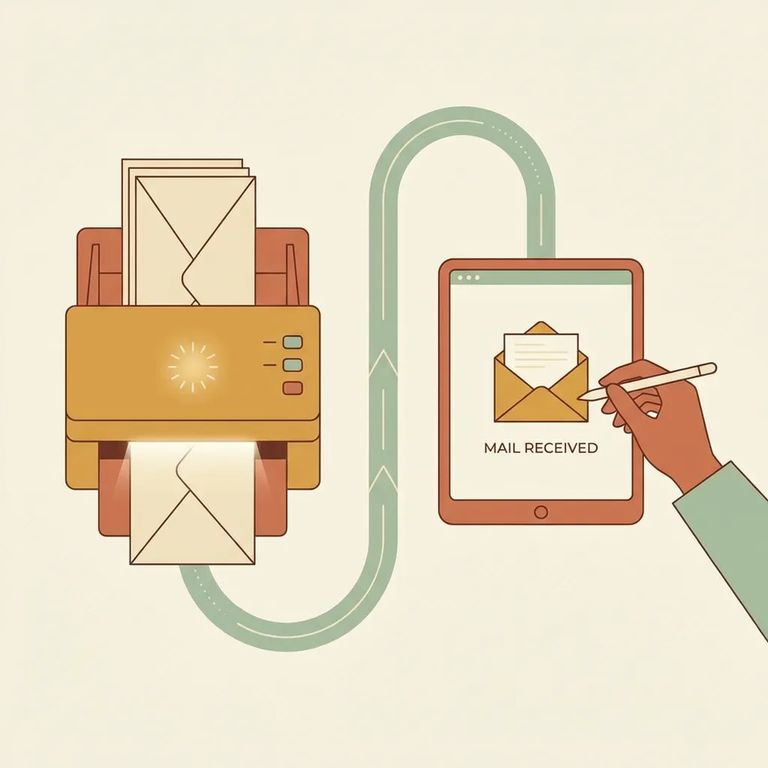
Joliet Treatment Center (IDOC) now scans or photocopies all incoming non-privileged mail. Your letter will still be accepted and processed, but the person you're writing to will receive a scanned copy - not the original paper you sent.
Types Scanned
- ✓ Written correspondence (letters)
- ✓ Greeting cards
- ✓ Drawings
- ✓ Photos
- ✓ Publications
- ✓ Photos sent directly from photo printing service companies (these are not scanned/photocopied)
- ✓ Official documents mailed from a government entity (for example, birth certificates or Social Security cards)
- ✓ Correspondence from IDOC staff sent to an individual in custody
- ✓ Any mail identified as “unauthorized mail” under IDOC incoming mail policies
- ✓ Any mail addressed to the facility that will be returned to the sender
- ✓ Original photographs mailed directly from a photo printing vendor (including a watermark/logo) are delivered to the recipient unless the photographs are otherwise unauthorized
Mailroom staff scan the front and back of the envelope plus everything inside - letters, greeting cards, photos - all in color. Those scans get saved as PDFs and uploaded to the recipient's Bulletin Board.
Once the PDFs are uploaded, your recipient gets a notification on their tablet that new mail is available. No tablet access? They'll receive paper photocopies instead.
If your loved one doesn't have tablet access, they'll still get your mail - just as paper photocopies made from the scans.
- Fill out form DOC 028 - use the “Individual In Custody Request Form (DOC 028)” to request a specific piece of mail as a printed copy.
- Write “Mail Print Request” and add the document number - include the handwritten document number found on the scanned document; the number begins with the individual’s IDOC number.
Sender Tips
- ✓ Keep mailing to the facility address where the person is housed.
- ✓ Put the individual’s IDOC number near their name on the envelope.
- ✓ Write the individual’s IDOC number on each page, photo, or item you include so it processes faster.
Note: IDOC can’t return original mail documents after they’re scanned. If you’d want something back, mail a copy and keep the original at home.
There’s no cost to you or your loved one for the electronic mail scanning process.
After non-privileged mail is scanned, the original can't be returned. Sending something irreplaceable - like a child's drawing or a special card? Mail a copy and keep the original at home.
Photos from printing vendors can be a gray area. If the vendor mails photos directly to the person in custody (even with a watermark or logo), those original photos will be delivered - unless they're flagged as unauthorized for another reason.
Wondering if you can send a lot in one envelope? IDOC says there's no limit on the number of photos or pages you can include.
Find an Inmate at Joliet Treatment Center, IL
Search for a loved one and send messages and photos in minutes.
