
How to Book Video Visits at KSP (Securus) — schedule by population group
Setting up a video visit at Kentucky State Penitentiary (KSP) comes down to two things: using the right platform and booking within your loved one's designated time window.
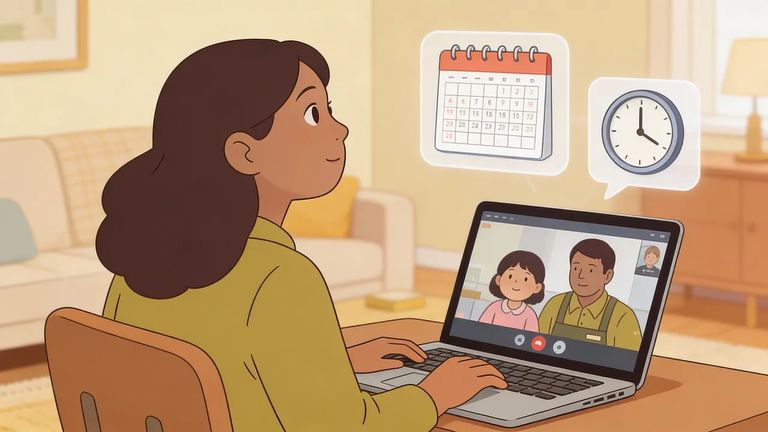
All video visits at Kentucky State Penitentiary (KSP) go through Securus. You'll book and manage your appointment in the Securus system - not through the facility's front desk.
KSP also asks visitors to request visits by email. Send your request to KSP.Visits@ky.gov. Not sure how the email request connects to your Securus booking? Start with the email - that way you're following the facility's process from the start.
Death Row video visits happen Sunday and Tuesday, 10:30am–11:30am. Pick a Securus slot that fits inside that window.
PC Group 1 video visits are Sunday and Tuesday, 8:00am–8:40am. These are short windows, so plan ahead.
PC Group 2 video visits are Sunday and Tuesday, 8:50am–9:30am. Book a time that falls fully within this window.
General Population video visits are Sunday and Tuesday, 10:00am–2:00pm. This is the widest window available, but your appointment still needs to fall within these hours.
TU video visits are Monday, 2:00pm–3:00pm. If your loved one is in TU, target that Monday afternoon hour when scheduling.
Merit Schedule video visits are Tuesday, 3:15pm–5:00pm. If this applies to your loved one, book within that Tuesday afternoon range.
KSP requires at least seven days advance notice for any visit. Don't wait until the last minute - especially if you're trying to hit a narrow window like PC Group 1 or PC Group 2.
Securus uses Securus Video Connect for video sessions. It's web-based, so you can schedule and join visits from anywhere with internet access - use the free Securus app or a computer/tablet. Since KSP runs all video visits through Securus, this is the tool you'll use to book and connect.
- Get set up on Securus Video Connect - Use the free Securus app or a computer/tablet with internet access.
- Find the right place/person to visit - In the Securus system, select Kentucky State Penitentiary (KSP) and the incarcerated individual you’re trying to visit.
- Schedule your session - Pick an appointment time that matches the population/group window KSP publishes.
- Join from your device at visit time - Connect through the app or on your computer/tablet so you’re ready when the session starts.

Practical Tips
- ✓ Confirm which population/group schedule applies before you book (Death Row, PC Group 1, PC Group 2, General Population, TU, or Merit Schedule).
- ✓ Match your appointment time to the correct window: PC Group 1 (Sun/Tues 8:00am–8:40am), PC Group 2 (Sun/Tues 8:50am–9:30am), Death Row (Sun/Tues 10:30am–11:30am), General Population (Sun/Tues 10:00am–2:00pm), TU (Mon 2:00pm–3:00pm), Merit Schedule (Tues 3:15pm–5:00pm).
Tip: Test your camera, microphone, and internet connection on the device you'll use before your visit. It's the easiest way to avoid last-second tech problems.
Need to submit the facility-required request or confirm what KSP expects? Email KSP.Visits@ky.gov. Then schedule the actual video visit through Securus - that's the platform KSP uses for all video visits.
Find an Inmate at Kentucky State Penitentiary
Search for a loved one and send messages and photos in minutes.
