
Scheduling Visits at Larned: An ICSolutions Step-by-Step Guide
Scheduling a visit at Larned starts with one non-negotiable step: getting set up in ICSolutions. Once you're registered and approved, booking is quick and easy to repeat.

Before you can schedule any visit at Larned, you need to register with ICSolutions. Registration is mandatory for all visitors, but it's free. Think of it as the account setup that unlocks the scheduling calendar - without it, you won't be able to book.
Warning: You must be approved as a visitor through Kansas DOC first. If you register before you're approved, your ICSolutions account won't let you schedule visits.
- Log in (or create your ICSolutions account) - Use ICSolutions on the web or app to sign in, or create an account if you don’t have one yet.
- Start a new request - Under Upcoming Visits, click Schedule New Visit.
- Enter the facility name - Type in the facility name when prompted.
- Read and accept the rules - Review the rules shown on-screen, then click Agree to continue.
- Enter the inmate name or ID - Use the inmate’s name or ID number to pull up the correct person.
- Choose the visit location - Select the location option offered in the system.
- Pick your day and time - Choose from the available dates and time slots.
- Review and confirm - Double-check the details, then click Confirm to lock it in.
Bringing someone else? Add them while you're still in the scheduling flow. Once the visit is confirmed, you can't edit the attendee list - changing who's coming means canceling and rebooking.
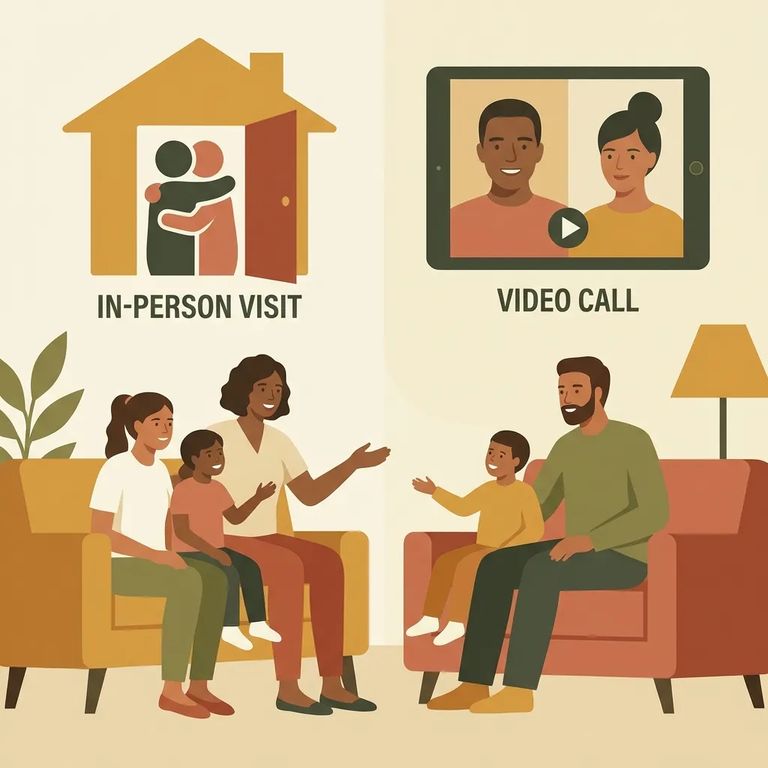
Starting April 9, 2021, KDOC made three visit types available through ICSolutions: in-person contact visits, in-person non-contact visits, and offsite video visits. The key difference is cost. Both in-person options are free. Offsite video visits are fee-based and charged through your ICSolutions account.
- ✓ In-Person Contact Visits
- ✓ In-Person Non-Contact Visits
- ✓ Offsite Video Visits
In-person visits - contact or non-contact - are free. Offsite video visits work differently: your ICSolutions account is charged when you schedule, not after.
Tip: Offsite video pricing varies by facility. Make sure your ICSolutions account has enough funds before you try to book.
To add visitors, click Add during scheduling, enter each person's name and date of birth, then click Done. Double-check the list before confirming - once the session is locked in, changing attendees means canceling and starting over.
Already use ICSolutions for inmate phone services? You can use the same account for scheduling and payments. If scheduling won't go through, check two things: your Kansas DOC approval status and your account balance. Make sure you're approved before you register, and if you're booking an offsite video visit, confirm you have enough funds before hitting Confirm.
Find an Inmate at Larned Correctional Facility, KS
Search for a loved one and send messages and photos in minutes.
