
Your letter became a PDF: How Illinois DOC scans mail, sends it to tablets, and how to send legal mail correctly
If you've mailed a letter to someone in Illinois DOC and they told you they "got it on the tablet," here's what happened. Most non-privileged mail gets scanned in color, converted to a PDF, and delivered electronically. Legal and privileged mail follows a different path—but only when it's labeled correctly.
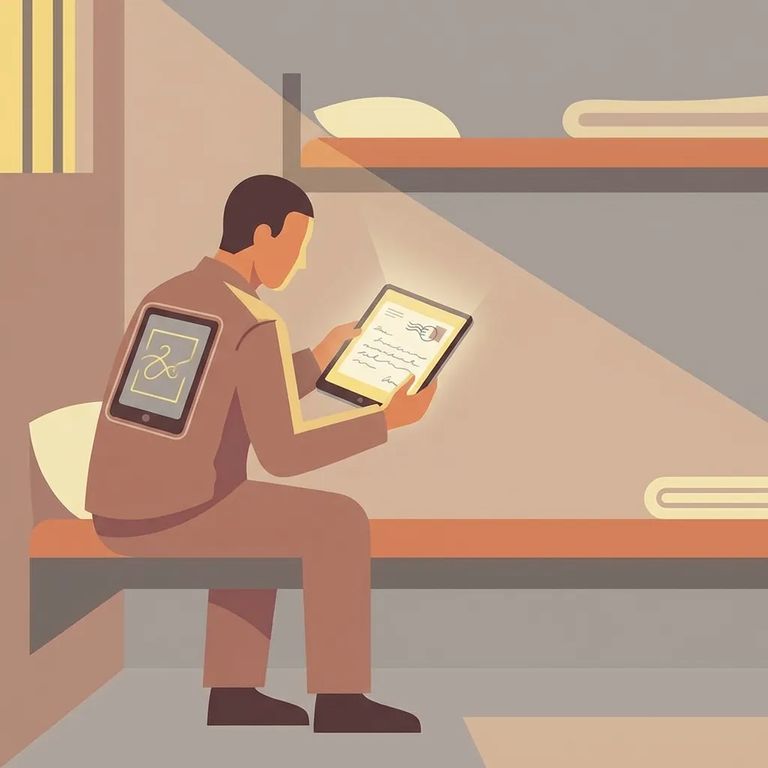
The mailroom scans all incoming non-privileged mail in color - front and back of the envelope, plus everything inside. Letters, greeting cards, photos. Those scans become PDF images uploaded to the incarcerated person's Bulletin Board, where they can download and view them on their tablet. This means your loved one probably won't hold your original paper letter. They'll see the scanned version. If your handwriting is light or the page is visually busy, it may not come through clearly once it's been digitized and viewed on a screen. This also affects timing. Mail still needs to arrive and be processed, but the actual delivery happens through that Bulletin Board upload - not by handing over the physical envelope and pages.
Don’t skip the return address: Illinois DOC prohibits mail without a return address, and it won’t be accepted. Put a clear return address on every piece of mail you send.
Some items skip the scanning process entirely. Publications aren't scanned. Neither are official documents mailed from government entities - things like birth certificates and Social Security cards. If you're sending something in one of these categories, don't expect it to appear as a PDF on the tablet. The scanning process applies to typical personal mail, not publications or government-issued documents.
One of the most common reasons mail gets rejected is also the easiest to fix: no return address. Illinois DOC won't accept mail without one. Treat the return address as non-negotiable. Write it clearly, keep it consistent, and make sure it's on every envelope you send.
Tip for smoother processing: Because non-privileged mail is scanned (including the envelope), use clear, readable handwriting or printed addressing so the return address and envelope details scan cleanly.
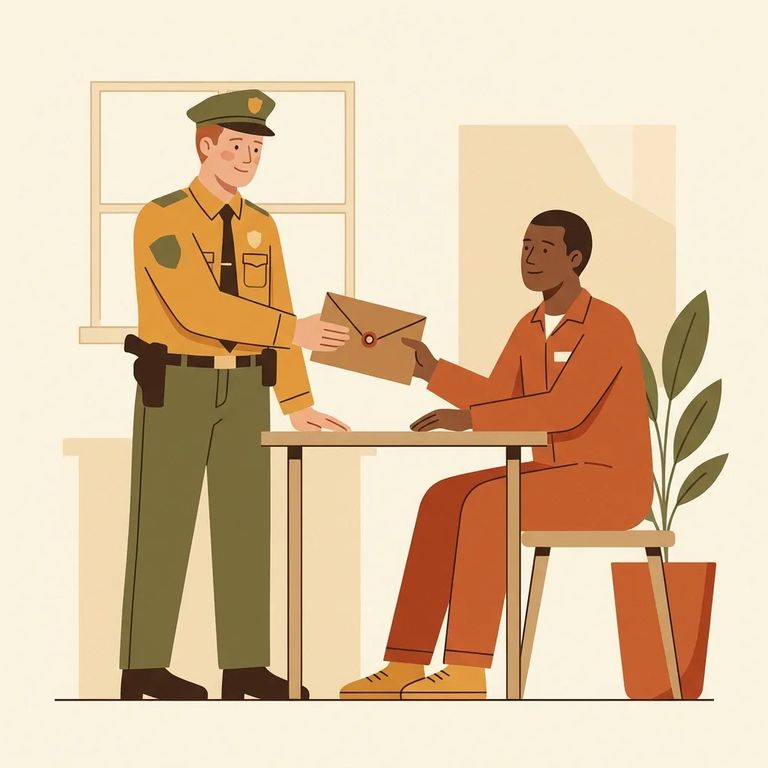
Legal and privileged mail is handled differently - but only if it's sent correctly. Illinois DOC defines legal mail as correspondence to or from specific sources: registered attorneys providing direct legal representation, State's Attorneys, the Illinois Attorney General, judges and magistrates, and organizations that provide direct legal representation (not referral-only groups like bar associations). For mail to receive privileged handling, the envelope must do two things: be clearly marked "privileged" or "legal," and clearly show the sender's name, title, and address. Missing or unclear information means the mail may not get privileged treatment. If you're helping an attorney or legal organization send paperwork, double-check the labeling before it goes out. Those markings and sender details are what trigger the correct handling on the facility's end.
How it’s opened: Privileged/legal mail is opened by staff only in the incarcerated person’s presence, to inspect for contraband and verify the sender’s identity. Correct labeling helps protect that process.
Every incoming package is screened before delivery. Illinois DOC requires packages to be fluoroscoped (x-rayed), then opened and inspected for contraband before reaching the incarcerated person.
If you need to request a mail stop or a phone restriction, contact the Illinois Department of Corrections Victim Services Unit at 1301 Concordia Court, P.O. Box 19277, Springfield, IL 62794-9277, or call toll-free 877-776-0755.
Find an Inmate at Lawrence Corrections Center, IL
Search for a loved one and send messages and photos in minutes.
