
How to Schedule Your First Visit at an Illinois DOC Facility (Step-by-Step)
Scheduling your first IDOC visit comes down to a clear order of operations: confirm where your loved one is housed, get on their approved list, complete the visitor form, book online, and show up ready.

Start with IDOC's inmate search tool. Confirm the person you want to visit and - just as important - the facility where they're currently housed. This matters because you'll need to schedule at the correct location. Showing up at the wrong facility or using the wrong scheduling page wastes time you don't have. Once you've got the facility name, keep it handy.
Before booking anything, make sure you're on the incarcerated person's approved visitation list. The way to do this? Write them a letter. IDOC staff can't verify your approval status by phone, so direct communication with your loved one is the only reliable path forward.
Adult visitors (18 and older) need to complete a Prospective Visitor's Interview form - DOC 0148 - before their first visit. The exception: if you've already been approved through the electronic PVI process, or you're a legal visitor or government official. IDOC provides the DOC 0148 in English and Spanish. Fill it out ahead of time to speed things up.
- ✓ Confirm you are an adult visitor (age 18 or older)
- ✓ Confirm you are not visiting as a legal visitor or government official
- ✓ Complete the Prospective Visitor’s Interview (PVI) form (DOC 0148), unless you already have prior electronic PVI approval
- ✓ Use the English or Spanish version of the DOC 0148 form

IDOC handles in-person visit scheduling through SignUpGenius. Find the signup link for the specific facility where your loved one is housed - this is why confirming the facility first matters. Once you're on the right page, pick an available slot and complete the booking online.
Heads up: The SignUpGenius system times out after 30 minutes of inactivity. If you begin scheduling, finish the signup within 30 minutes so you don’t lose your progress.
- Confirm the facility - Use the IDOC inmate search tool so you schedule at the correct location.
- Open the facility’s SignUpGenius link - Make sure you’re using the signup page tied to that facility.
- Start your signup - Choose your visit time and begin entering the needed details.
- Finish within 30 minutes - The system will time out after 30 minutes of inactivity, so complete the signup in one sitting.
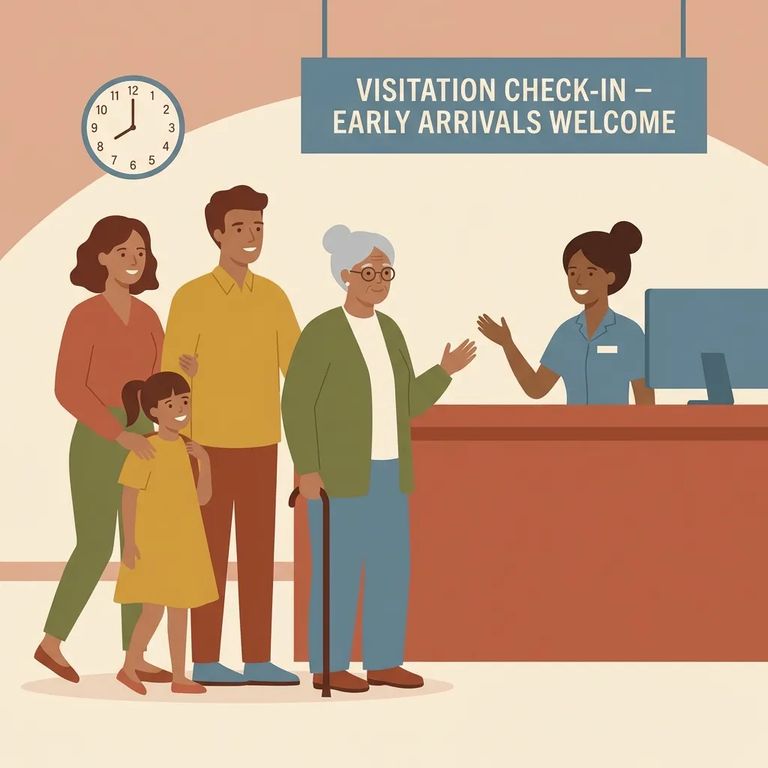
On visit day, arrive at least 10 minutes early. That buffer gives you time for processing and keeps you from losing your slot because you cut it too close.
When you arrive, call the facility for guidance. Staff will let you know when it's safe to enter. Don't skip this step - even if you see other visitors nearby or you got there early.
- ✓ Arrive at least 10 minutes before your scheduled visit time
- ✓ Call the facility when you arrive
- ✓ Wait for staff to advise when it’s safe to enter
Session timed out? Go back to the facility's SignUpGenius page and start fresh. Complete the signup within 30 minutes this time. Set aside a few uninterrupted minutes so you can finish in one sitting. Also double-check you're using the link for the correct facility - using the wrong one can make it look like nothing's available when you're just in the wrong place.
Can't schedule because you're not approved? Go back to the approval step: write the incarcerated person a letter to confirm you're on their list. IDOC staff can't check this by phone, so written communication with your loved one is the only way to sort it out.
Reminder: If something isn’t working, re-check two basics first - whether you’re approved (by writing your loved one) and whether you’re using the SignUpGenius link for the correct facility.
Find an Inmate at Lawrence Corrections Center, IL
Search for a loved one and send messages and photos in minutes.
