
How to Visit Facility
Video visits run through the ICSolutions system. A little setup ahead of time makes the actual visit much smoother.
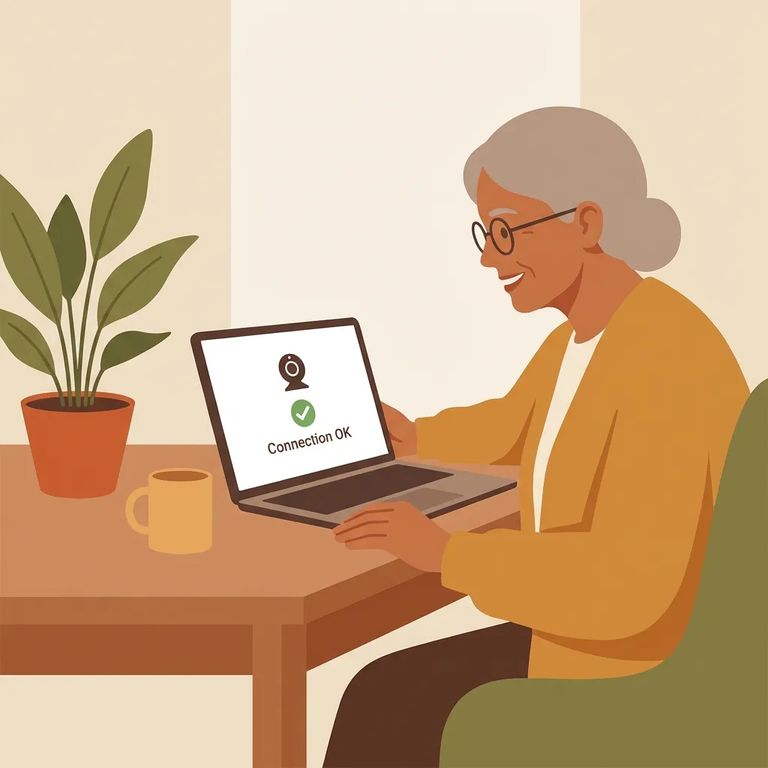
Before you can do a video visit, you'll need to register through the ICSolutions website. Registration is free. Head to the site from any internet-enabled device, sign in to an existing ICSolutions account (or create a new one), then select the option to register for visitation and follow the prompts.
Visits aren't on-demand. You need to schedule at least 12 hours ahead, and you can book up to two weeks in advance. Each session is 30 minutes long, so plan to be ready right at your start time. There are also limits based on where the visit takes place. Onsite visits are capped at one per inmate per week. Offsite visits don't have a weekly limit per inmate.
Timing matters: You and the inmate can be up to 25 minutes late before the visit is marked as missed, but any lateness cuts into your 30-minute session. You can log into the kiosk up to 10 minutes early, though that won't make the visit start sooner.
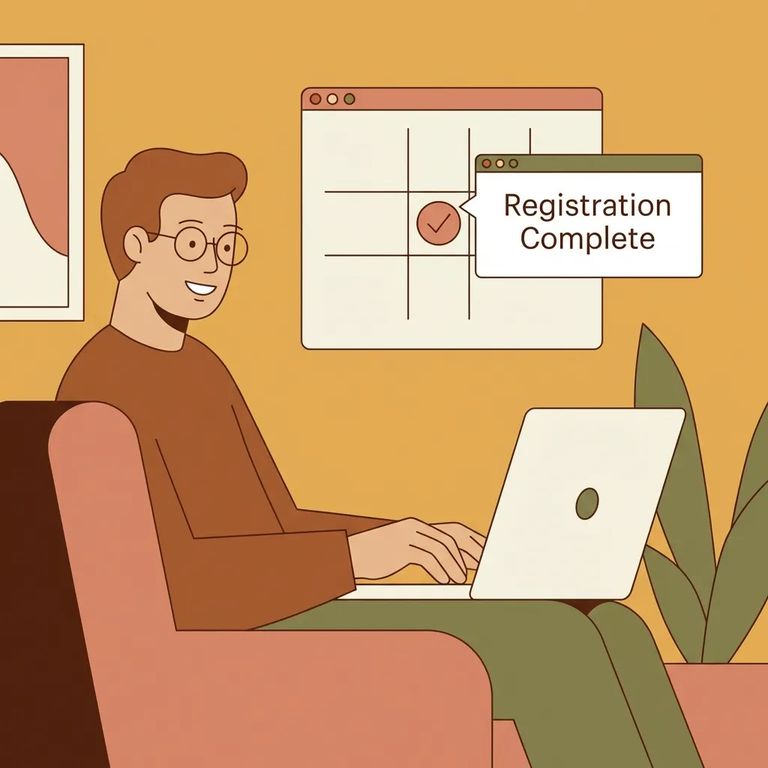
- Go to the ICSolutions website. Use any internet-enabled computer or device.
- Log in or create an account. If you already have an ICSolutions account, sign in. Otherwise, create one.
- Select “Register for Visitation”. This is the option that starts the visitor registration process.
- Complete the on-screen steps. Follow the prompts until your registration is finished.
- Pick a date far enough out. Schedule your visit at least 12 hours in advance.
- Stay within the scheduling window. You can schedule as far as two weeks ahead.
- Choose onsite or offsite with the weekly limits in mind. Only one onsite visit per inmate can be scheduled per week, while offsite visits can be scheduled without a weekly limit per inmate.
- Plan around the 30-minute visit length. Once the visit starts, the session is 30 minutes.
- Log in up to 10 minutes early if you are using a kiosk. Early login is allowed, but it will not start your visit early.
- Do not arrive late if you want the full visit. You and the inmate can be up to 25 minutes late before it is marked missed, but late arrival reduces the time you will actually have left.
What-to-verify
- ✓ Confirm that visitor registration through the ICSolutions website is still required for video visitation
- ✓ Confirm the current steps inside ICSolutions (log in or create an account, then select “Register for Visitation”) in case the menu wording changes
- ✓ Confirm you still must schedule at least 12 hours in advance, and that scheduling is available up to two weeks ahead
- ✓ Confirm visits are still 30 minutes
- ✓ Confirm the current limits: one onsite visit per inmate per week, and offsite visits with no weekly limit per inmate
- ✓ Confirm how late you can be before a visit is marked missed (and how lateness affects the remaining time)
- ✓ Confirm whether kiosk login is still allowed up to 10 minutes early, and that early login does not start the visit early
Find an Inmate at Licking County Jail, OH
Search for a loved one and send messages and photos in minutes.
