
How to Send Money to Loudon County Jail, TN (TN)
If you need to send money connected to a Loudon County case, the one clearly supported online option is paying Loudon County fines through CourtFeePay. Here's how it works, and what to confirm before you submit a payment.
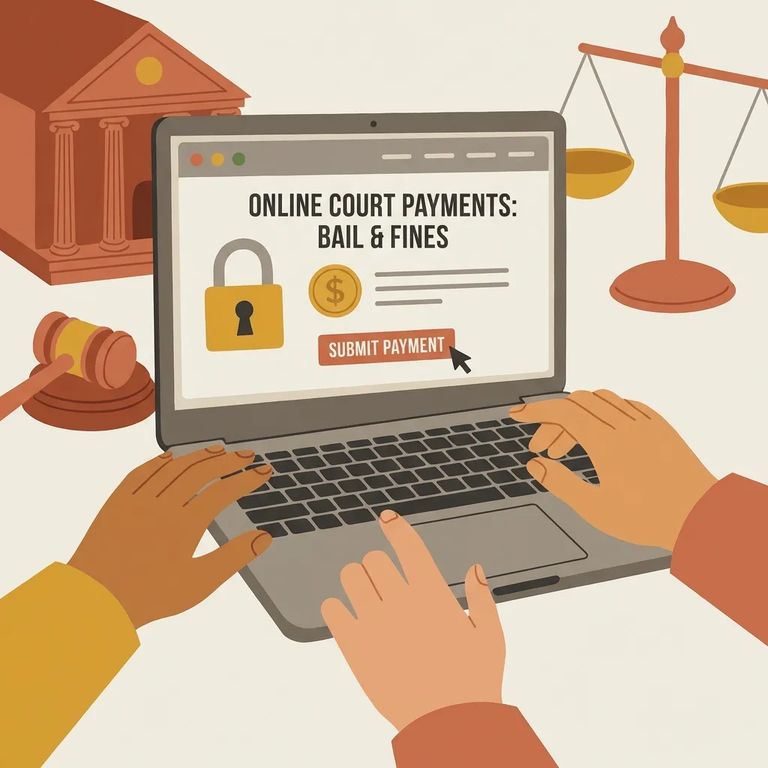
CourtFeePay lets you pay Loudon County fines online. On the site, click "Make A Payment," then select Tennessee and Loudon County (the state and county that issued the fine). This is strictly a court fine payment tool. Don't confuse it with putting money on someone's jail account for commissary or other in-custody needs.
Note: This information covers paying Loudon County fines through CourtFeePay only. It does not cover how to deposit money into an inmate trust account or commissary account at Loudon County Jail.
Steps to Follow
- ✓ Go to the CourtFeePay online court payment system
- ✓ Select “Make A Payment”
- ✓ Choose Tennessee as the state
- ✓ Choose Loudon County as the county that issued the fine
Follow those steps when you're paying a fine issued in Tennessee, Loudon County. If your goal is to send spending money to someone housed at Loudon County Jail (for commissary or other jail account uses), you'll need the jail's specific deposit instructions. CourtFeePay's fine-payment process won't cover that.
Before you pay, make sure you're using the right payment channel. Is your payment going toward a Loudon County fine (a court obligation), or is it jail-related? Those are two different things. Also confirm what identifying information you need to enter, such as a case number or citation details, so the payment posts correctly.
Tip: For the most current instructions, check the Loudon County Sheriff's Office or jail information pages, and confirm details with the court or jail directly. The only supported online method described here is the CourtFeePay route for fines.
Find an Inmate at Loudon County Jail, TN
Search for a loved one and send messages and photos in minutes.
