
ConnectNetwork: Data breach, AdvancePay expiration, reminders, and refunds — What Lower Buckeye Jail families need to know

If you use ConnectNetwork/Telmate to stay in touch with someone at Lower Buckeye Jail, two issues can catch you off guard: account security and account balance. A widely reported data breach exposed Telmate/ConnectNetwork user information, and there's an AdvancePay inactivity rule that can make your account go inactive after a set period. Before taking any action, confirm that Lower Buckeye Jail is still using ConnectNetwork for the service you need. Vendors and jail contracts change. The right next step depends on which system your loved one's facility uses right now.
ConnectNetwork posted a notice stating that in August 2020, unknown attackers accessed personal information of thousands of Telmate users. The exposed data types were broad - names and contact information, government ID numbers (driver's license, passport), Social Security numbers, payment card and financial account details, and even personal messages and grievance forms. Not everyone had every type of information exposed. But the range matters because it touches what you use to prove your identity, pay for services, and communicate. If you had an account during that time (or you're not sure), stay alert for suspicious charges, unusual account activity, or signs of identity misuse.
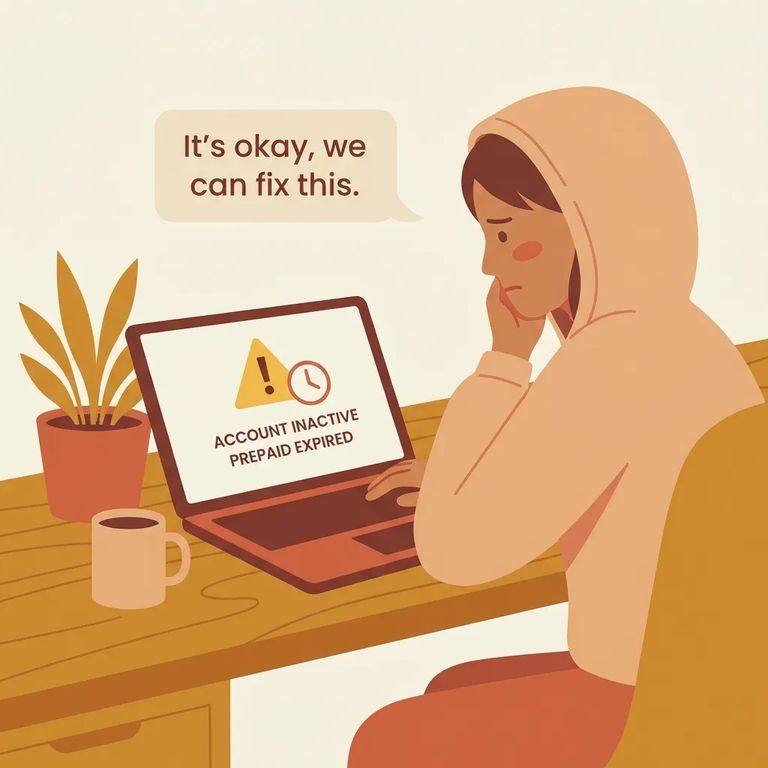
ConnectNetwork says AdvancePay accounts can become inactive and subject to forfeiture after 180 consecutive days without use. The exact period may be shorter or longer depending on governing law or contract. The takeaway: if you load money and don't use the account for a while, don't assume it will sit there forever. Track when you last used it, especially if you only need it occasionally.
Note: Using your AdvancePay account at any point during the inactivity period resets the 180-day clock.
If your AdvancePay account expires and you want your remaining balance back, ConnectNetwork says to request a refund through customer service by calling 877-650-4249. Expect a standard support process - they'll ask questions to confirm your identity and locate the balance. If you're calling about an inactive account, mention that upfront so the rep knows you're asking about an expired AdvancePay balance.
- ✓ The name, email, and phone number you used on the account
- ✓ Any account identifiers you have saved (confirmation emails, receipts, or account number if shown)
- ✓ The approximate date you last used the account (or last added funds)
- ✓ The payment method you used to add money (so you can match charges/receipts)
- ✓ Notes from any prior calls (date/time, who you spoke with, and what they told you)

You can reduce the chance of a surprise expiration by turning on reminders. ViaPath/ConnectNetwork says that if you provide your contact information and opt in to alerts, they'll send a text and/or email reminder at least 30 days before your AdvancePay account expires. That reminder is helpful, but it's not foolproof. If your phone number or email is outdated - or you never opted in - you won't get the heads-up. Take a minute to make sure your account profile is current.
- Check your contact info - Make sure the email address and mobile number on your account are current and spelled correctly.
- Opt in to expiration alerts - Turn on text and/or email reminders so you’ll get an expiration notice.
- Confirm you can receive messages - If you have a confirmation setting or message, save it; also check spam/junk folders for email alerts.
S6
- ✓ Review your bank/card statements for charges you don’t recognize, since payment card and financial account information was among the types of data listed as exposed in the 2020 incident.
- ✓ Watch for unusual account activity or messages that don’t look right, because personal messages and identifying information were also listed as exposed.
- ✓ Track your last AdvancePay account use date so you don’t accidentally hit 180 consecutive days of inactivity.
- ✓ Use the account occasionally if you’re trying to keep it active, since any use during the inactivity period resets the 180-day clock.
- ✓ Add/update your email and phone number and opt in to reminders so you can get an expiration alert no later than 30 days before the account expires.
Warning: Because the exposed data types included government ID numbers, Social Security numbers, and payment information, keep a close eye on your financial accounts and credit for signs of identity theft or misuse.
Before you add money, request a refund, or change settings, verify the current phone/paid-services provider for Lower Buckeye Jail. Policies and systems vary depending on what the jail uses for a specific service. Keep records. Save receipts and confirmation emails. Write down the date, time, and details of any customer service calls - what you were told, what you requested. This is especially useful for refunds. If you need to follow up later, those notes make it much easier to get a clear answer without repeating the same steps.
Find an Inmate at Lower Buckeye Jail
Search for a loved one and send messages and photos in minutes.
