
Using the Lowndes County Sheriff App: What It Does, When Not to Use It, and Privacy
The Lowndes County Sheriff App helps you connect with the Lowndes County Sheriff's Office (MS) for non-emergency communication—sharing tips, reporting crimes, and staying updated on public safety news. Here's what it does, when to skip it, and what the app-store listings say about your data.
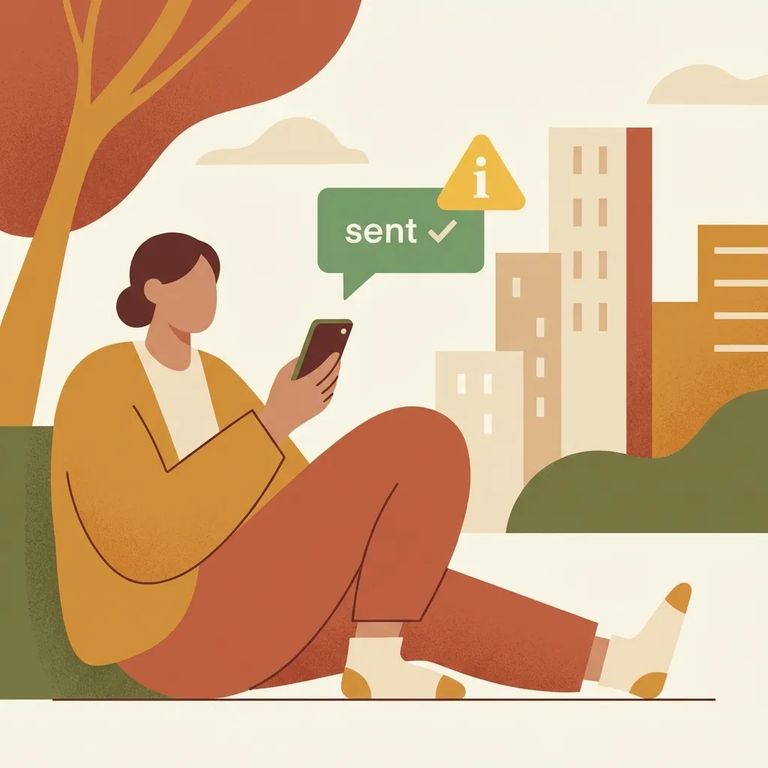
The Lowndes County Sheriff App gives residents a way to report crimes, submit tips, and access other interactive features through the Sheriff's Office. It also delivers public safety news and community updates. Think of it as an outreach tool - one more way the Sheriff's Office connects with people who live in or visit the county.
Emergency: The Lowndes County Sheriff App is not intended for emergency situations. Call 911 in an emergency.
When deciding whether to use the app, think "non-urgent." It's built for reporting crimes and submitting tips - useful when you want to share information without tying up emergency lines. But if someone is in immediate danger, this isn't the tool. Call 911.
Reporting and tips are the app's main draw. You can report crimes and submit tips to the Sheriff's Office, along with using other interactive features. Use it as a communication channel for passing along information - not for emergencies.
The app also serves as a news feed for public safety updates from the Lowndes County Sheriff's Office. Both app-store listings describe it as part of the office's outreach efforts to improve communication with residents and visitors. If you're supporting someone in the system, this update stream can help you stay informed without relying on word-of-mouth.
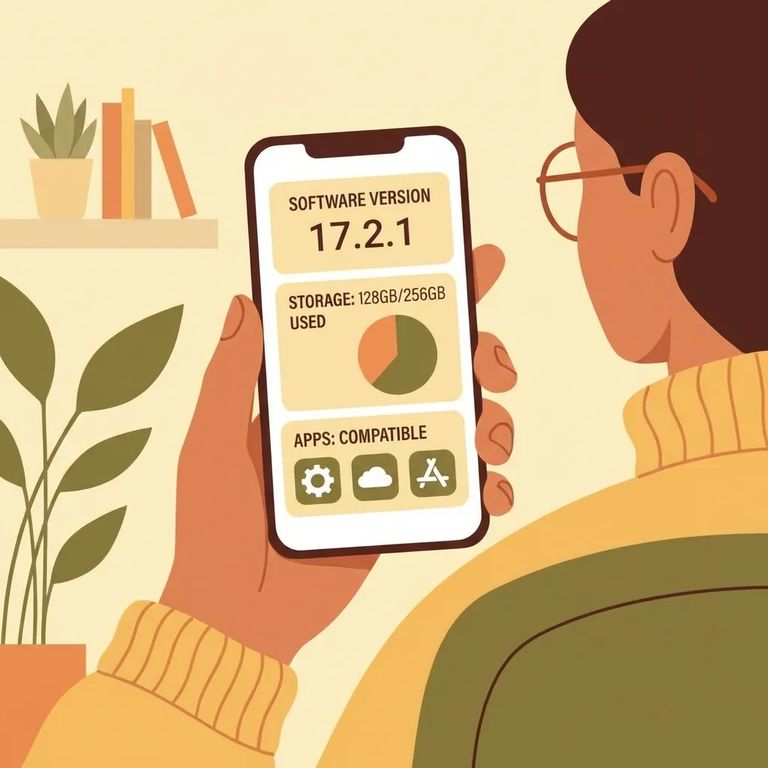
On iPhone, look for "Lowndes County Sheriff's Office (MS)" as the seller - that confirms you've found the official listing. You'll need iOS 16.0 or later to install.
On Android, the app is listed on Google Play as an outreach and communication tool for county residents and visitors. The listing shows a last update of Apr 3, 2024 - a good sign that it's being maintained.
Privacy matters when anything touches law enforcement. Here's what the store listings disclose: On the App Store, the privacy section says "Usage Data" may be collected but is "not linked to your identity." On Google Play, the Data safety section lists "App activity" and "App info & performance" - basically how you use the app and how well it runs on your device.
Google Play's Data safety section includes two statements worth noting: "No data [is] shared with third parties" and "Data is encrypted in transit." Translation: the listing claims your data isn't passed to outside companies, and information is protected while traveling between your device and the app's servers.
Note: The privacy and data-handling details above come from the app-store listing disclosures. If you need stronger assurances, verify the specifics through the Sheriff’s Office or the official privacy materials connected to the app.
First Time Checklist
- ✓ If you’re on iPhone, confirm your device is on iOS 16.0 or later before you try to install.
- ✓ Read the app-store privacy/data sections so you understand what “usage data” or “app activity” can mean for your comfort level.
- ✓ Use the app for non-emergency communication (tips, reports, and updates), not for urgent help.
- ✓ For emergencies, call 911.
The app works for reporting crimes and submitting tips, but it won't replace direct contact when timing matters. For emergencies, call 911 - don't wait on an in-app response. And if you need jail-specific guidance or a time-sensitive answer, calling the Sheriff's Office directly is usually faster.
Note: Details like the App Store seller name and the app’s outreach purpose come from the App Store and Google Play listings. When you need certainty about ownership, privacy, or how reports are handled, confirm through official channels.
Find an Inmate at Lownes County Jail, MS
Search for a loved one and send messages and photos in minutes.
